
for testers, not just coders
Regression testing for the browser and the API. Recorded once.
QAClan captures your browser flow and the API calls it fires, then replays both as one suite — on your machine, the same way every time.
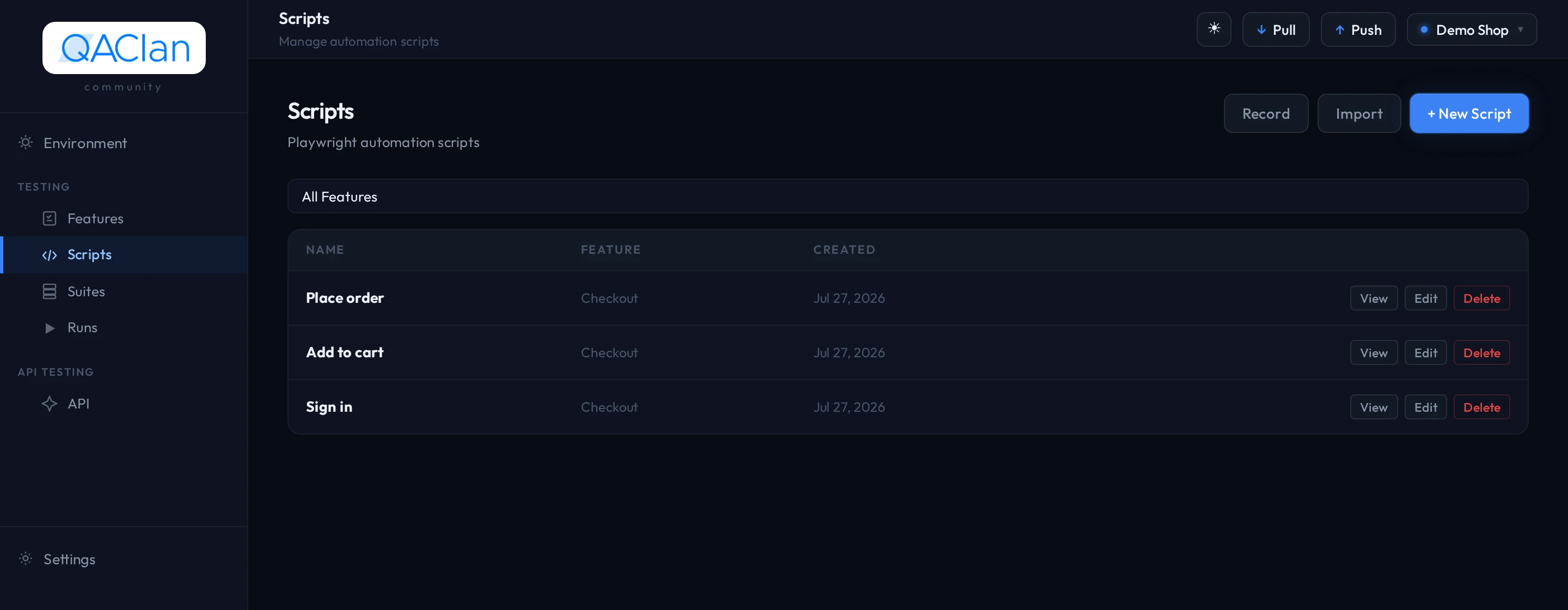
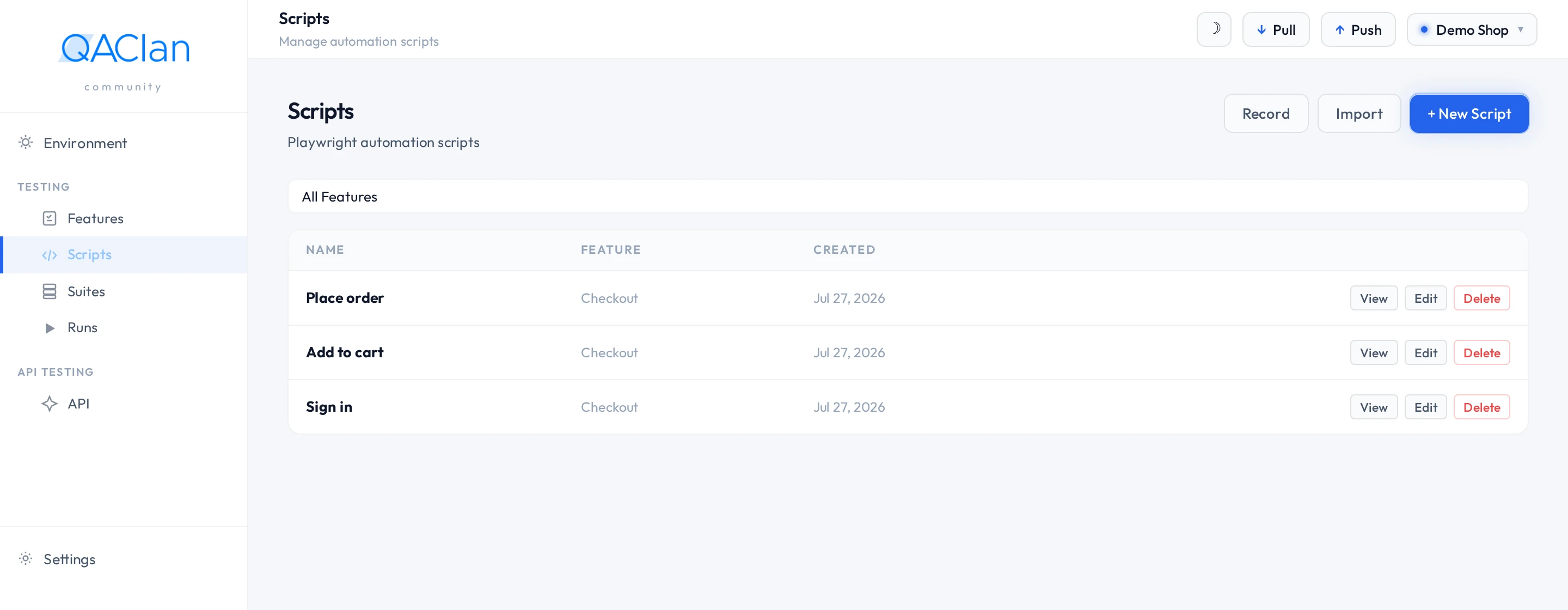
Comfortable in a terminal? Install in one line —
curl -fsSL https://raw.githubusercontent.com/qaclan/agent/master/install.sh | shthe situation
Testing by hand is the first thing to go when you're busy.
every release
- Your clicks checked in one tool, your app's data in another
- The sign-in copied by hand from one to the other
- Two separate reports to line up before you can ship
- All the history stuck on one person's laptop
so
- First thing dropped when a release runs late
- Failures re-run and hoped away, not fixed
- “Did we break anything?” answered from memory
no code required
You don't write tests. You record them by clicking.
- 01
Record by clicking
Open your app and click through what you normally do. Close the browser.
- 02
Pick what to check
QAClan lists everything your app did behind the scenes and asks which parts matter.
- 03
It checks them for you
Every run after that repeats those exact steps and flags anything that changed.
one run, both halves
Your clicks and your data, checked together in one run.
your clicks
You don't write the test.
Click through the journey once. Each step is saved in order, ready to run again.
Web testing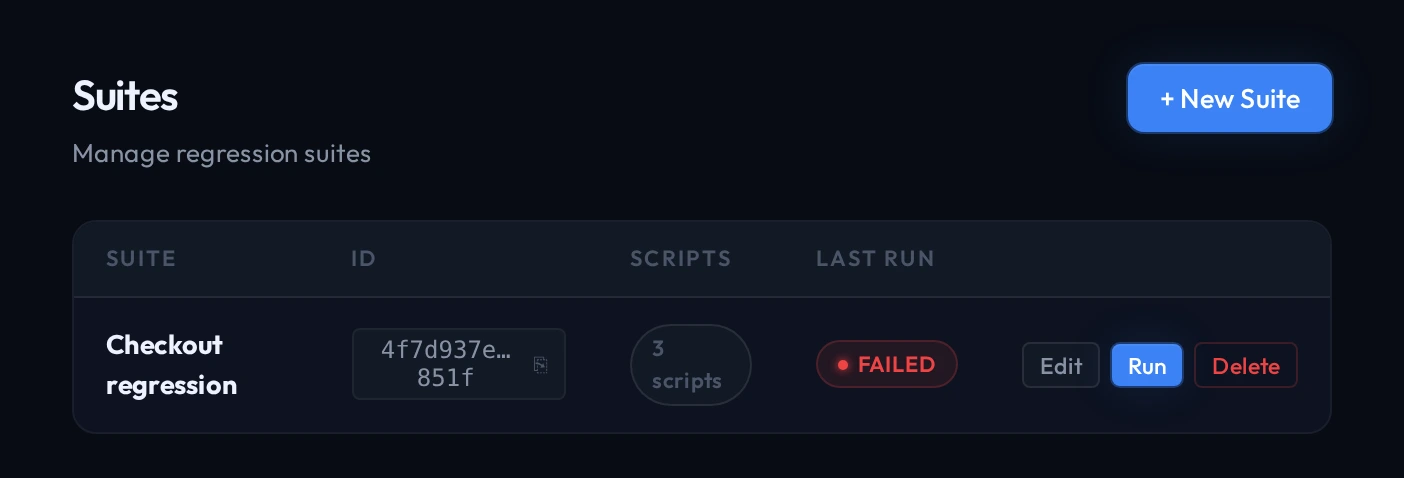
the data behind it
You don't rebuild it somewhere else.
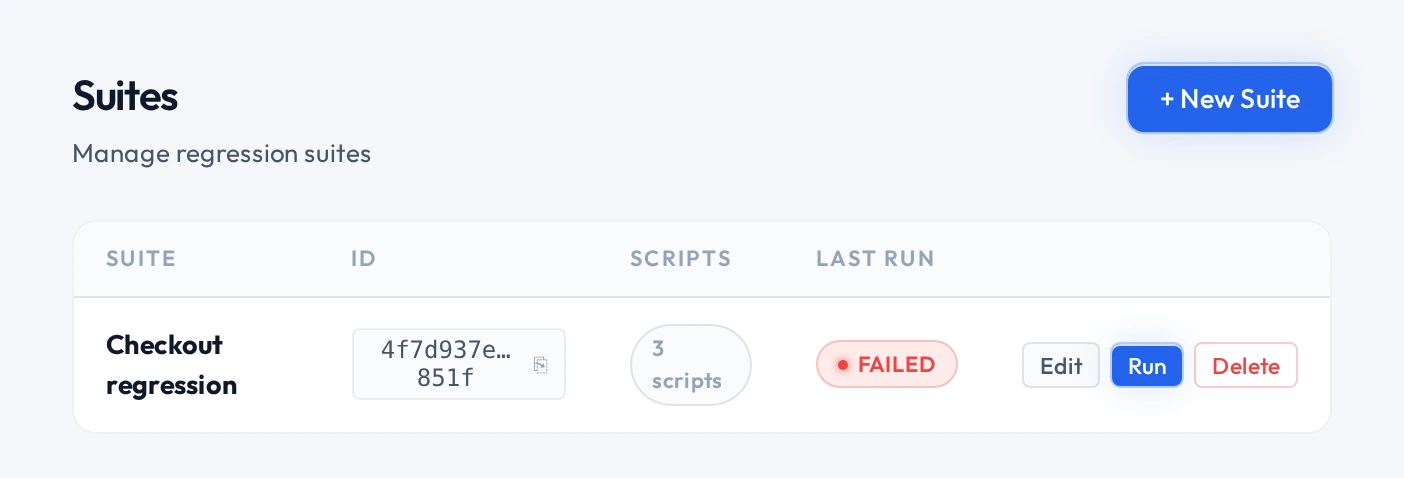
The data your app pulled in becomes its own checklist you can set rules on.
API testing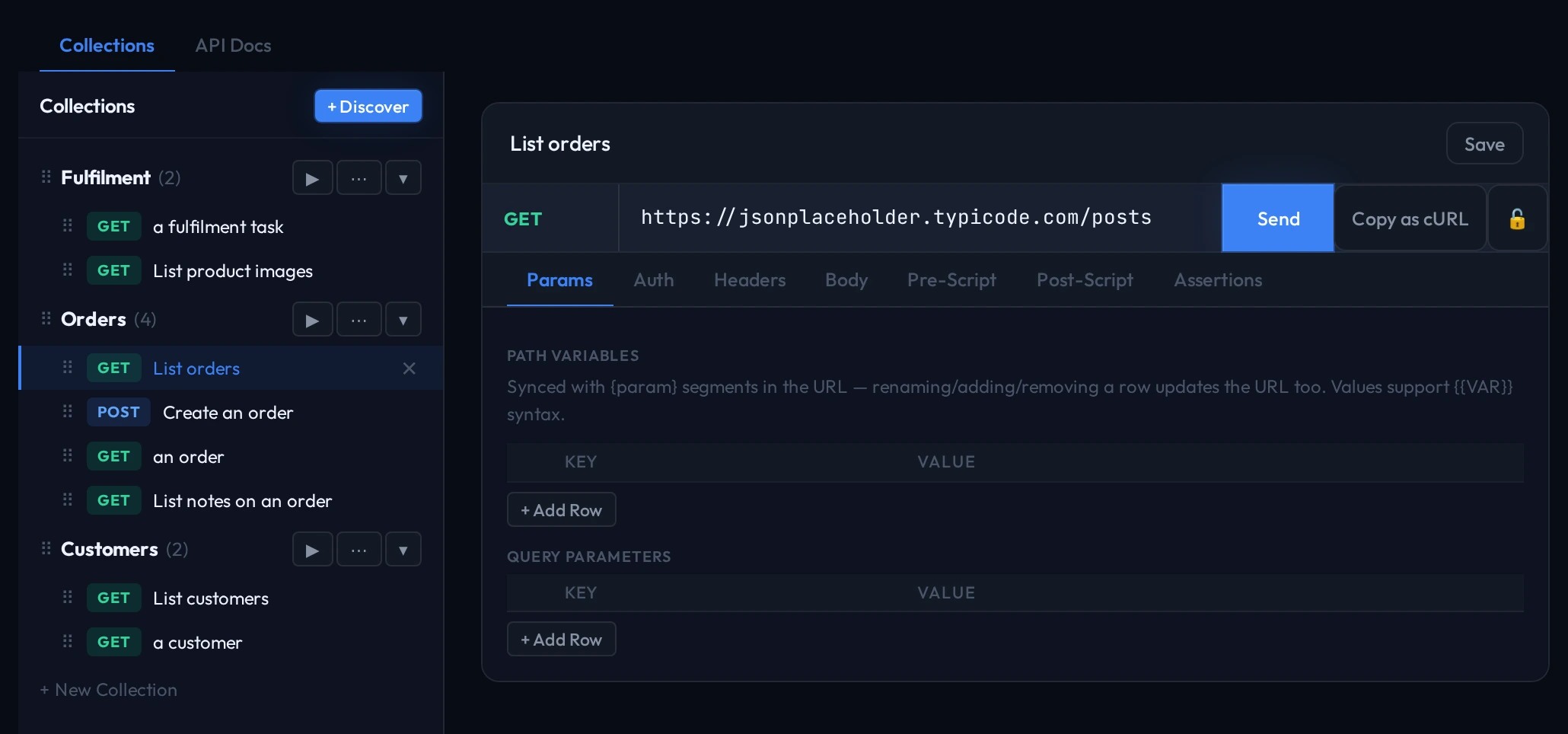
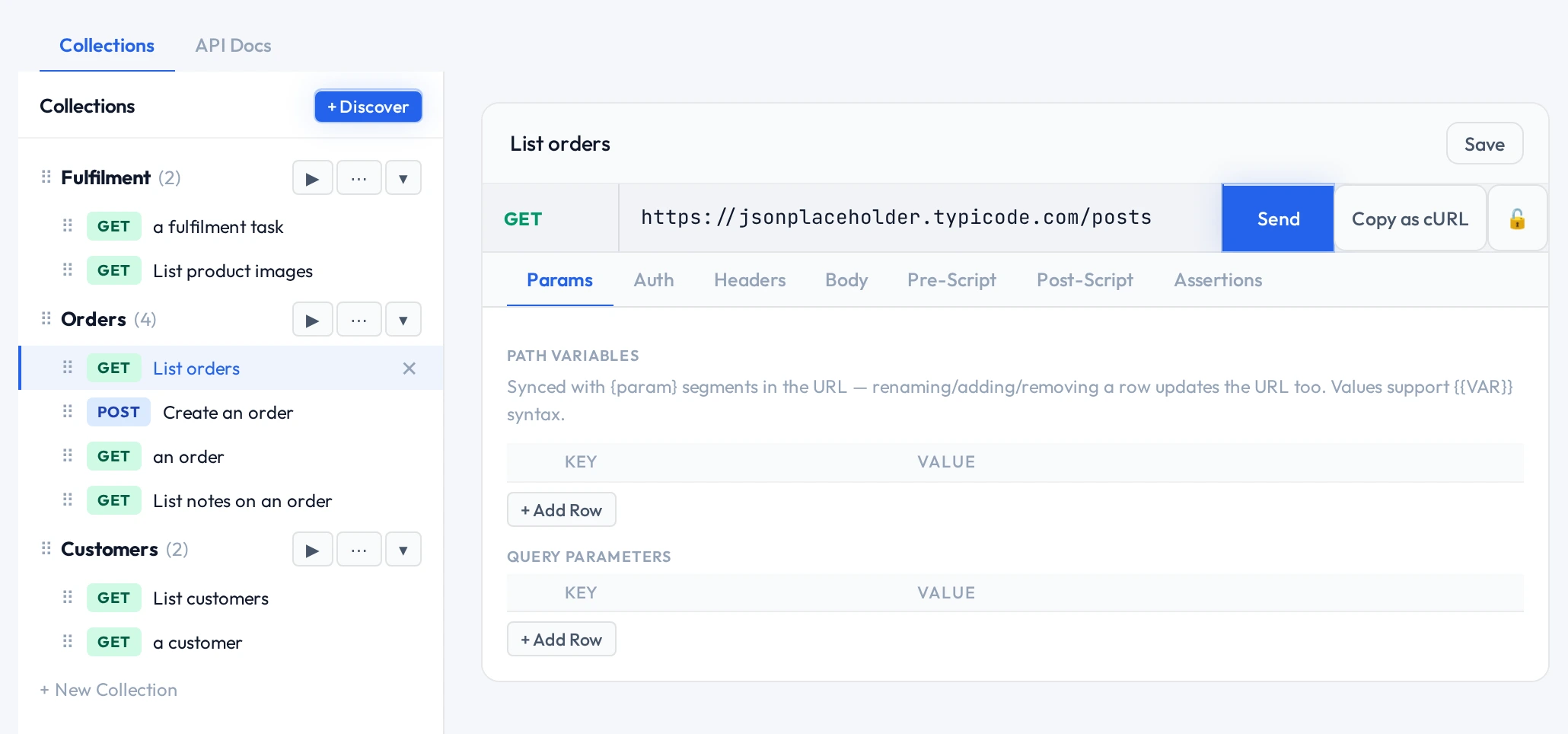
One browser session: signing in on step one still counts on step three, so nothing gets copied by hand. Both halves become one A group of recorded tests you run together in one go. that also checks the The data and services your app talks to behind the scenes — its API..
getting started
Set it up in three steps.
Three steps and you've recorded your first test. No test code to write.
curl -fsSL https://raw.githubusercontent.com/qaclan/agent/master/install.sh | shNo system Node.js or Python needed; the installer provisions everything — install guide.
- 01
Sign in
Sign in with Google and copy your key from Settings.
- 02
Install it
One line in your terminal. It brings its own browser — nothing else to set up.
- 03
Record
Opens in your browser at localhost:7823.
qaclan login --key <your_auth_key> && qaclan serve
just you, or your whole team
You don't need a server to start. Add one when your team wants in.
| Agentfree | Server$30/user/mo | |
|---|---|---|
| Where it runs | Your machine, at localhost:7823 | qaclan.com, managed by us |
| What you get | Record, import, organise, run, local reports | History across machines, flakiness, trends, AI analysis, seats |
| How they fit together | The execution layer — always required | The visibility layer — optional, added when a team needs it |
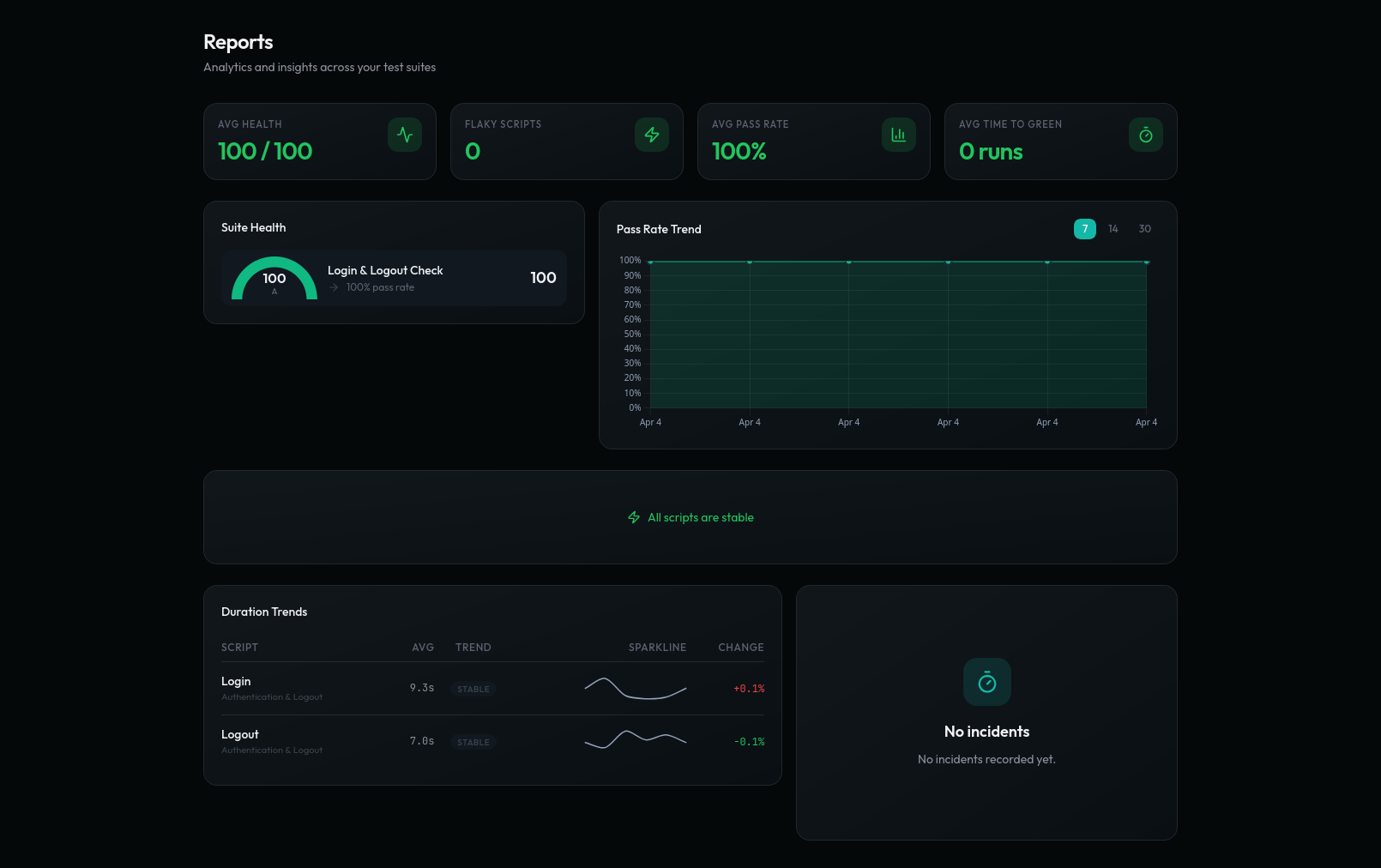
- Flakiness index
- Pass-rate trend
- Duration trends
- Failure points
- Suite health
- Time to green
Runs on your machine
~/.qaclan
Deterministic execution
same steps, every run
Works offline
sync is optional
Imports what you have
HAR · OpenAPI · Postman · Bruno · curl
Linux, macOS, Windows
single binary
Source available
BSL 1.1
execution model
You don't re-run it to find out if the failure was real.
A test that picks its own steps as it goes isn't a A test that re-runs an old journey to catch anything that broke since last time. — a red result might just be the tool changing its mind. QAClan runs the steps you recorded, in your order.
AI reads finished results to flag a flaky script. It never touches a step.
- No self-healing selectors
- No generated steps at run time
- No model in the execution path
when it goes red
You don't reproduce it. It's already on disk.
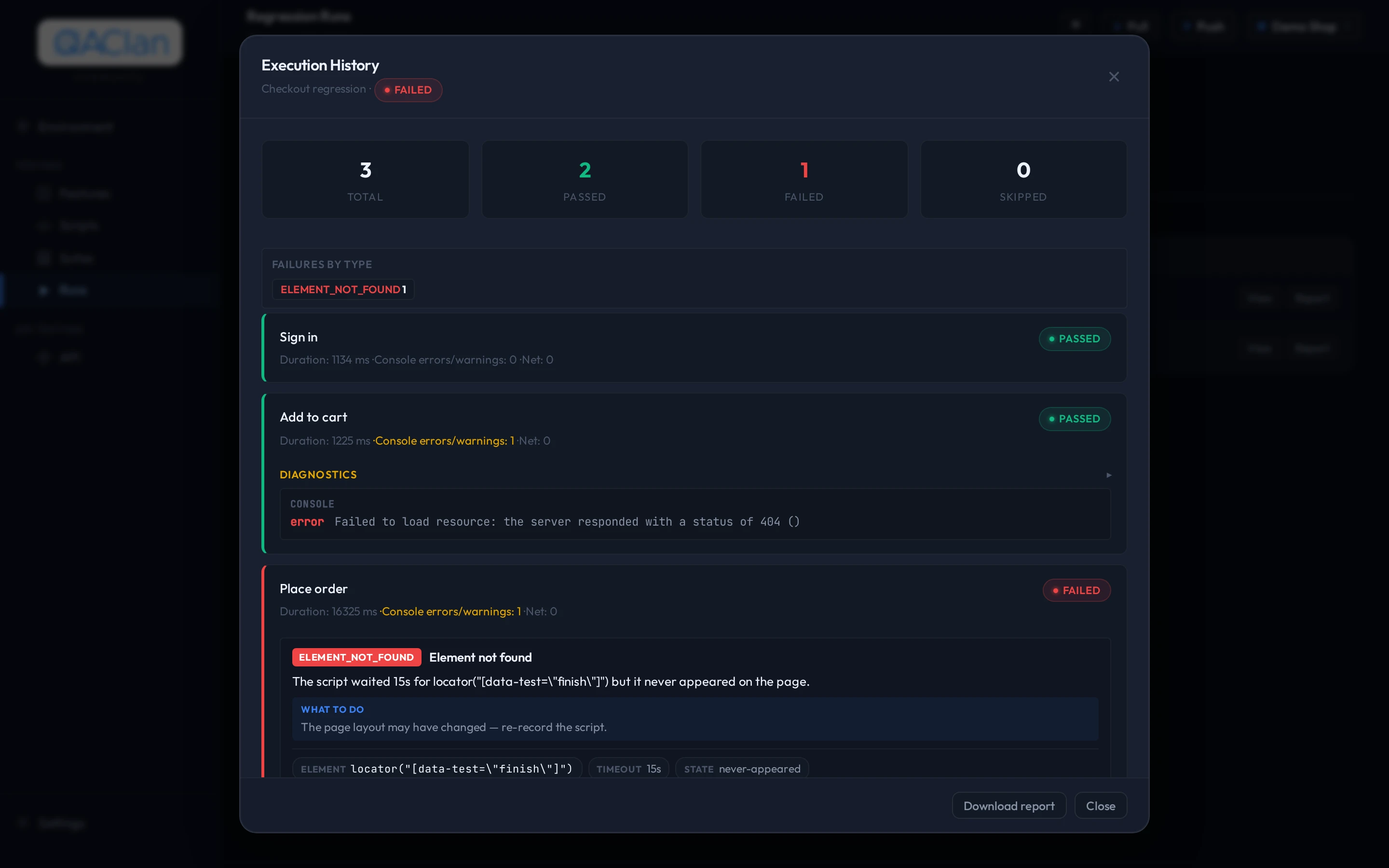
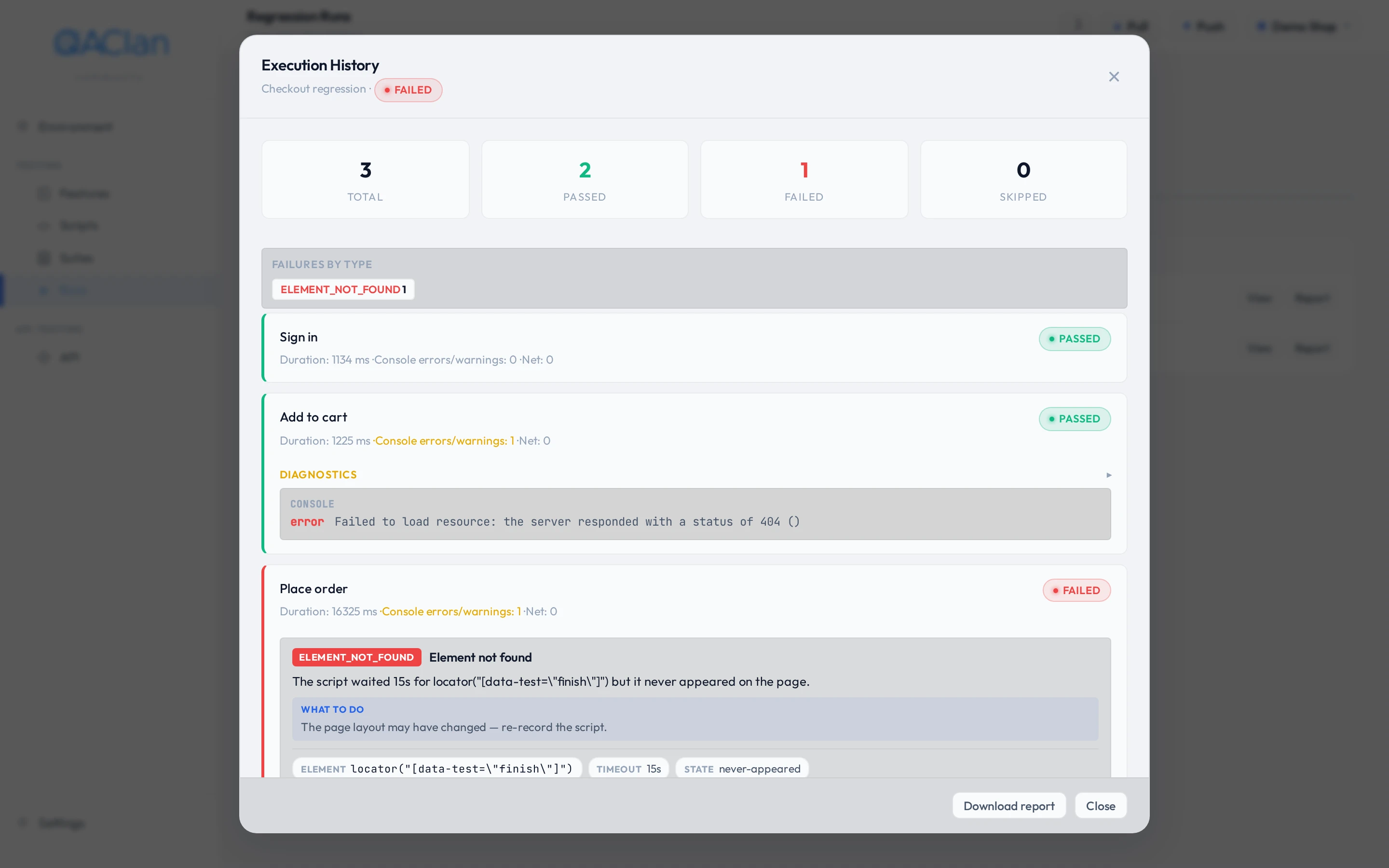
- Screenshot at the moment it failed
- Console and page errors
- Requests that failed mid-run
- One HTML file to hand to a developer
pricing
Free for one person. Priced per seat for a team.
There is no trial to start and no clock to beat. Community is the free tier, permanently.