
qaclan web record
Record the journey. Keep a real Playwright script.
Click through the flow the way you already test it. Playwright codegen captures the actions, QAClan wraps them in a run harness, and you get a script you can read, edit and re-run — in Python, JavaScript, JavaScript-test or TypeScript.
Recording opens a real browser, so it needs a display. Record on your desktop, then run headless anywhere.
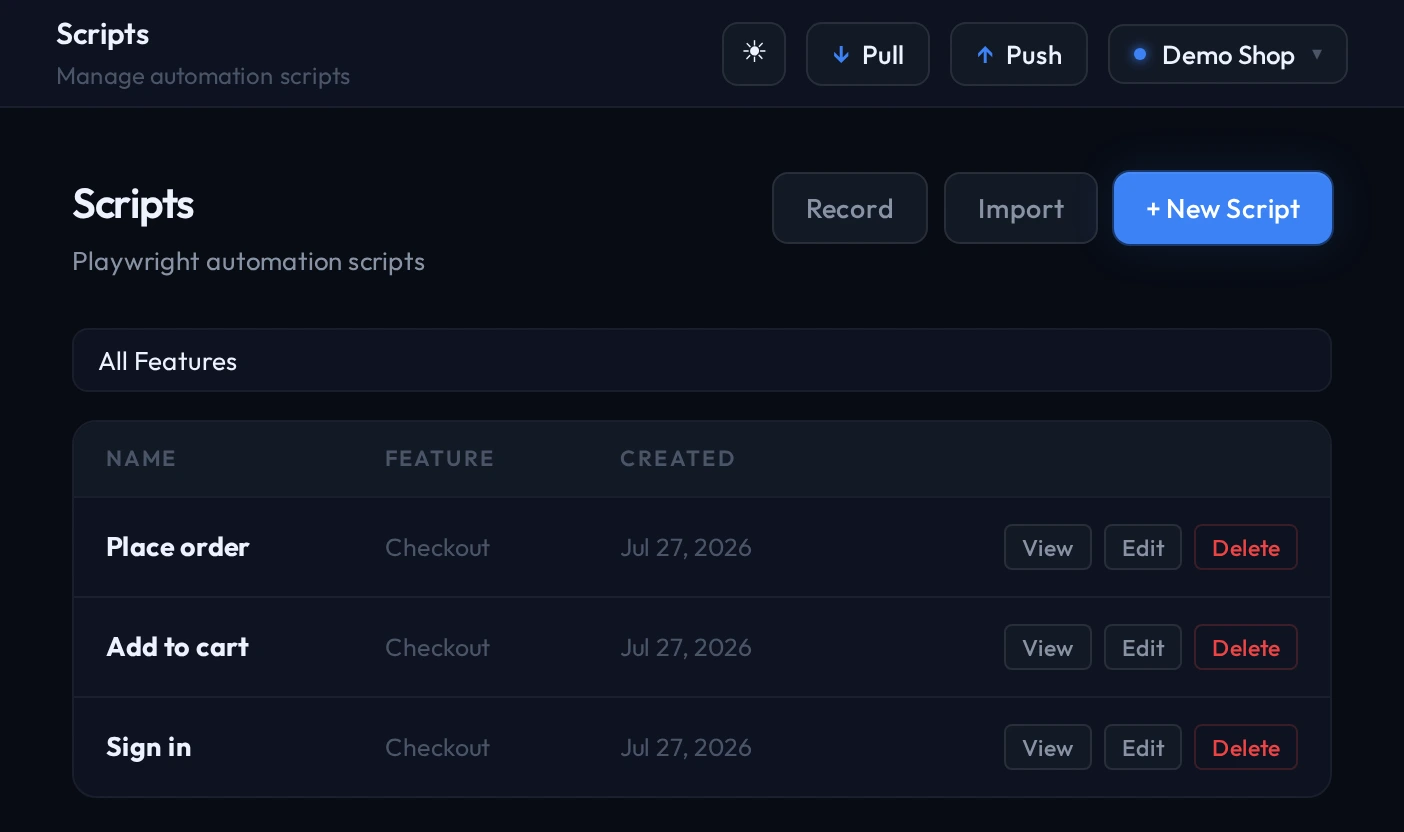
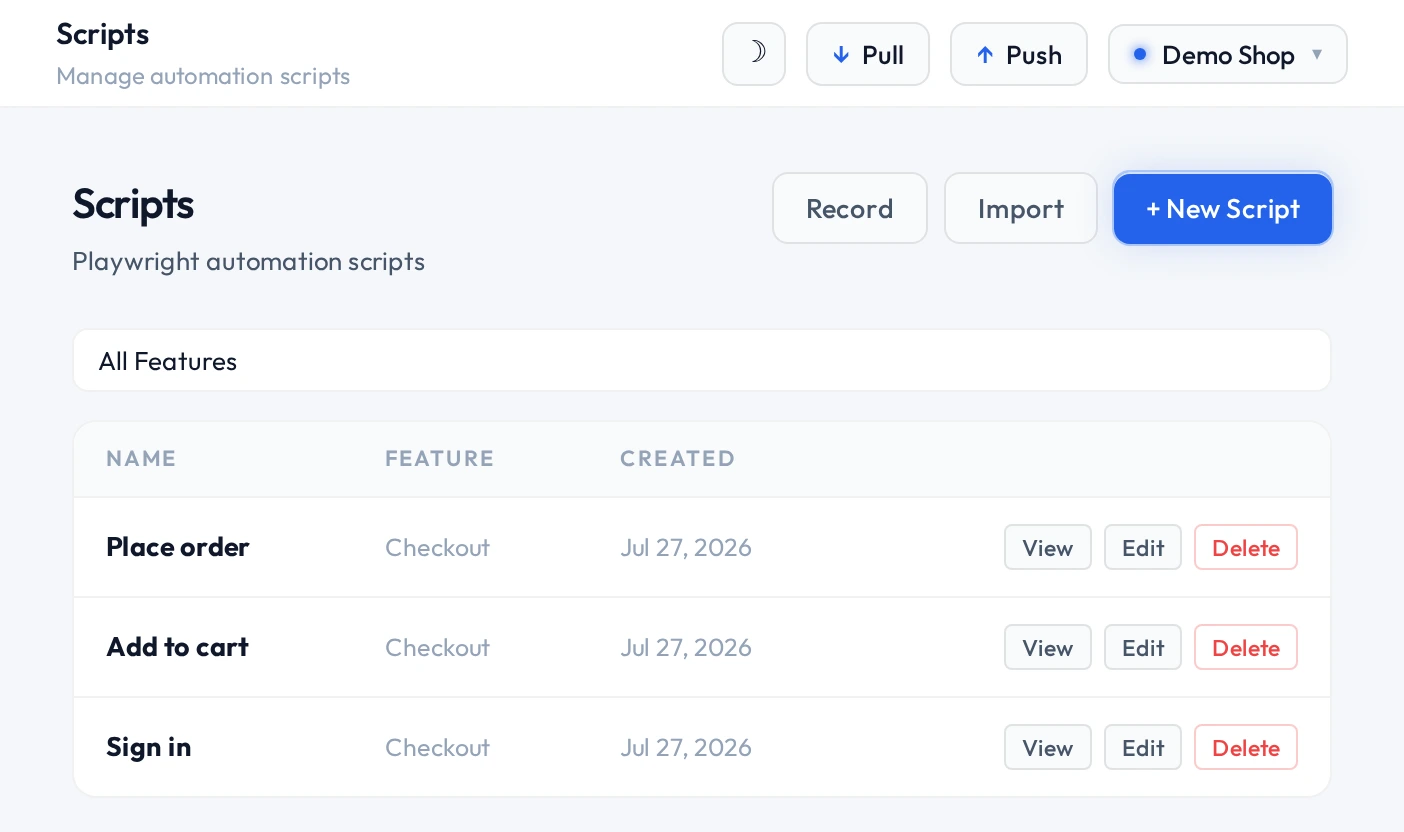
after recording
A raw recording is brittle. Fixing that is the part that usually needs code.
Codegen gives you literal clicks against literal selectors, with your real password sitting in the file. The editor reads the script and tells you what to change — and makes the change for you.
Bind values to environments
The editor finds hardcoded emails, passwords and URLs in a recording and offers to replace them with environment variables. Pick a key, see the result, apply it.
Waits that match the page
Steps where the page loads slower than the test runs get a wait that pauses only as long as needed, instead of a fixed sleep that makes every run slower.
Typed input where typing matters
Search boxes and autocompletes only react to real keystrokes. Those fields get character-by-character entry so the filter actually fires.
suites and runs
A suite is an order, not a folder.
Put scripts in the sequence a person would actually follow, mix in API requests where a check is faster over HTTP, and run the whole thing as one unit with one result.
Suites run in order, in one browser context
Scripts in a suite share a browser context, so a login in the first script still holds in the fourth. Cookies and localStorage carry across the whole run.
state persisted between scripts for the duration of the run
Choose the browser and the window
Run in Chromium, Firefox or WebKit, at whatever viewport you need, headed while you debug or headless when nobody is watching.
--browser chromium|firefox|webkit · --resolution 1440x900 · --headless
Stop at the first failure, or push through
With --stop-on-fail the remaining scripts are skipped rather than failed, so a broken login does not produce twenty misleading failures.
--stop-on-fail
Every run keeps its evidence
Status and duration per script, console errors, page errors, failed network requests, and a screenshot at the moment of failure.
~/.qaclan/screenshots/ · qaclan run show <id> --verbose
A report you can hand to someone
One self-contained HTML file for a run — no server needed to open it.
qaclan runs report <run_id>
worth knowing
The limits, stated plainly.
- Recording needs a display
- Codegen drives a real browser window. In a container without a display server, record on your host machine instead and run the result headless.
- Each script gets 300 seconds
- A single script that runs longer than five minutes is stopped. Long journeys are better split into several scripts in one suite, which also makes failures easier to place.
- History is local until you sync
- Runs live in
~/.qaclan/on the machine that ran them. Logging in syncs them to a shared workspace; the server is what makes them visible to everyone else.
Record your next regression pass instead of repeating it.
Install the agent, record one journey, and look at the API calls it fired. That is the whole first session — no card, no clock.
curl -fsSL https://raw.githubusercontent.com/qaclan/agent/master/install.sh | sh