
Web testing
Click through your app once. QAClan saves what you did as a test it can run again, as often as you like.
- Where
- Scripts → Record
- You need
- A feature to file it under
- Takes
- About a minute
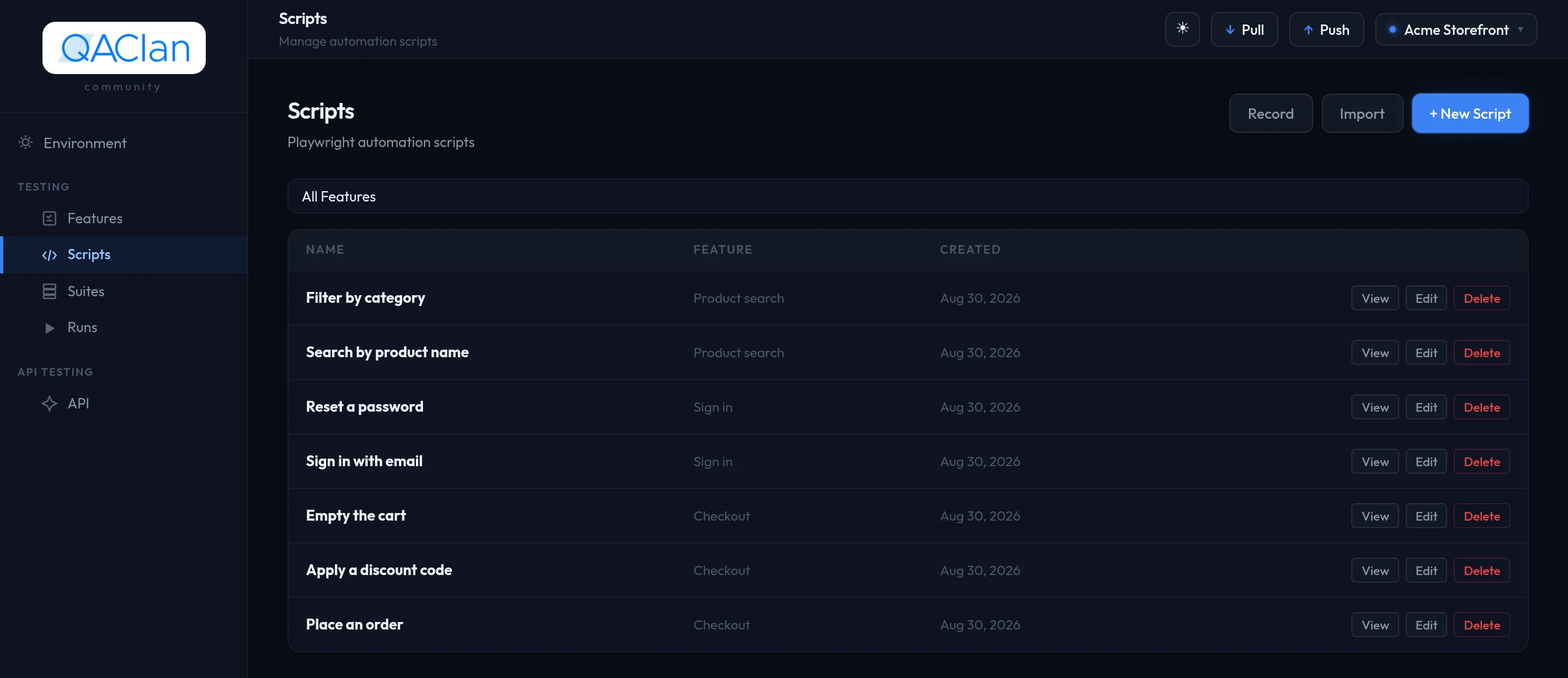
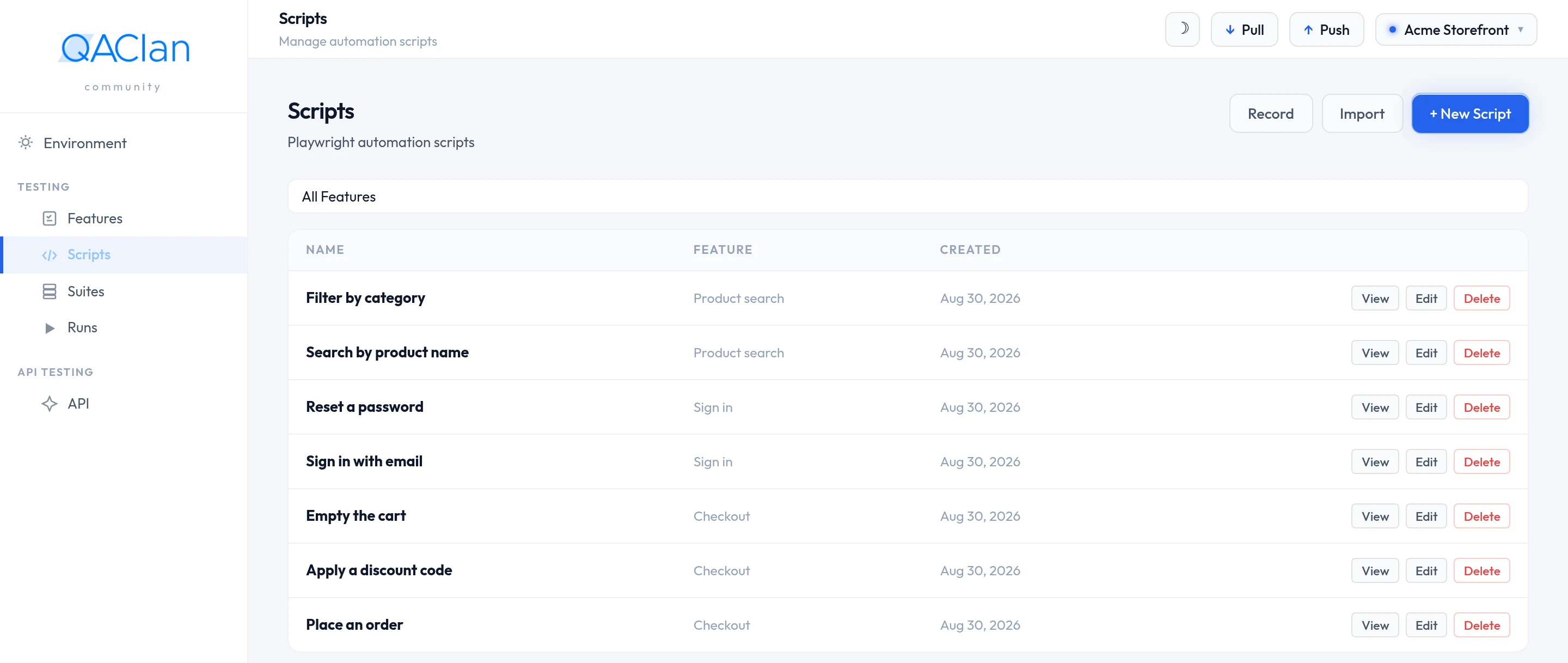
Open Scripts and choose Record.
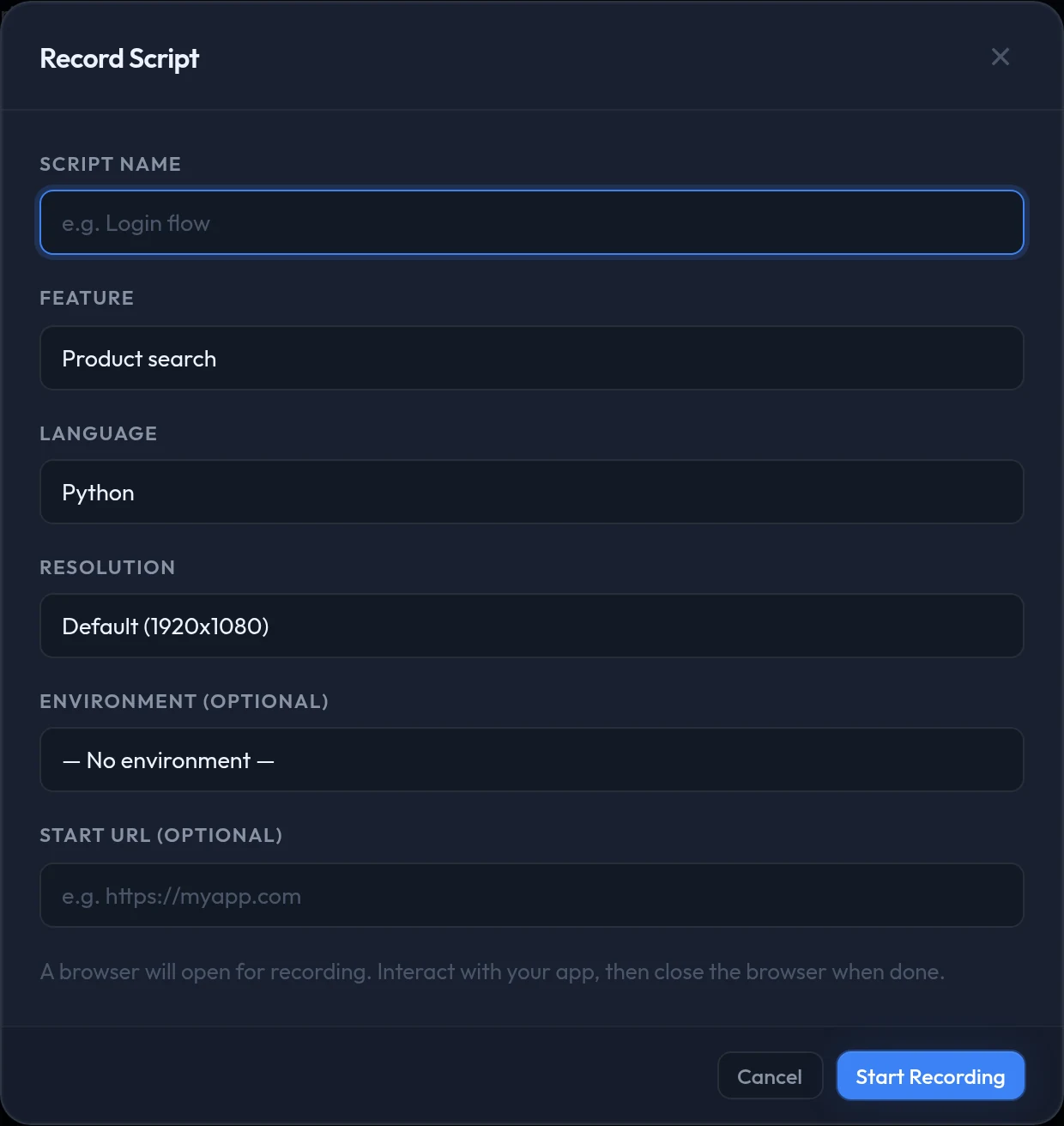
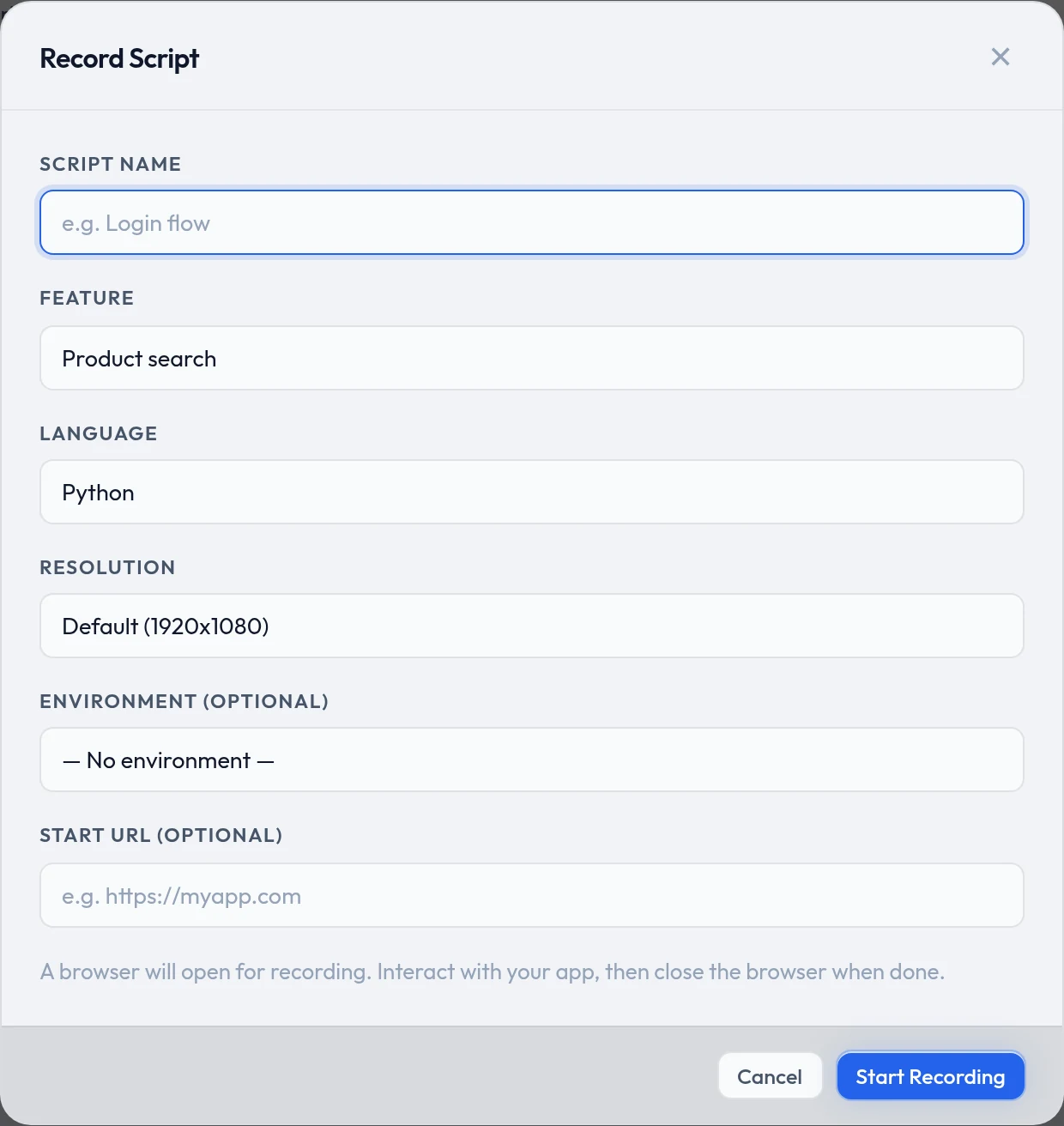
Name it after what the journey does — place order, sign up.
Pick the Feature it belongs to.
Put the address the journey starts at into Start URL.
Choose Start Recording. A browser opens.
Click through your app, then close that browser window.
Closing it is what ends the recording and saves the script.
Nothing to install, nothing to write
The recorder drives a real browser and writes a real Playwright script. You never have to open that file — but it is there, readable, if you ever want it.
Every field in the record dialog
| Field | Default | What it controls |
|---|---|---|
| Script Name | empty | Required. How the script is listed. |
| Feature | first feature | Required. Which feature the script belongs to. |
| Language | python | What the saved file looks like. No effect on how it runs. |
| Resolution | 1920x1080 | Window size while recording. Also 1366x768, 1280x720 and 390x844 for mobile. |
| Environment | none | Optional. Choosing one reveals the two rows below. |
| URL Variable | hidden | Takes the starting address from that environment instead, so one script can run against staging and production. |
| Path | hidden | Appended to the variable — /login, say. |
| Start URL | empty | Where the browser opens. Labelled optional, but leaving it empty opens a blank page and you type the address yourself. |
Choosing a language
Leave it on Python unless somebody on the team will read the file — then pick the language they already know. Five values: python, javascript, typescript, javascript_test and typescript_test. The last two produce a @playwright/test spec; both use an underscore, and a hyphen is rejected.
A script's language is fixed once it exists. To change it, record or import again.
Recording on a server, or in Docker
The recorder opens a real browser window, and a headless host has nowhere to open it. Record on your own machine, then run the script headless wherever you like — running needs no display.
Skipping the parts you do not want recorded
The recorder has a pause control. Use it while you log in or seed data, then resume for the part you are actually testing.
Prefer the terminal?
qaclan web record --feature <feature_id> --name "place order" --url https://your-app.testOmit --url to start from a blank page, and add --language typescriptto change the output. Review & Improve is part of the app, so a recording made this way is best opened there afterwards.
Review & Improve
A raw recording is literal: your real password sits in the file, and the test clicks faster than your app can respond. Review & Improve opens by itself when the browser closes and offers to fix that.
Four tabs, each counting what it found. Skip step moves on, Apply makes the change.
Bind — get credentials out of the script
Pick an environment, then a variable for each detected field. The before-and-after shows exactly what will change. Anything you skip stays hardcoded.
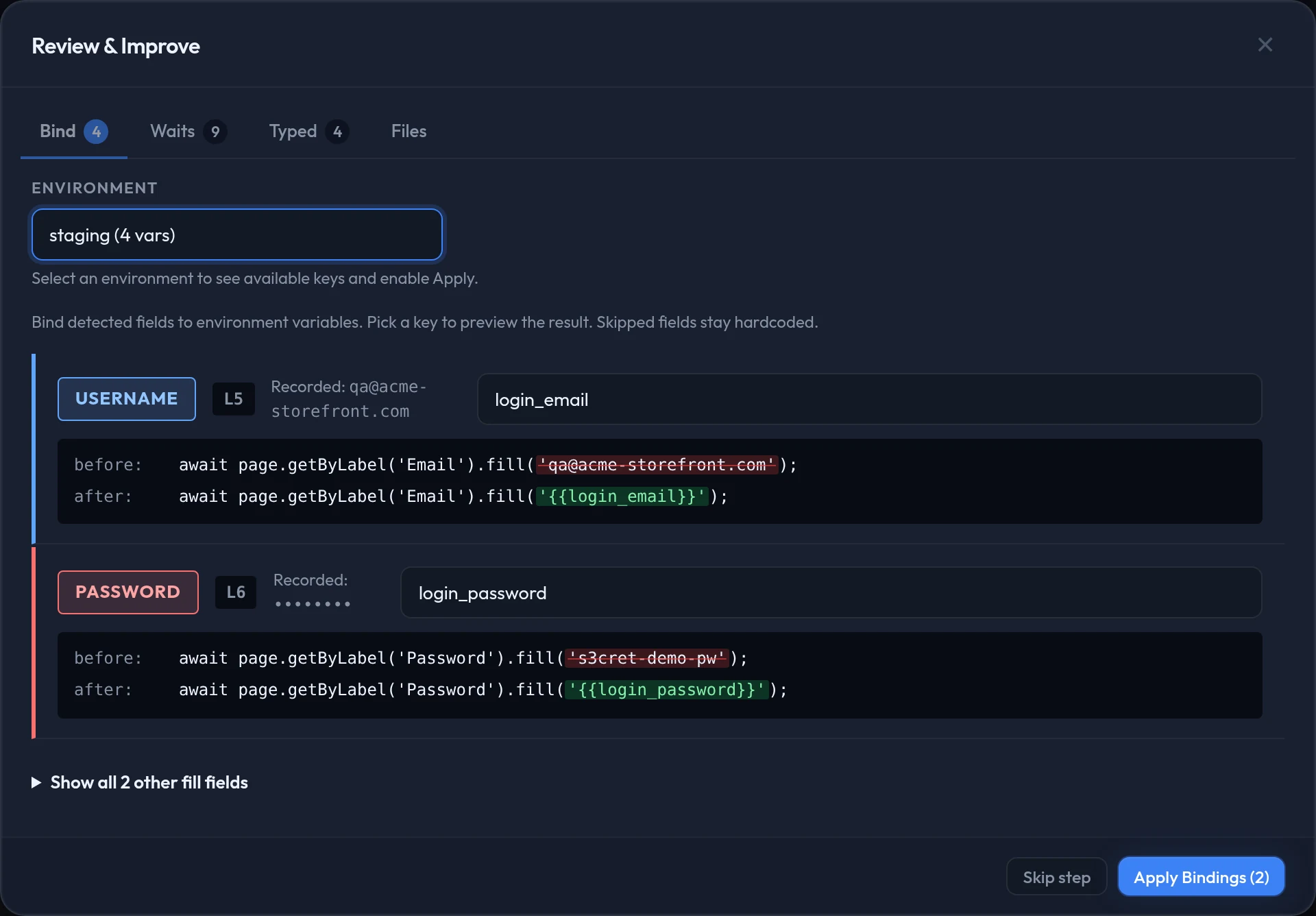
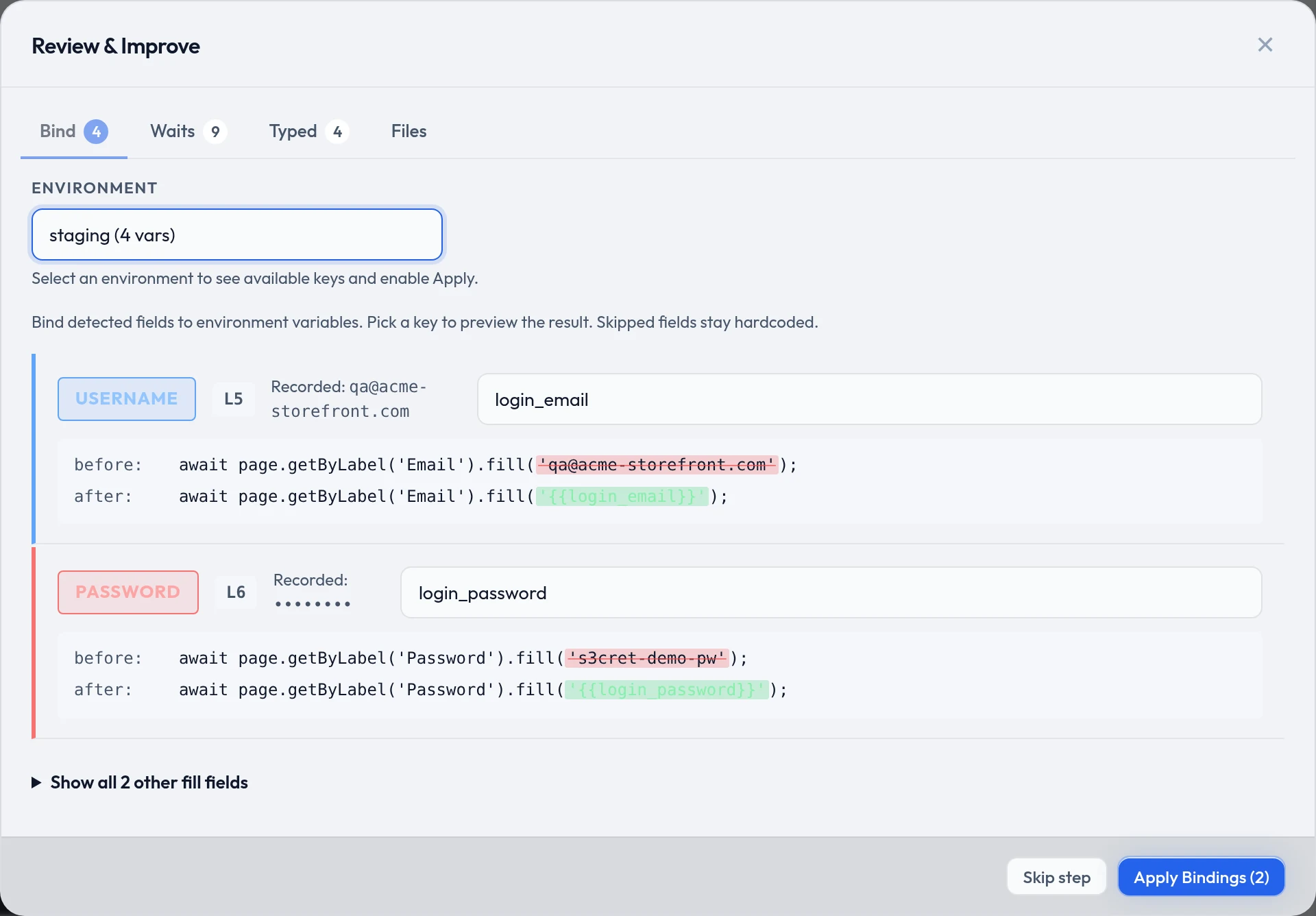
Apply stays disabled until you pick an environment
There is nowhere to put the value otherwise. If the key you choose does not exist yet, it is added to that environment with the recorded value — see Environments and secrets.
Waits — stop the test outrunning the page
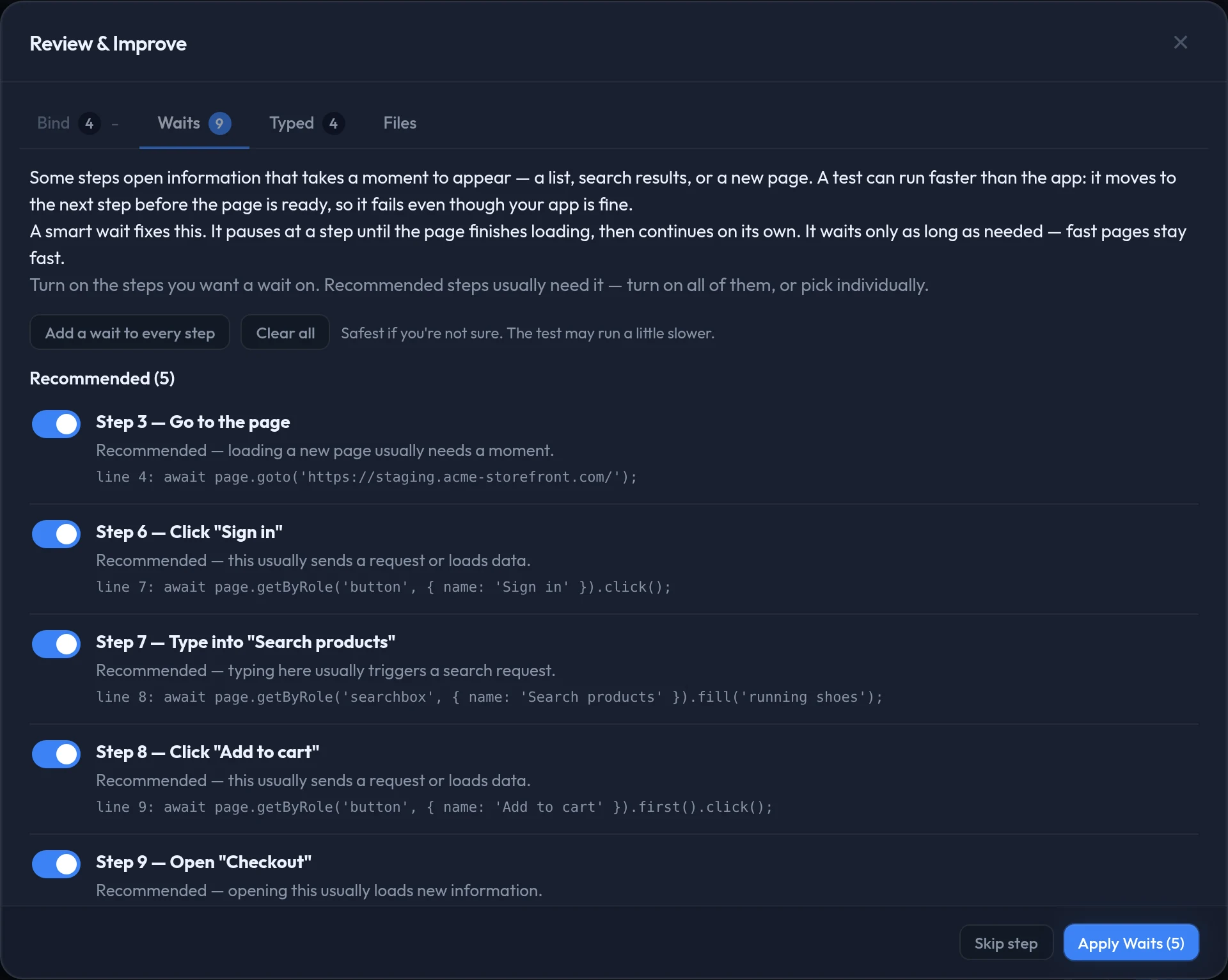
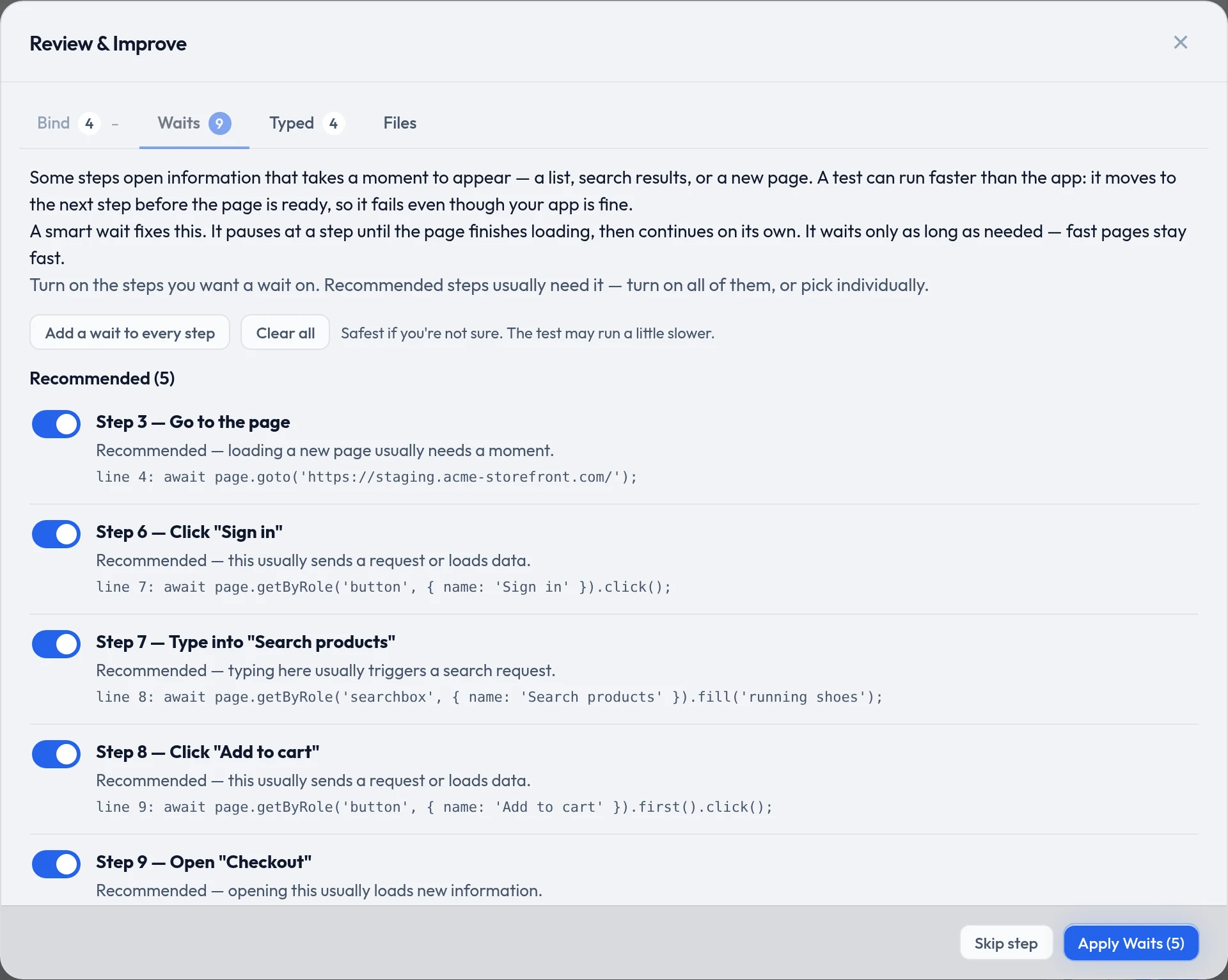
Steps that load something get a wait that pauses only as long as the page actually needs. Nothing is switched on for you: turn on the recommended ones, or use Add a wait to every step if you are not sure.
Typed — make search boxes actually search
Search fields and autocompletes only react to real keystrokes, so a recording that pastes the whole value never triggers them. Steps that look like search fields are switched on already.
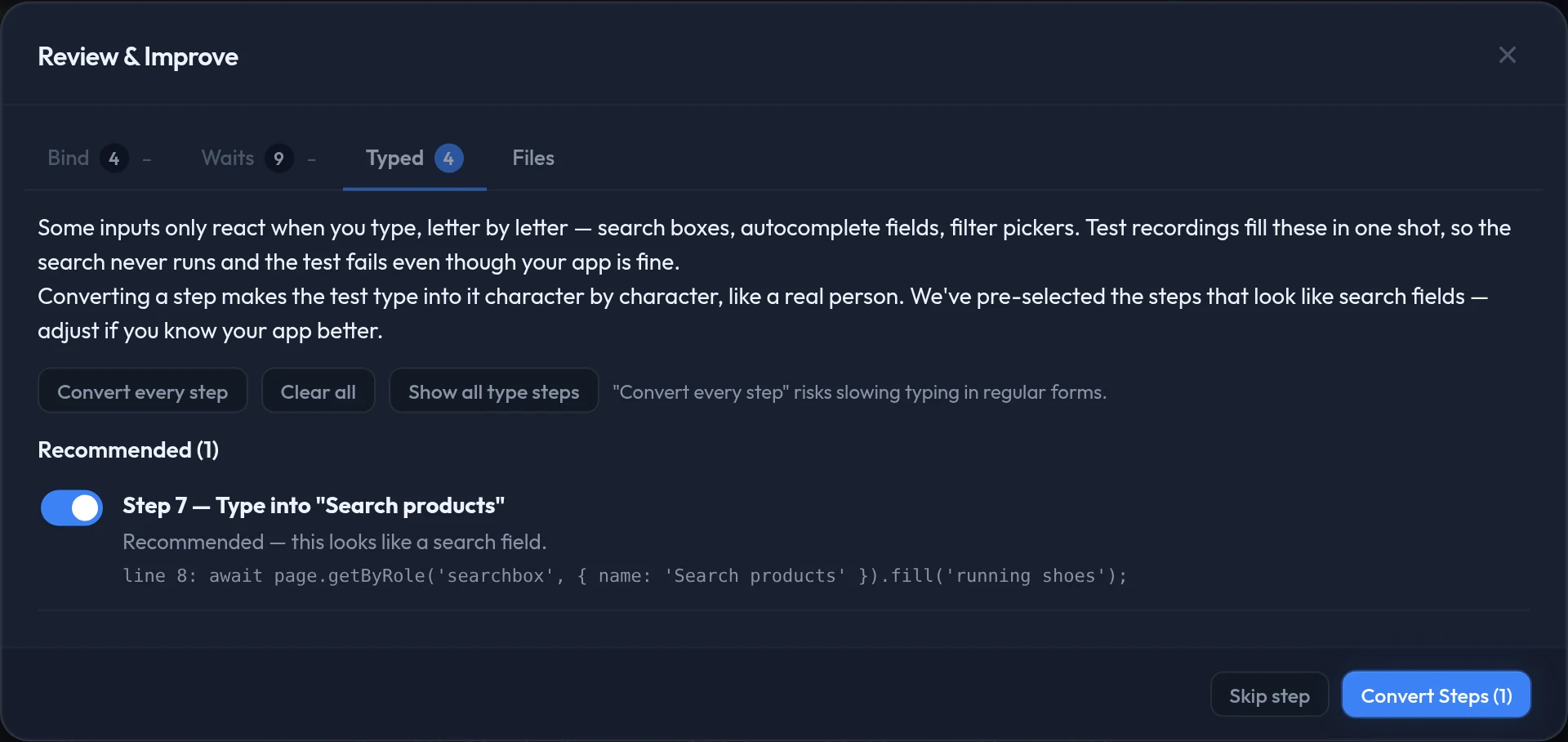
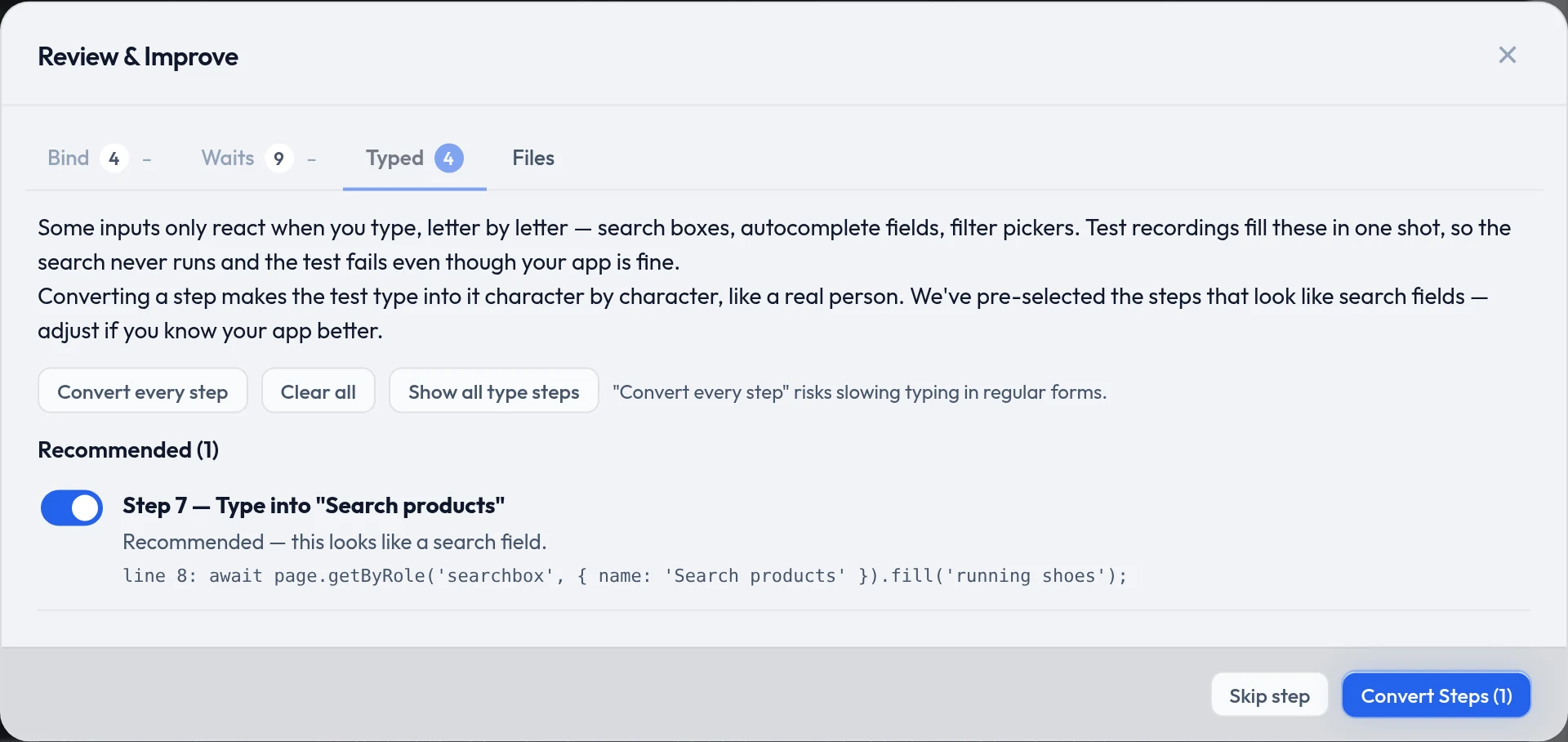
The fourth tab: Files
Files you attached during the recording — an avatar, a CSV import — are captured so the run can upload them again. The tab lists them and stays reachable even when there is nothing to review, which is why it carries no count.
A global size cap keeps a stray large file out of your workspace. Raise it with qaclan set-upload-cap <MB>; captured files live in ~/.qaclan/uploads/.
Running it again later, or one pass at a time
Open any script and the editor has the same Review & Improve button. The arrow beside it runs a single pass — bind only, waits only, or search inputs only.
From the editor, changes land in the open editor and are yours to save or discard. Straight after a recording they are written to the script immediately.
The script editor
Edit on any row opens the real file, in whatever language it was recorded in, alongside its name, a read-only language badge and a per-script wait limit.
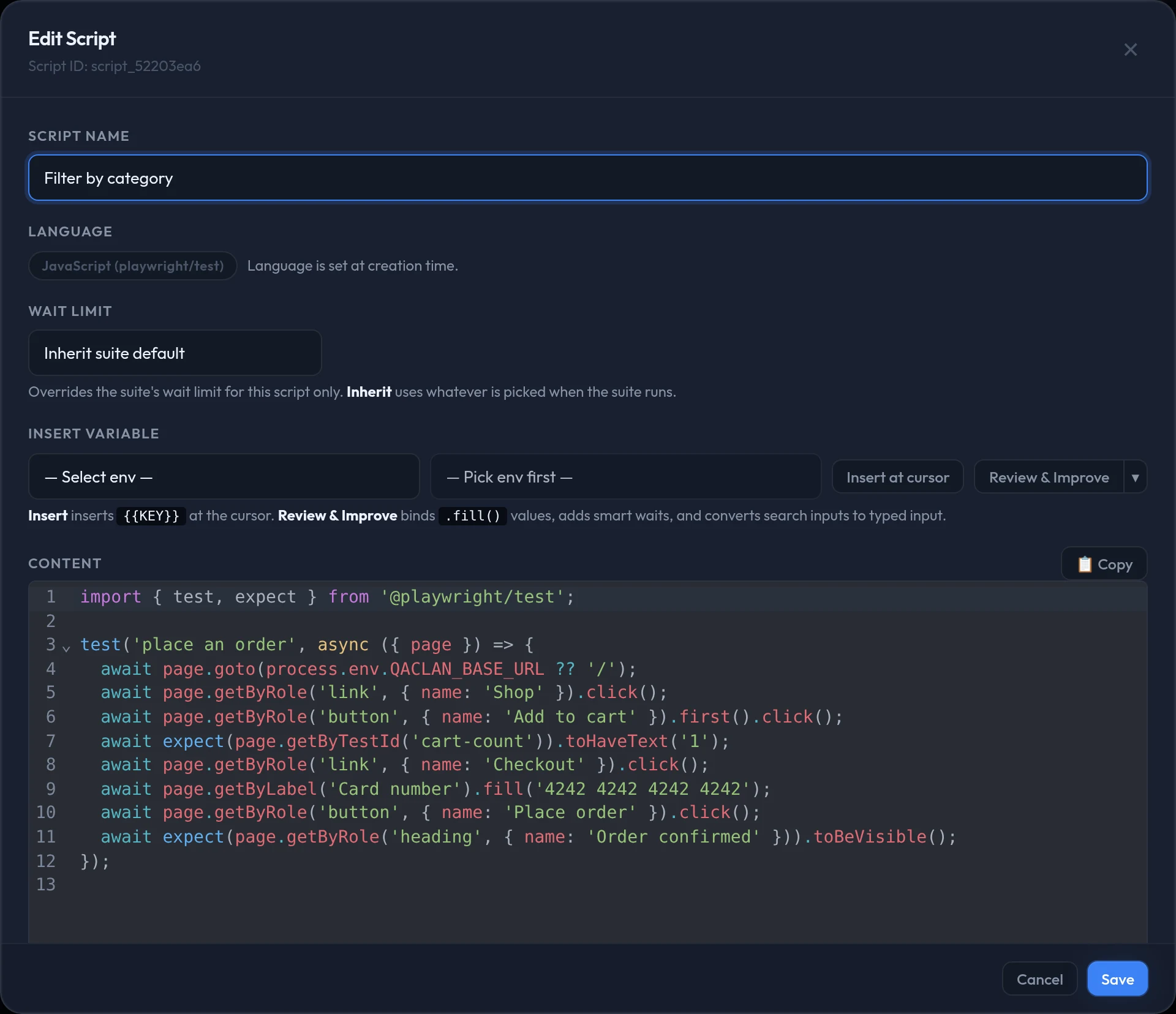
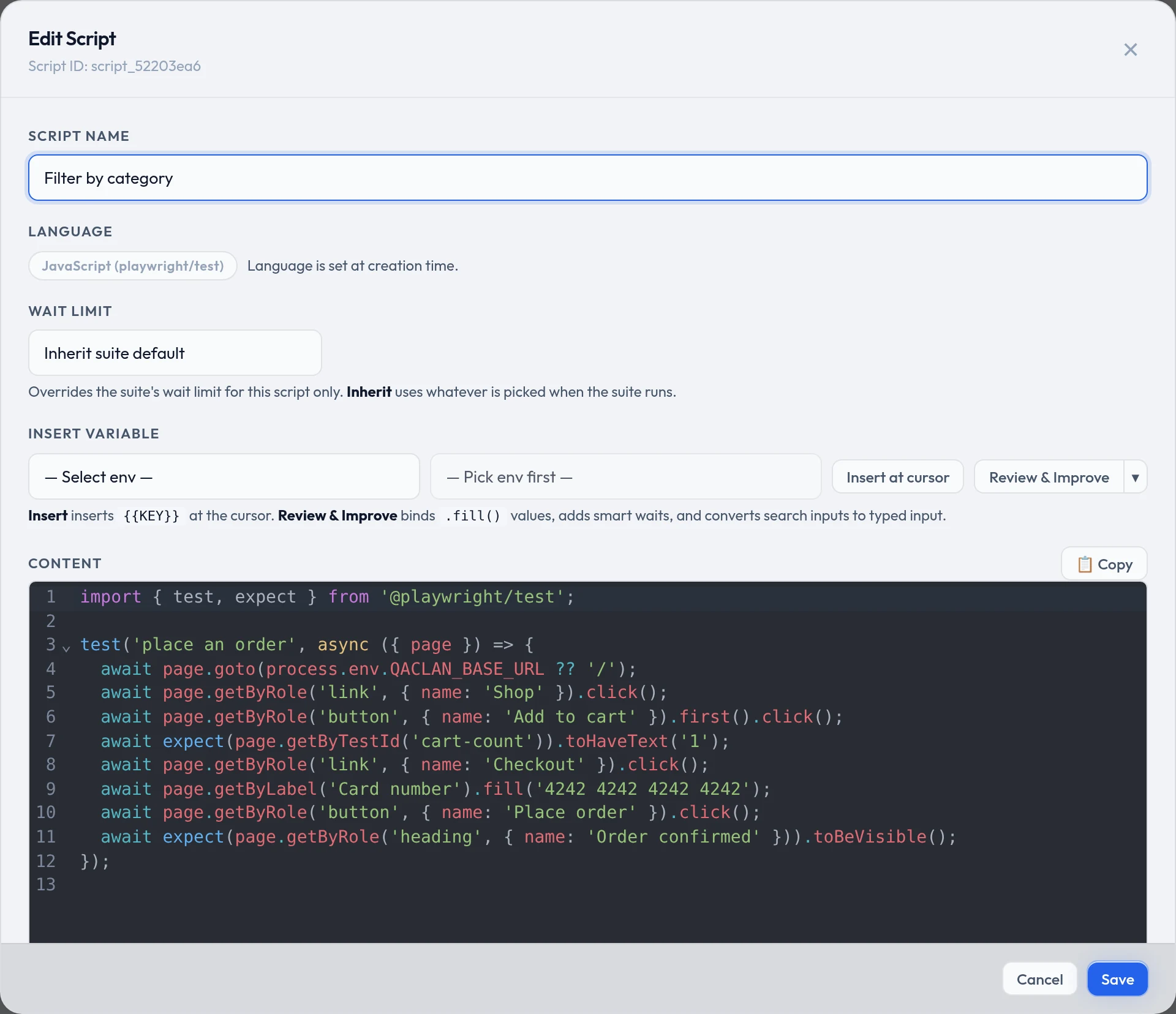
The per-script wait limit
Every run picks a wait limit for the whole suite. One script that talks to something slow does not justify raising it for everything else, so set an override on that script instead.
The choices are Inherit suite default (the default) plus 5s, 10s, 15s, 30s, 45s and 60s. Inherit takes whatever the run dialog was set to; anything else wins over the run dialog for that one script. See Suites, runs and reports.
The other two row actions
View reads the script without changing it. Delete removes the script and its file, warning you first if a suite still uses it.
Features — how scripts are grouped
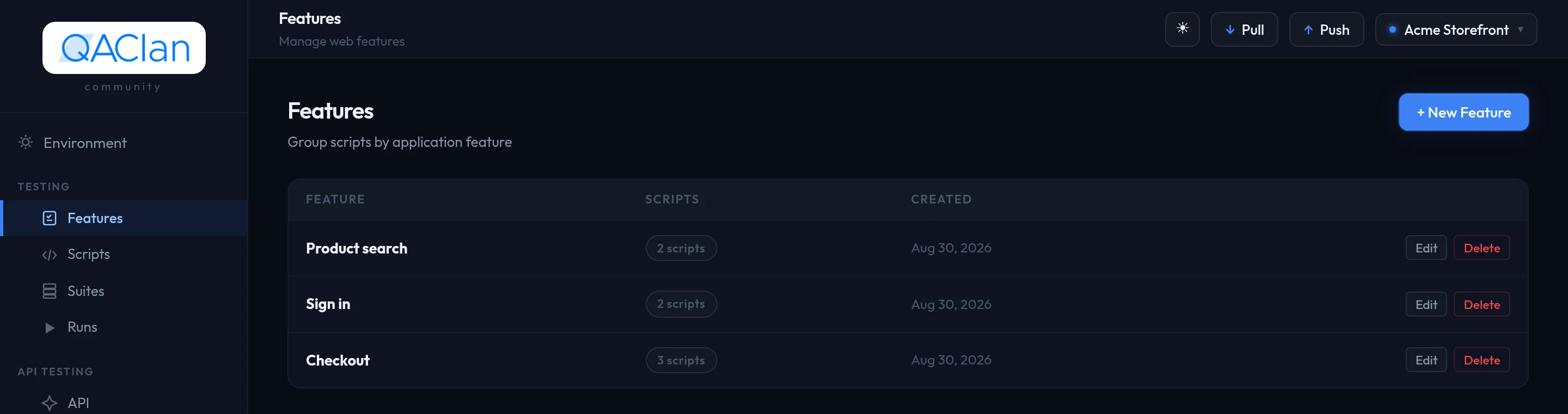
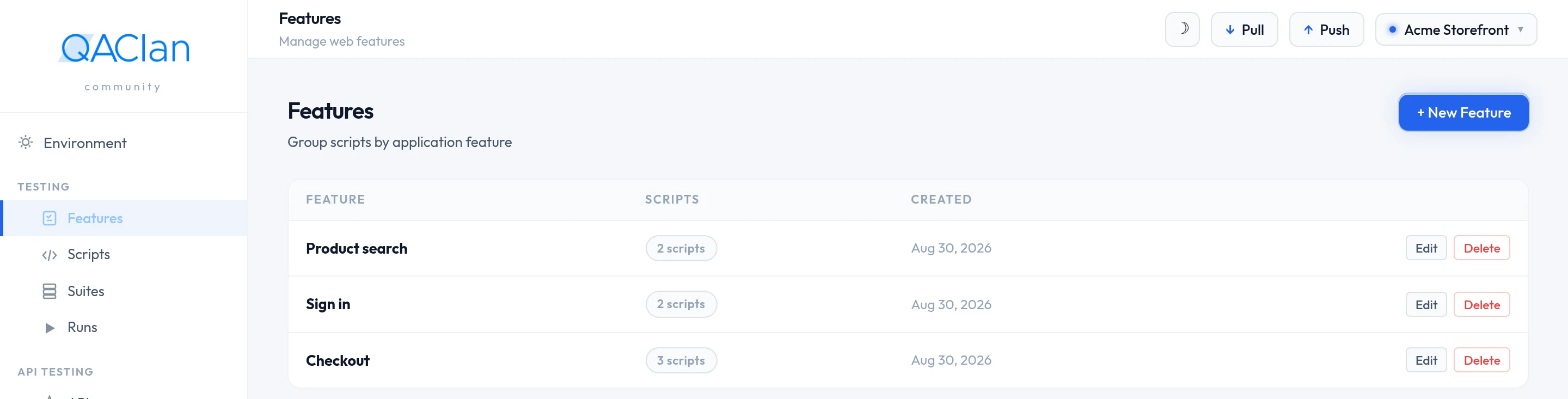
A feature is a folder for related scripts, usually one user-facing capability: checkout, sign-up, search. Every script belongs to exactly one.
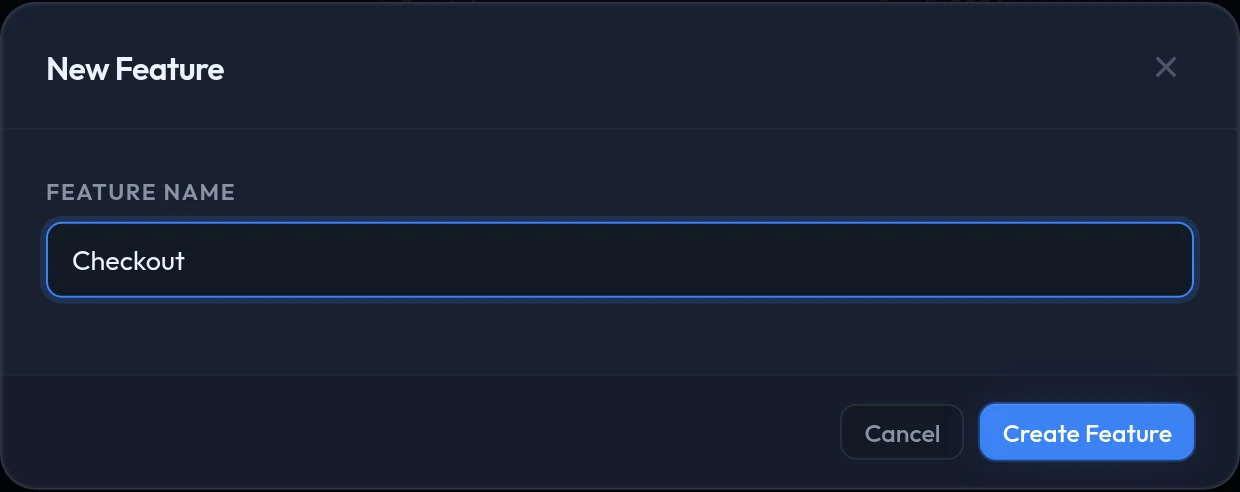
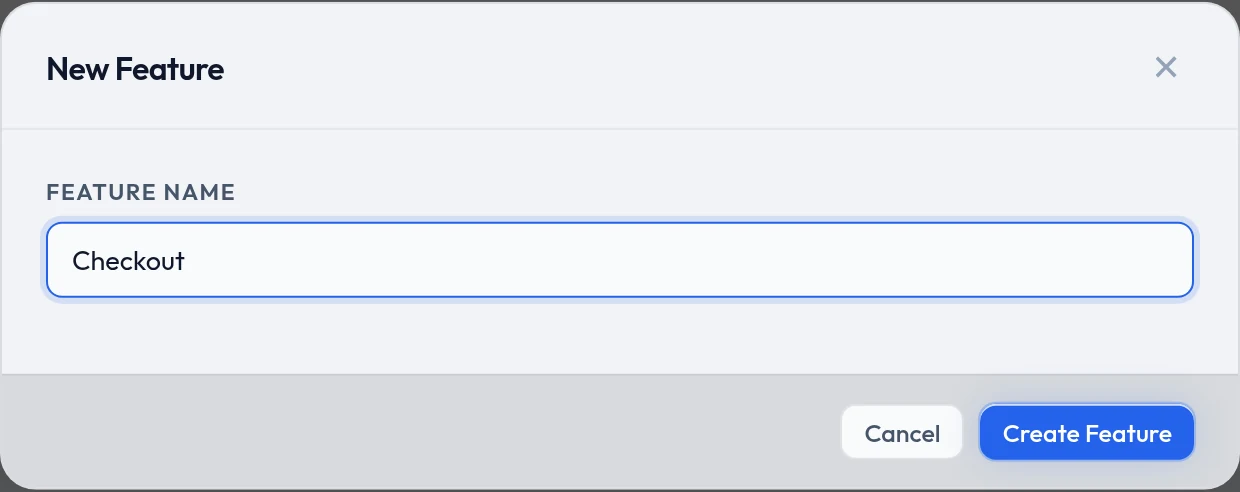
Features → + New Feature, give it a name, done. The list then shows a script count against each one and flags any that is still empty.
Deleting a feature deletes its scripts
You are asked to confirm, and the scripts inside it go with it.
Prefer the terminal?
qaclan web feature create "checkout"qaclan web feature listqaclan web script list [--feature <feature_id>]qaclan web script delete <script_id>Importing a Playwright script you already have
Already have codegen output? Bring it in rather than re-recording. Imported scripts join the same features, suites, runs and reports as anything recorded here.
Scripts → Import and pick the file. A preview opens first: it detects the language and offers to turn a hardcoded address into a {{BASE_URL}} variable so the script can switch environments later.
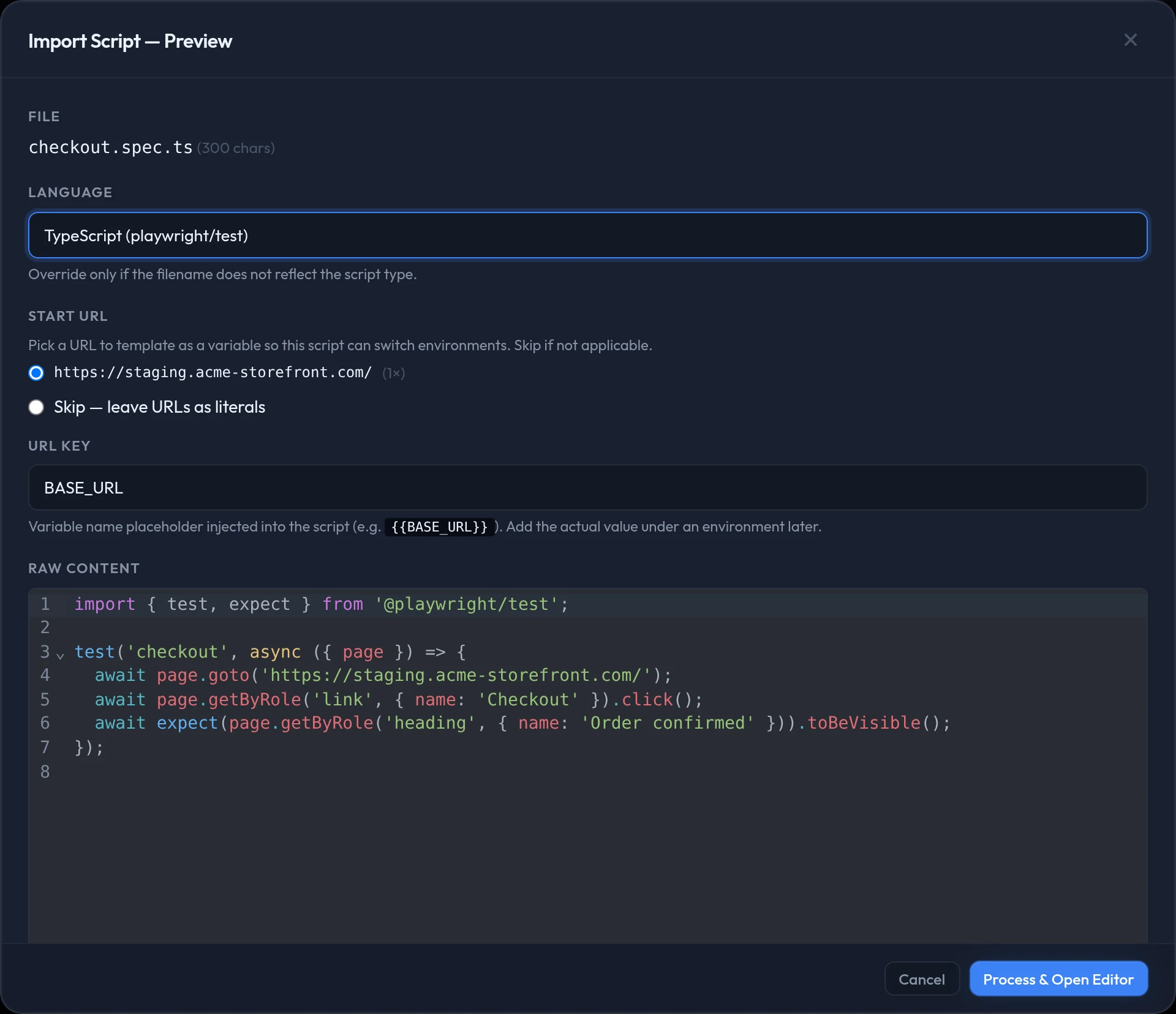
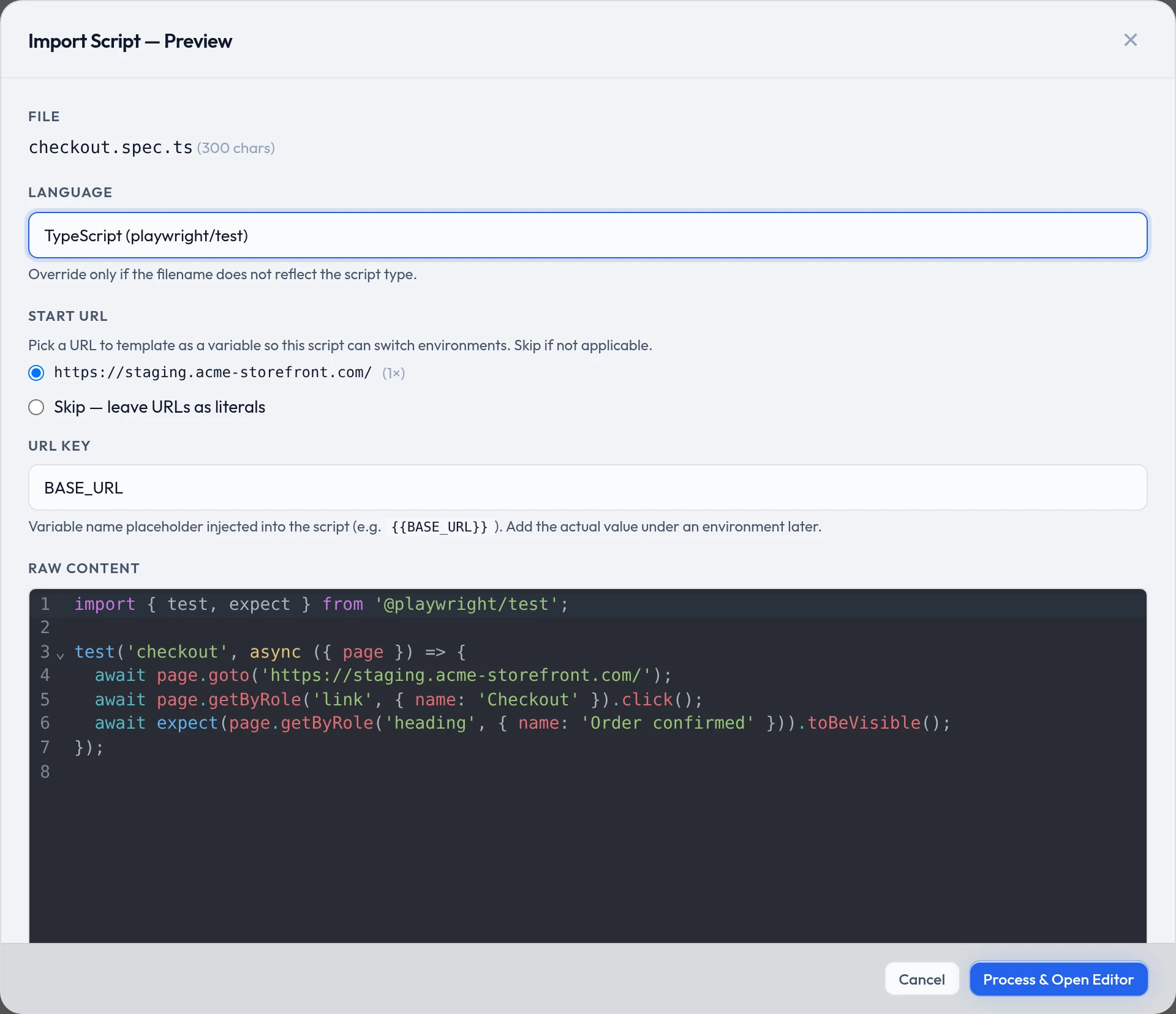
Process & Open Editorthen asks for a name and a feature, and gives you the same editor — including Review & Improve — before you save.
Prefer the terminal?
qaclan web script import ./tests/checkout.spec.ts --name "checkout" --feature <feature_id> --language typescriptThen run it
A single script is not the unit of work — a suite is. Ordering, shared browser state, run options and reports are in Suites, runs and reports.