
Negative testing and schema drift
Assertions check your API does the right thing with good input. These two checks cover what happens with bad input, and what happens when a response quietly changes shape.
- Where
- A request's Negative Testing and Schema Check tabs
- You need
- A request that already works
- Write
- Nothing — cases are generated
Negative testing
A green suite proves your API works when used correctly. It says nothing about what happens when it is used incorrectly — and an API that accepts a negative price, a missing required field or an unauthenticated request is broken in a way no amount of happy-path testing will reveal.
QAClan takes a request that works, generates deliberately wrong versions of it, sends each one and grades the answer. The question is not did it work? but did it refuse properly?
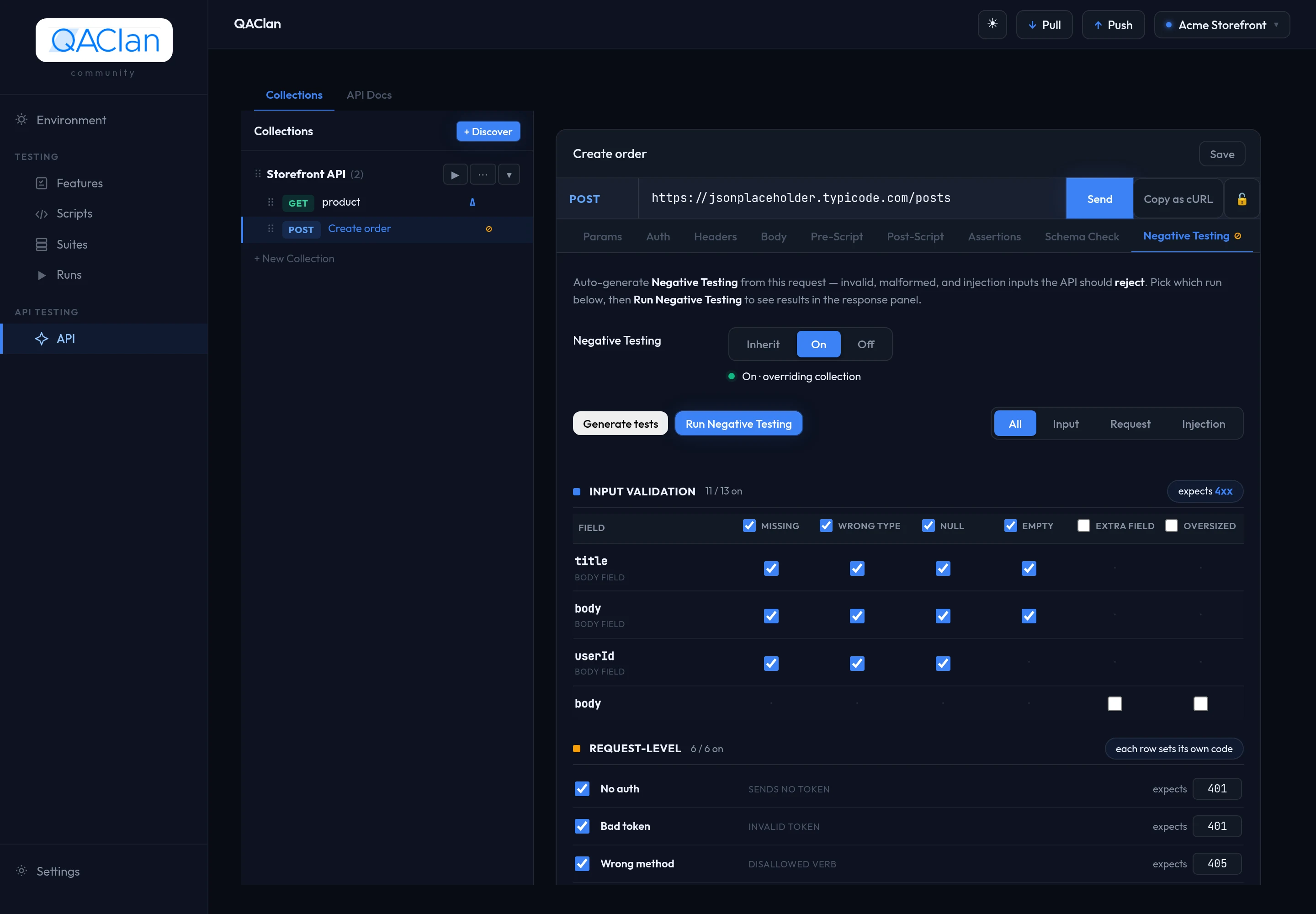
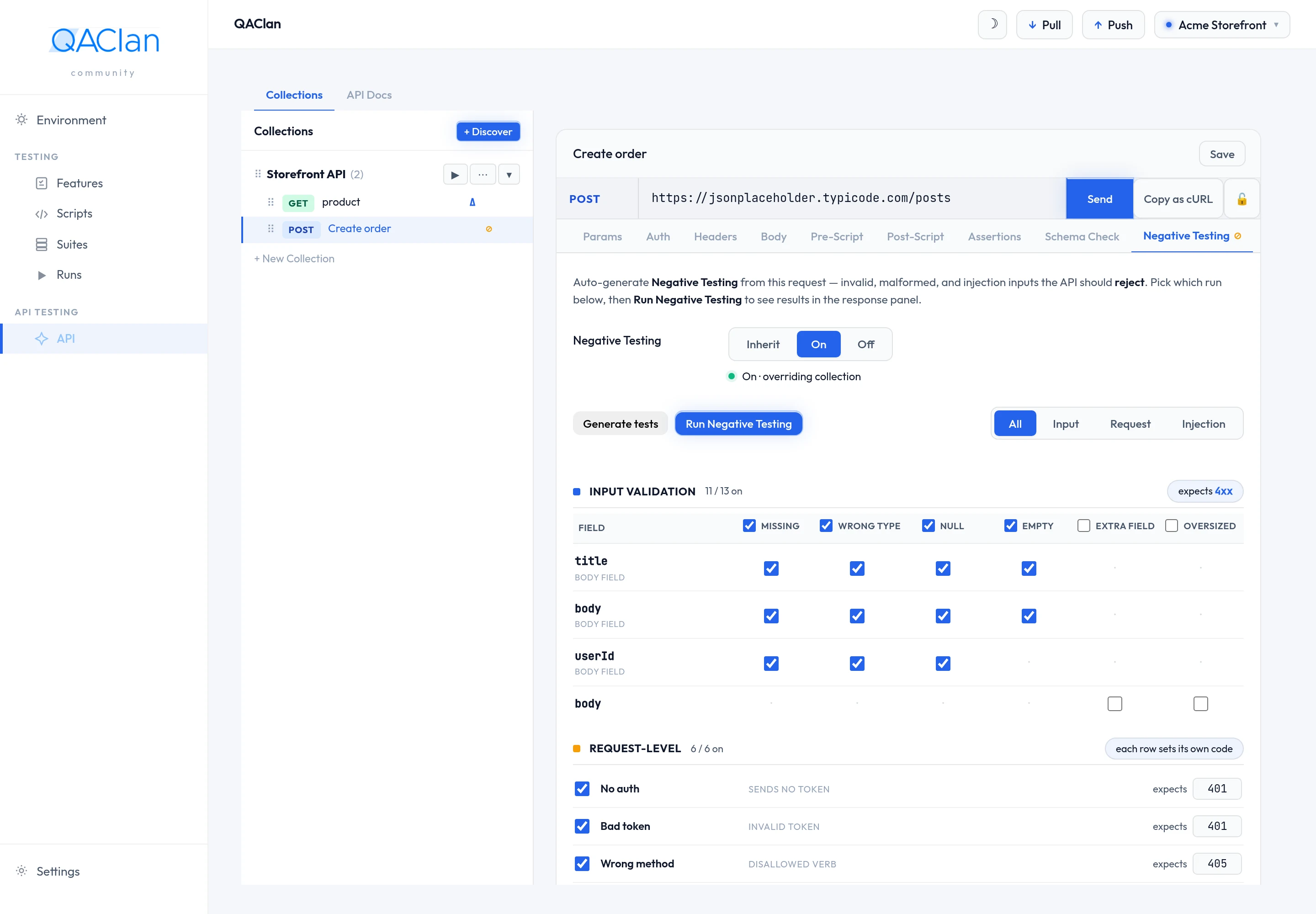
Open a request and go to Negative Testing.
Choose Generate tests.
Cases appear grouped by category, each one a checkbox.
Untick anything that does not apply to your API.
Choose Run Negative Testing.
What gets generated
Three categories, each attacking a different part of the request.
input-validation — the values you sent
One set of these per field in the body.
| Case | Sends | Expects |
|---|---|---|
| missing | The field removed entirely | 4xx |
| wrong type | A number where a string belongs, and the reverse | 4xx |
| null | The field set to null | 4xx |
| empty | An empty string, or an empty array | 4xx |
| not in enum | A value outside the allowed set | 4xx |
| below minimum · above maximum | One under the lower bound, one over the upper | 4xx |
| too short · too long | Strings either side of the length limits | 4xx |
| bad format | Text that is not the declared format — not an email, not a date | 4xx |
The last four only appear when the API declares bounds, an enum, lengths or a format — which an OpenAPI import does and a captured request cannot.
Two more that are generated but switched off
| Case | Sends | Off because |
|---|---|---|
| unexpected extra field | An extra key the API never asked for | Plenty of APIs legitimately ignore extras |
| oversized payload | A 100,000-character string | It can stress a real backend |
Tick either one if it is a rule your API is meant to enforce.
request-level — the shape of the request
| Case | Sends | Expects |
|---|---|---|
| No auth token | The same request with authentication dropped | 401 |
| Garbage auth token | Bearer qaclan-invalid-token | 401 |
| Wrong method | GET against an endpoint that expects a write | 405 |
| Wrong Content-Type | A JSON body labelled text/plain | 415 |
| Unknown route | A path segment that does not exist, appended to the URL | 404 |
| Malformed JSON body | A truncated body — {"qaclan": | 400 |
The two auth cases only appear when the request actually has auth, and Wrong Content-Type only when it has a body. For a GET, the wrong-method case would be DELETE — generated, but switched off, because a DELETE that succeeds destroys something.
injection — what your API does with hostile input
Four payloads, placed into every string field and every string query parameter.
| Payload | Sends | Looking for |
|---|---|---|
| SQL injection | ' OR '1'='1 | A query built by string concatenation |
| Cross-site scripting | <script>alert(1)</script> | Markup echoed back unescaped |
| Path traversal | ../../../../etc/passwd | A file path assembled from user input |
| Null byte | A string containing \0 | Parsers that truncate at the byte, or crash on it |
These do not expect a particular status. Neutralising the payload and returning 200 is as correct as refusing with a 400. What counts as a failure is a 5xx or the payload echoed back in the response.
An OpenAPI import makes all of this sharper
A described API declares which fields are required, what types they are and what bounds they have, so the generated cases are precise instead of conservative. Without a description, every field gets a missing case on the assumption it might be required — prune what does not apply.
Prefer the terminal?
qaclan api negatives <name_or_id>qaclan api negatives <name_or_id> --collection Orders --env stagingReading the result
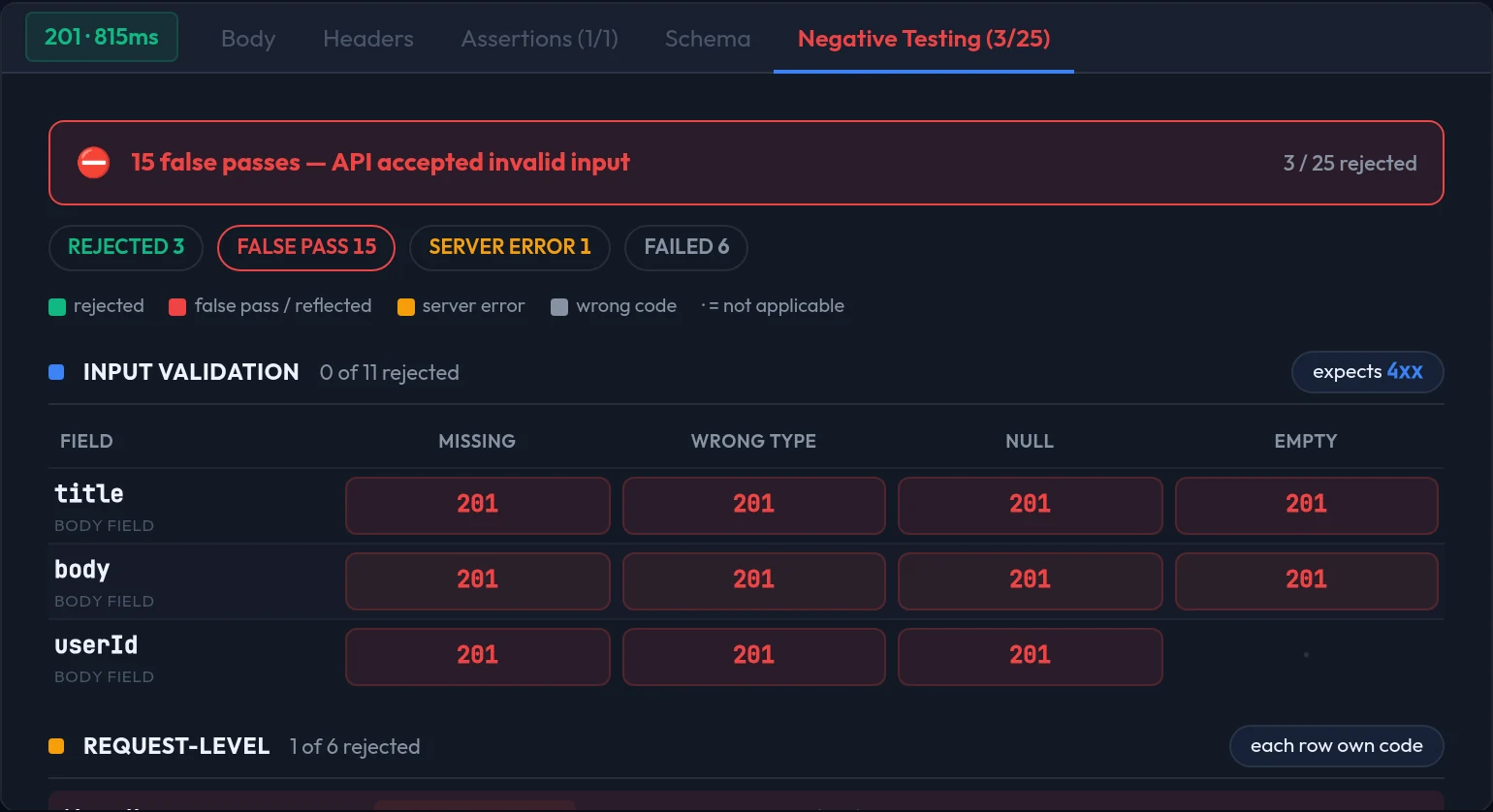
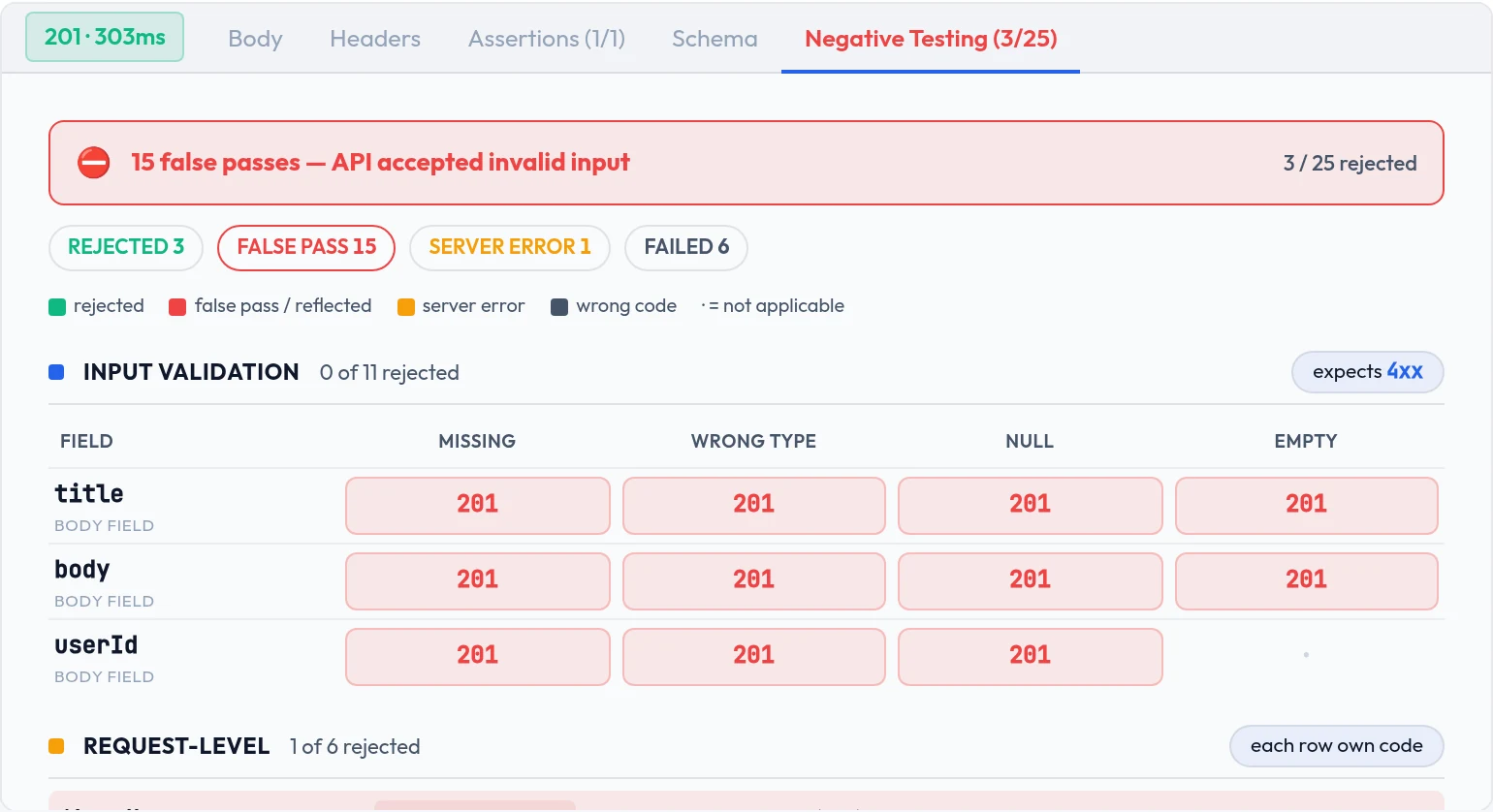
The headline is false passes: cases where your API accepted something it should have rejected. That is the finding that matters; the rest is detail.
| Outcome | Severity | Means |
|---|---|---|
| Invalid input accepted | Critical | A false pass. Fix this first. |
| Server crashed (5xx) | Major | It refused, but by falling over |
| Rejected with a different 4xx | Minor | Right behaviour, unexpected code |
| Rejected as expected | None | Passed |
A run rolls up to the worst severity it saw, so one critical finding among two hundred passing cases is not buried.
Why a wrong 4xx is only Minor, and how injection is graded differently
By default a case expects any 4xx, not one specific code. Whether your API answers 400 or 422 for a bad field is a matter of taste, and grading that as a failure would bury the findings that matter under noise. If your API has a contract about exact codes, make the case strict in the app and only that code passes.
For injection, the status code is not the point at all. Only two things fail: the payload appearing in the response, and a 5xx. Both are graded Critical; anything else passes.
A case whose request never completed — a timeout or a transport error — is recorded as Minor and treated as inconclusive. It is never counted as a false pass and never forces the run to fail.
Cases that change data
Some generated cases use POST, PUT, PATCH or DELETE. Firing those writes to whatever the request points at, so they do not run until you confirm.
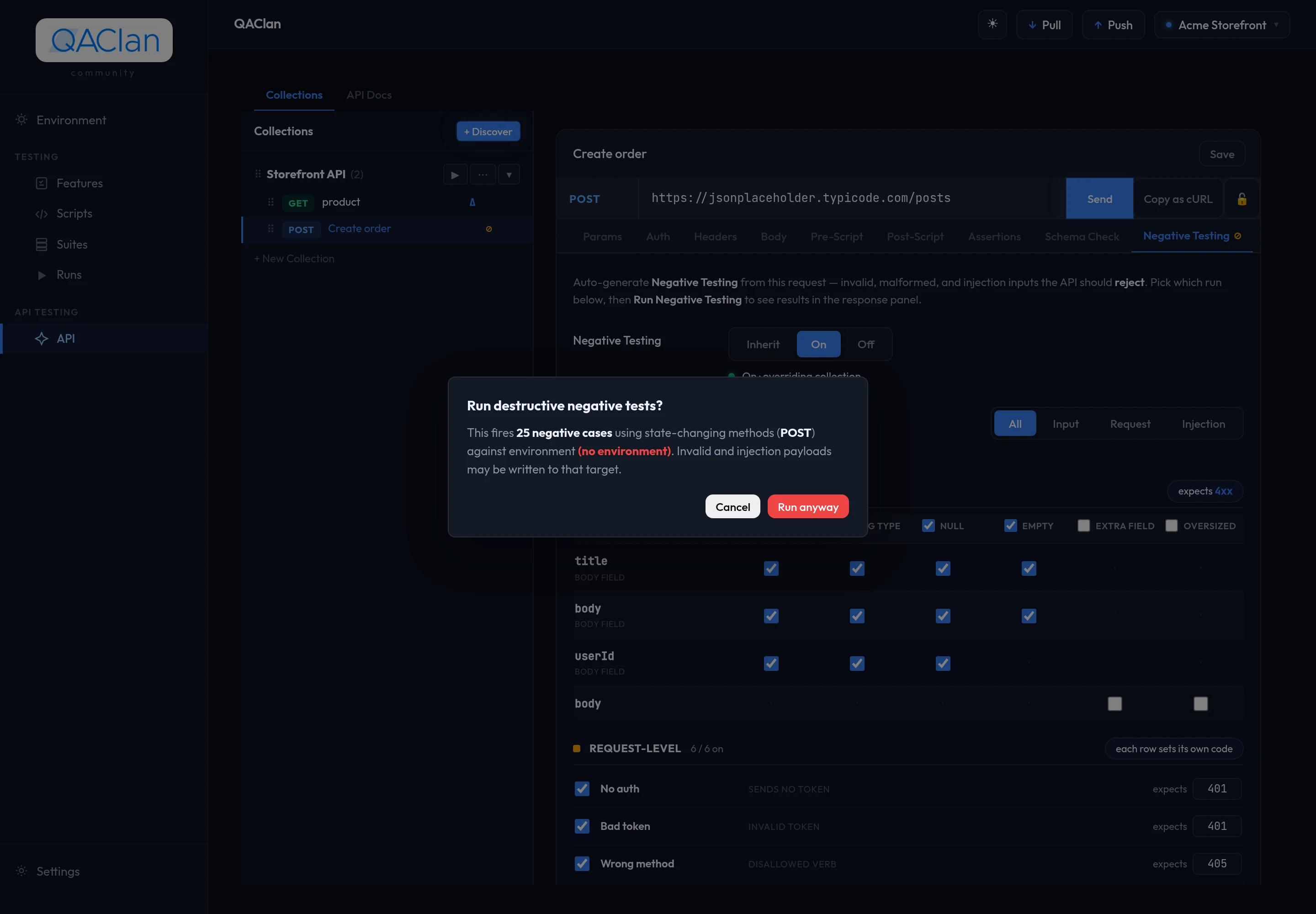
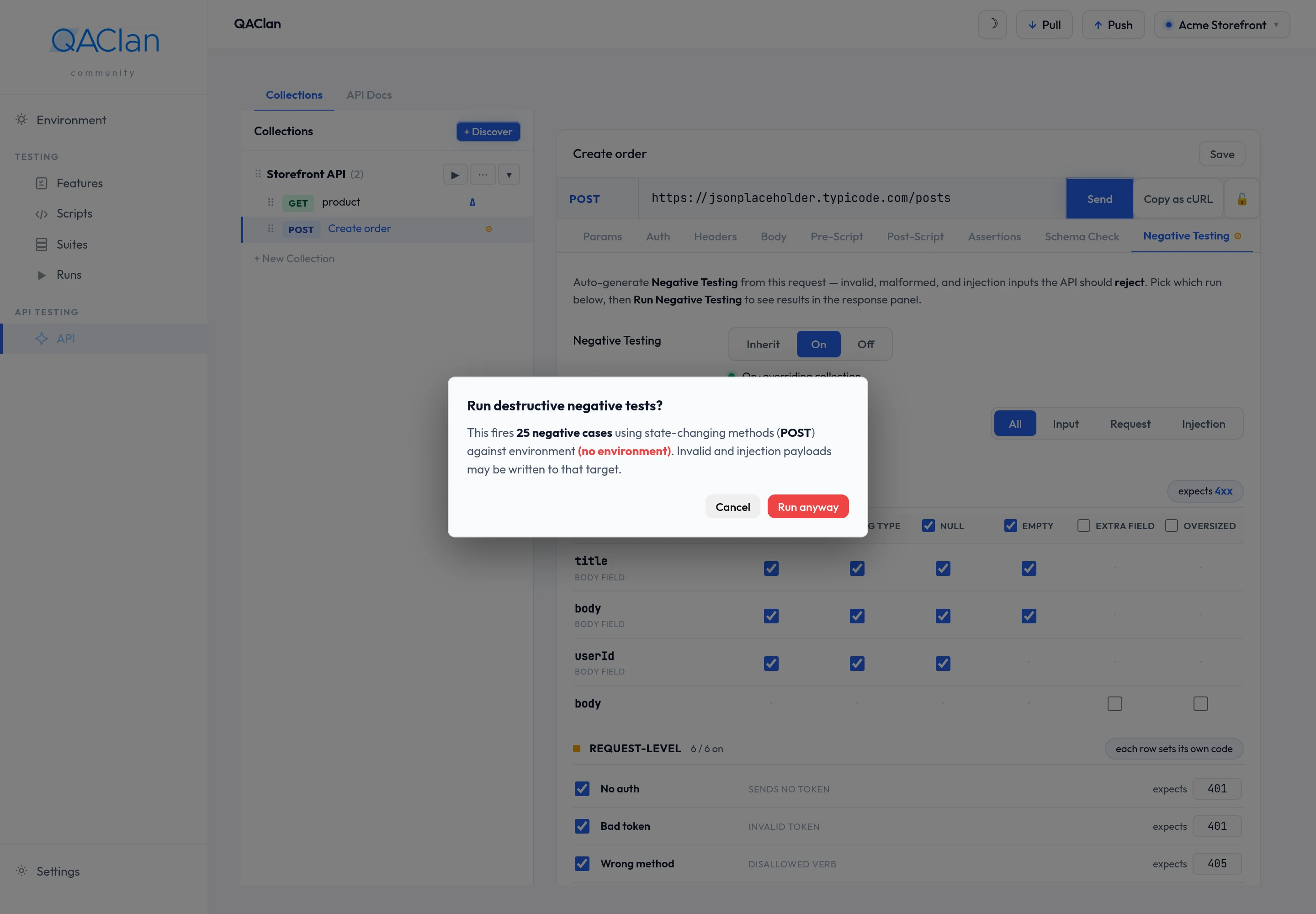
Point this at a test environment
Negative testing sends malformed and hostile requests on purpose. Run it against staging or a dedicated test environment, never against production data. From the terminal nothing fires without --yes.
Turning it on and off, and why it never runs inside a suite
A collection carries a default for everything inside it; a request is inherit, on or off. That lets you enable negative testing across a collection and exempt the handful of requests where it makes no sense.
A suite exists to walk a working journey in order. Deliberately breaking a request in the middle would derail everything after it, so negative cases are excluded from suite runs by design — and an ordinary Sendnever fires them either. Run them from the request's Negative Testing tab.
Generated cases are saved against the request rather than produced fresh each run, so switching one off sticks. Regenerating shows what was added and removed compared to the set you had, instead of silently replacing it.
Schema drift — when the response changes shape
An API can keep returning 200 while quietly changing what it returns. A field is renamed, a number becomes a string, something always present starts coming back null. Assertions catch that only if you happened to assert on that exact field.
Drift compares the shape of each response against a shape frozen earlier, and reports what changed whether or not you were checking it.
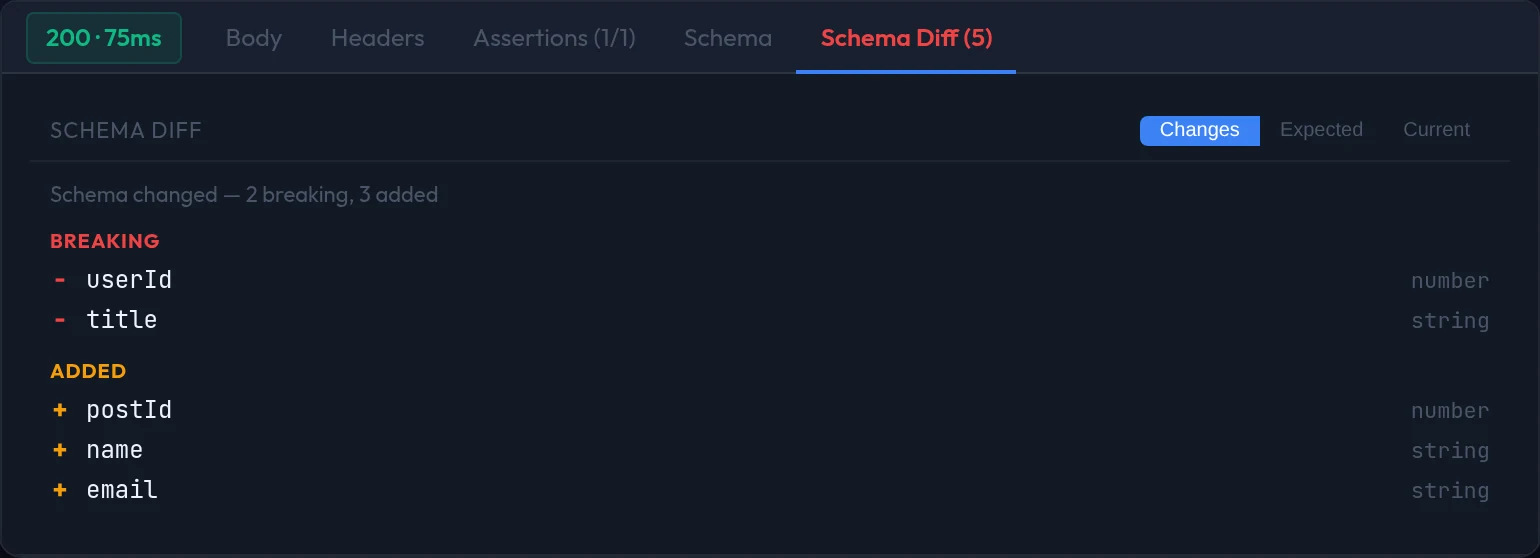
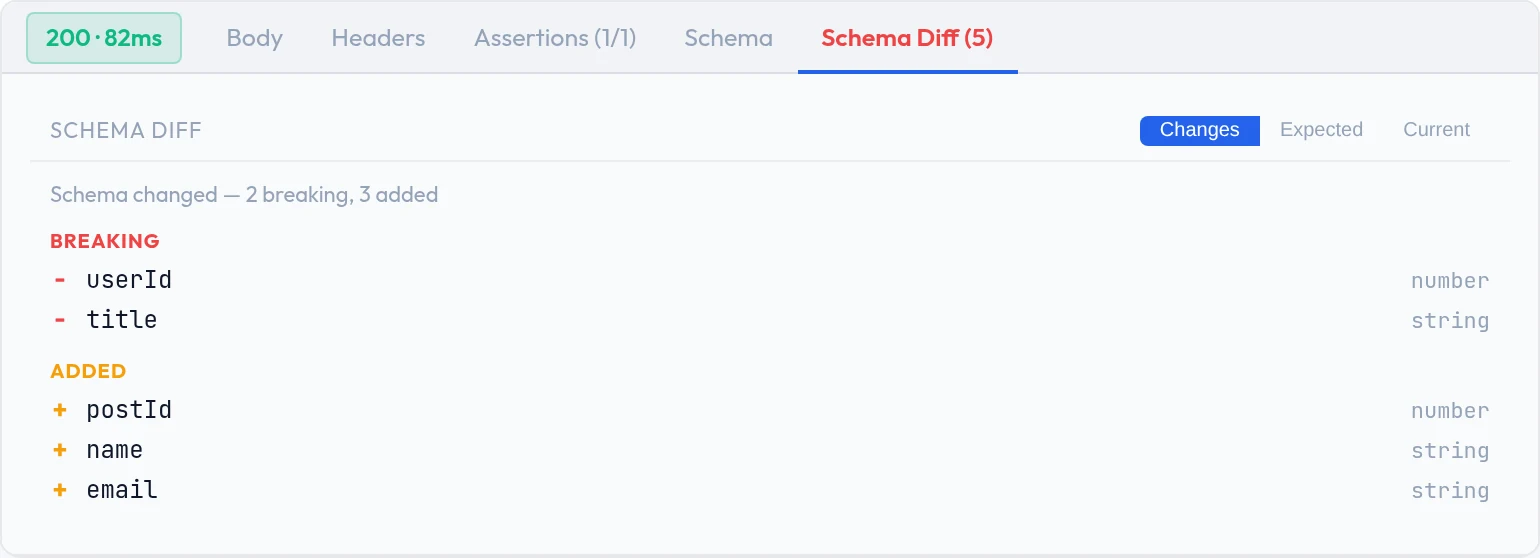
The baseline freezes itself
You do not create one. The first time a request comes back with a JSON body and a non-error status, that shape is stored. Later responses never overwrite it.
When a change is intentional — you shipped the new field on purpose — Update response schema re-freezes the baseline to the current shape, and drift is measured from there.
Breaking and additive
| Change | Classified as | Why |
|---|---|---|
| A field was removed | Breaking | Anything reading that field now gets nothing |
| A field changed type | Breaking | A consumer expecting a number and receiving a string fails, often far from the cause |
| A field became nullable | Breaking | Code that never had to handle null now does |
| An array's element type changed | Breaking | Same problem as a type change, one level down |
| A field was added | Additive | Existing consumers are unaffected, but you should know |
Each difference names the path to the field, what the baseline expected there, and what actually arrived.
Why a response you know changed can come back clean
Some parts of a response cannot be described confidently — an empty array says nothing about what it would contain, and nesting deeper than four levels is capped. Both are recorded as unknown.
Wherever either side of a comparison is unknown, no difference is reported. That is deliberate: a guess would produce false alarms. If a change you know about is reported as clean, an unknown on one side is the likely reason — send the request once more with a populated array and re-freeze.
The baseline is captured on the first send whether or not drift checking is enabled, so the Schema tab and the extractor picker have something to show straight away.
Where the verdicts show up
- On the request — the Schema Diff and Negative Testing result tabs.
- In run results, rolled up to the worst severity seen.
- In the cloud, if you are signed in — verdicts sync with the run, so a teammate sees them without your machine. See The cloud workspace.
Where to go next
| To | Read |
|---|---|
| Build the requests these checks run against | API testing |
| Write a check an assertion cannot express | Script API reference |
Every flag on qaclan api negatives | CLI reference |