
Suites, runs and reports
A suite is an ordered list of steps that runs as one unit and produces one record. Order matters, because the steps share state.
- Where
- Suites, in the sidebar
- Holds
- Browser scripts and API requests, in order
- Produces
- One run record
Build a suite
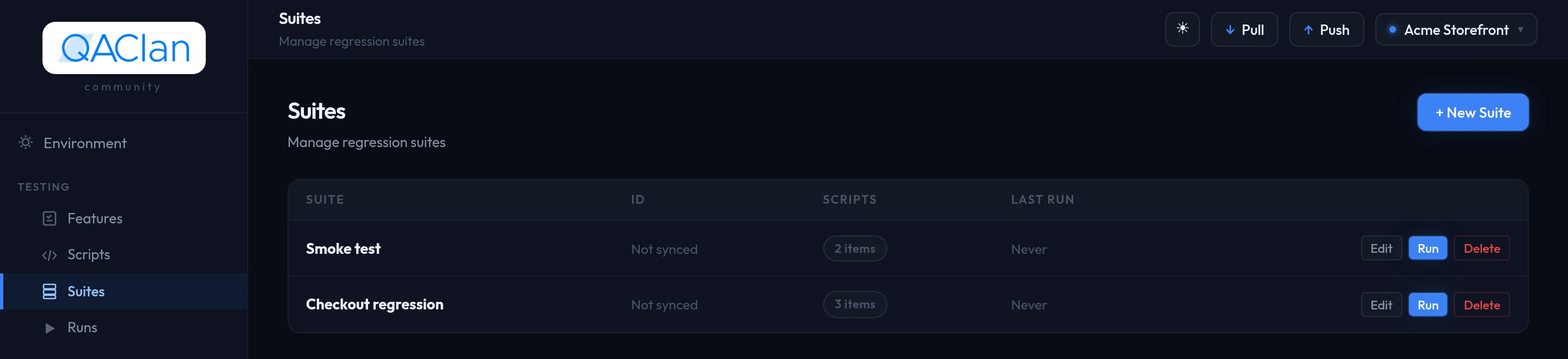
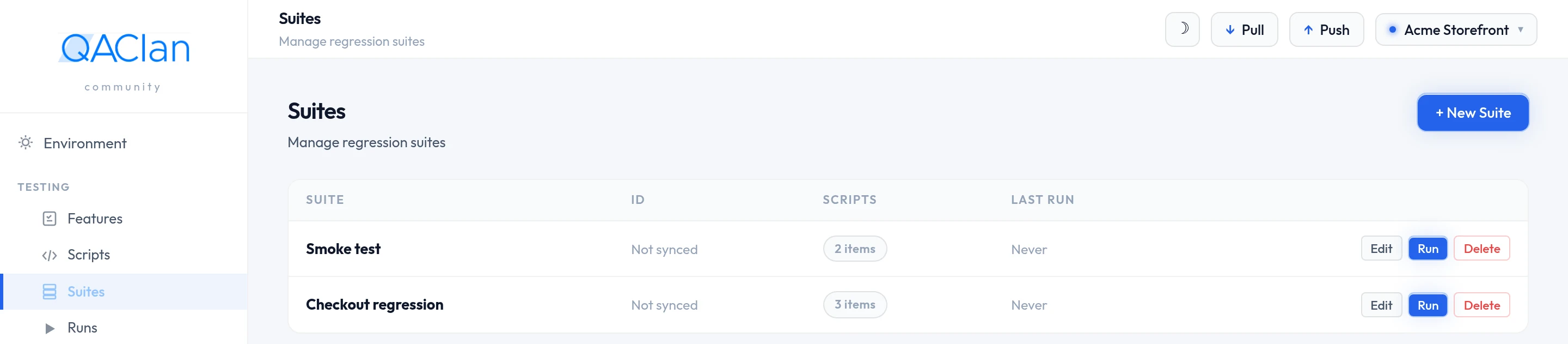
Open Suites and choose + New Suite.
Name it after what it covers — checkout regression, smoke test.
Open it and add scripts. Sign-in first.
Adding puts an item at the end; drag the rows to reorder.
Choose Run.
Why the order matters
Every script in a suite runs inside one shared browser session. Cookies and localStorage set by the first script are still there in the fourth, so you sign in once and everything after it is already authenticated.
Values travel too: a post-request script writes to shared state with qc.set(key, value), and later steps read it as a variable — see the Script API reference.
Mixing API requests and browser scripts
A suite holds an ordered mix of recorded scripts and API requests, edited as one list. That is the reason browser testing and API testing live in the same project rather than in two tools.
- Set up state through the API — create an account, seed an order — then drive the browser through the part that needs a real interface.
- Do the journey in the browser, then call the API afterwards to confirm the data actually landed the way the interface claimed.
State carries across item types in both directions: a value a browser script left behind is available to an API request after it, and vice versa. API items run under the same auth and schema-check rules as in a collection run.
Negative cases are skipped inside a suite
A suite walks a working journey in order, so deliberately breaking a request mid-way would derail everything after it. Run negative testing separately — see Negative testing and drift.
The run dialog
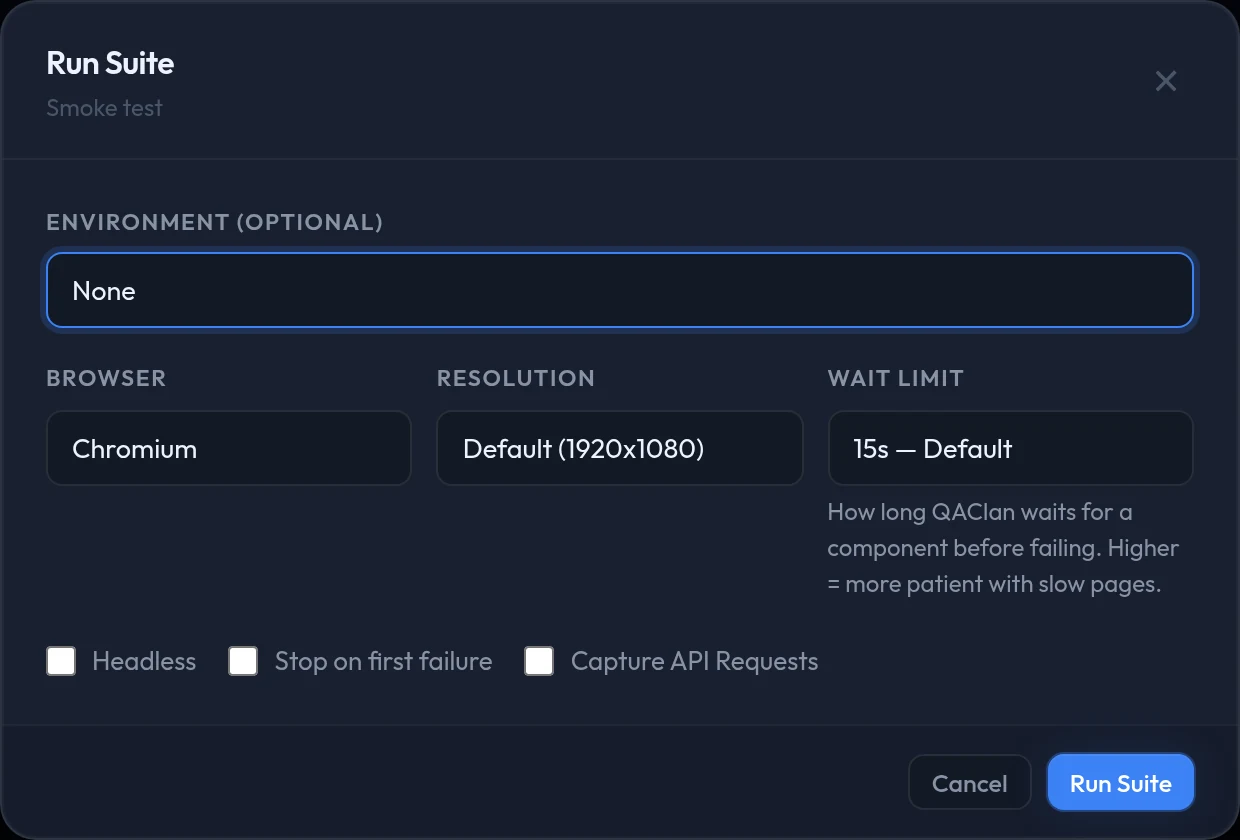
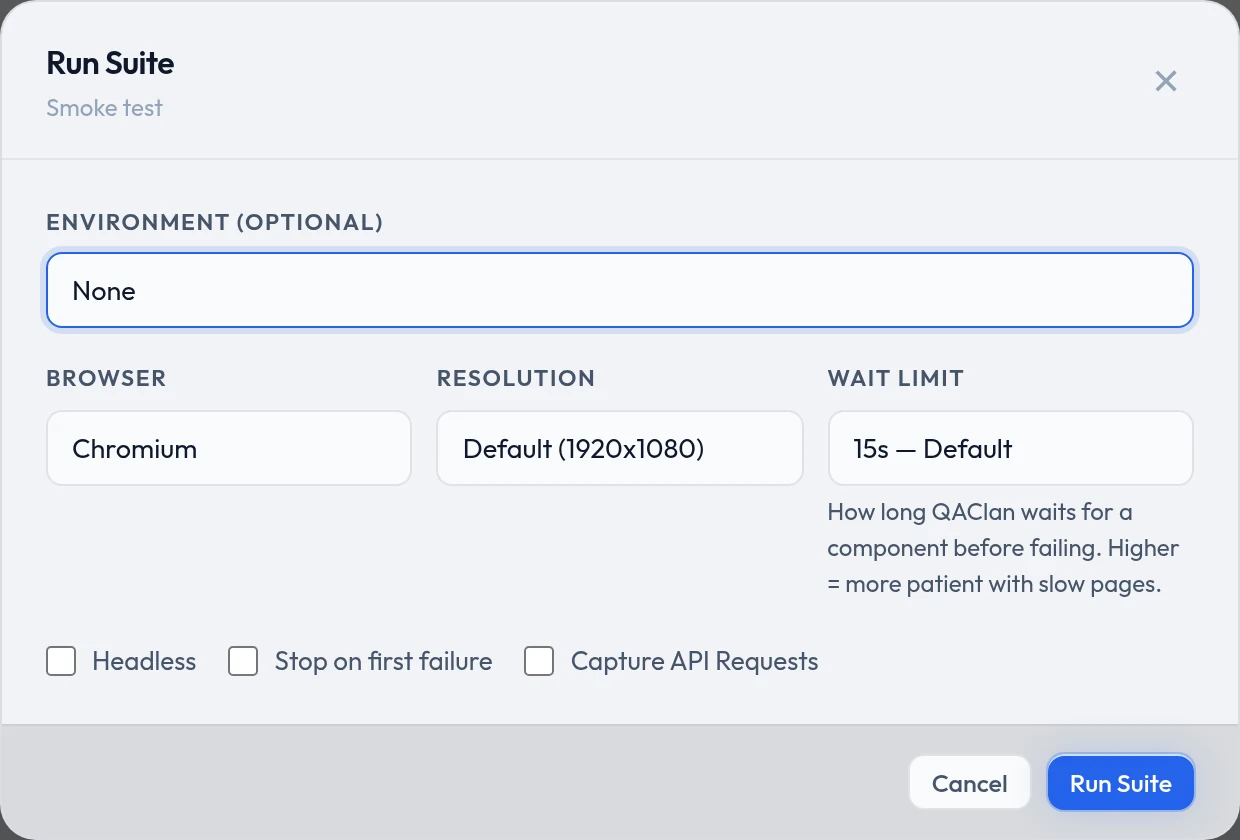
Seven options, and every default is the right answer for a first run — you can simply confirm.
| Option | Default | Change it when |
|---|---|---|
| Environment | None | The suite needs variables — a base URL, a test account |
| Browser | Chromium | You need to check Firefox or WebKit specifically |
| Resolution | 1920x1080 | Testing a mobile layout — pick 390x844 |
| Wait limit | 15s | The application is slow, and tests fail waiting for it |
| Headless | Off | Off lets you watch it, which helps while building. On is faster once you trust the test. |
| Stop on first failure | Off | A failure early on would make everything after it meaningless |
| Capture API Requests | Off | You want the HTTP calls behind the journey — see below |
Stop on first failure marks the rest as skipped rather than failed, which keeps one broken sign-in from producing twenty misleading failures.
Each script gets 300 seconds
A single script running longer than five minutes is stopped and marked failed. Long journeys are better split into several scripts in one suite — which also makes it obvious where a failure happened.
The wait limit, and overriding it for one script
One setting decides how long the run waits for something on the page — both for an action such as a click or a fill, and for an assertion. Getting it wrong either way is the usual cause of an unreliable suite: too short and a slow page fails a working test, too long and a genuinely broken test takes a minute to say so.
The choices are 5s, 10s, 15s, 30s, 45s and 60s, and the default is 15 seconds.
| Level | Set from | Applies to |
|---|---|---|
| Run | The run dialog | Every item in this run |
| Script | The script editor, where the default is Inherit suite default | That script only, overriding the run setting |
Raise it for one slow script rather than slowing the whole suite — see the script editor. There is no flag for it, so a command-line run uses 15 seconds plus any per-script overrides.
Prefer the terminal?
qaclan web run --suite <id_or_name> --env stagingqaclan web suite create "checkout regression"qaclan web suite add --suite <suite_id> --script <script_id>qaclan web suite reorder --suite <suite_id> --scripts <id1>,<id2>,<id3>--suite accepts a local id, a cloud id or the suite name. The run flags are --env, --browser chromium|firefox|webkit, --resolution WxH, --headless and --stop-on-fail. Two options have no flag: the wait limit and Capture API Requests.
Also available: suite list, suite show, suite remove and suite delete.
Turning a browser run into API tests
Tick Capture API Requests and every HTTP call your application makes during the run is recorded. When the run finishes you get a review list: keep the calls that carry your data, drop the static assets and analytics beacons, and what you keep becomes a collection.
It is the cheapest API coverage available — the journey is already recorded, so the calls behind it come for free. From there they get assertions, negative testing and drift checks like any other request.
Reading the results
The run finishes in the dialog you started it from: a pass or fail for the suite, and one line per item. Runs in the sidebar keeps the history — suite, status, how many passed out of the total, when it started and how long it took.
When something fails
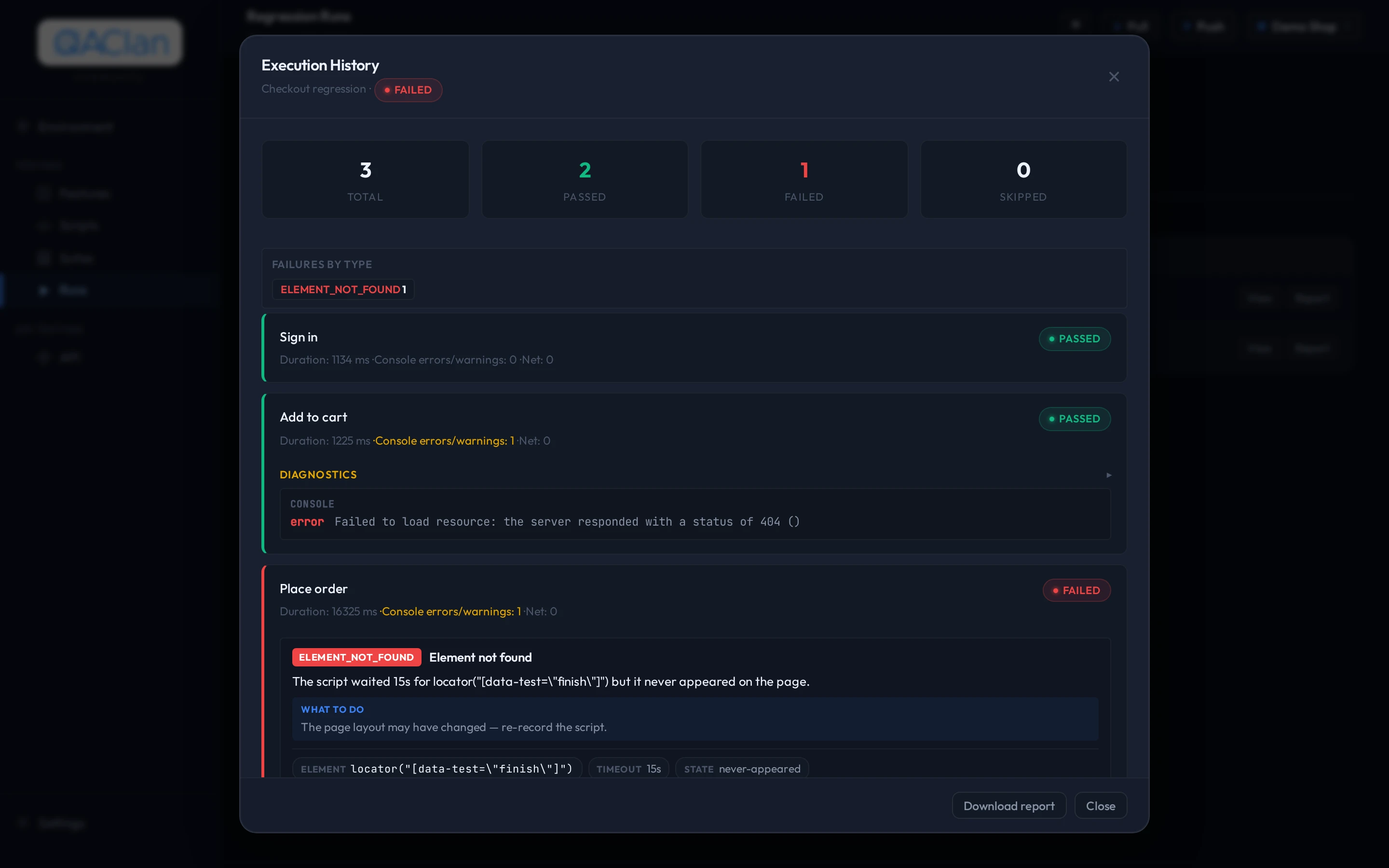
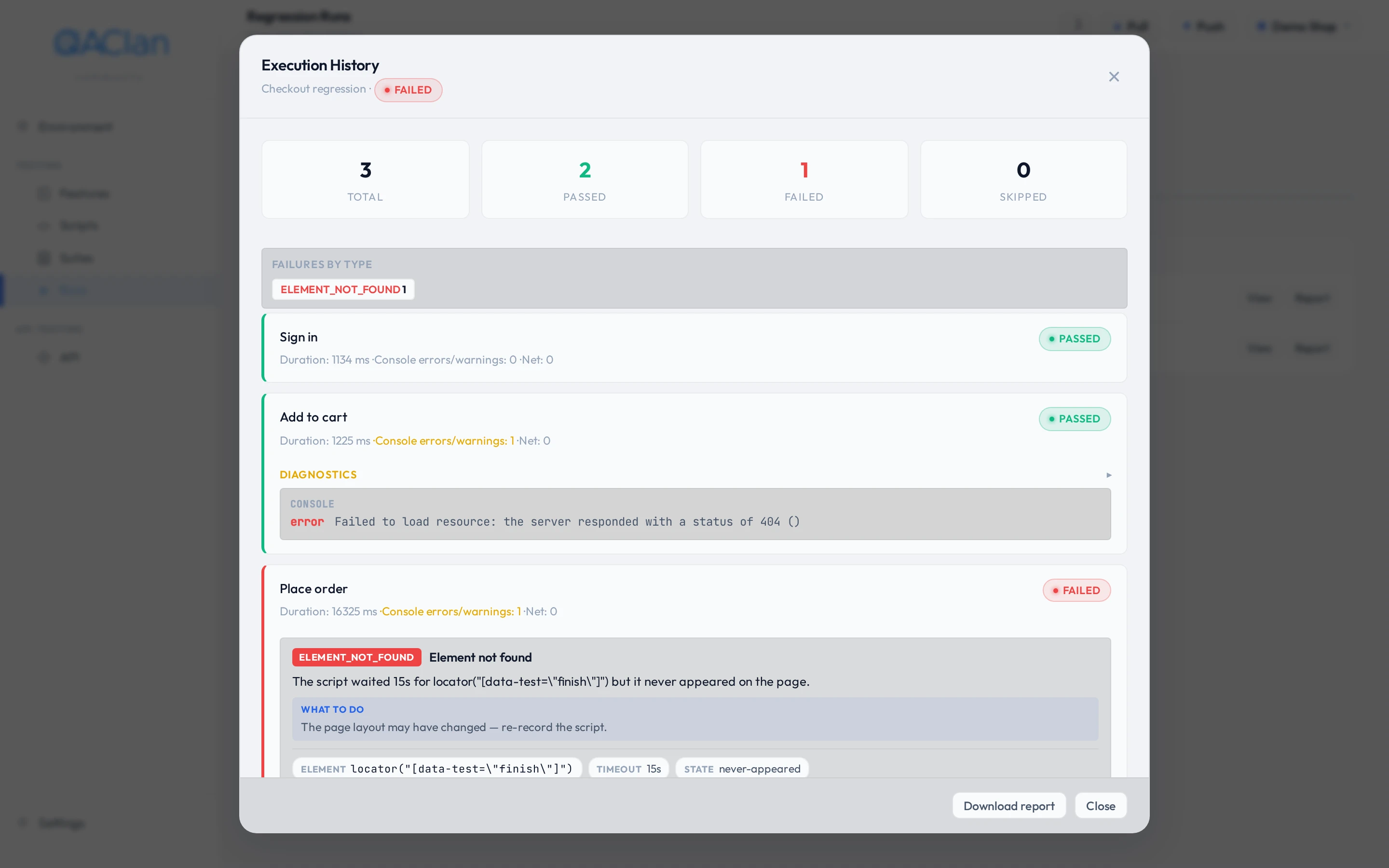
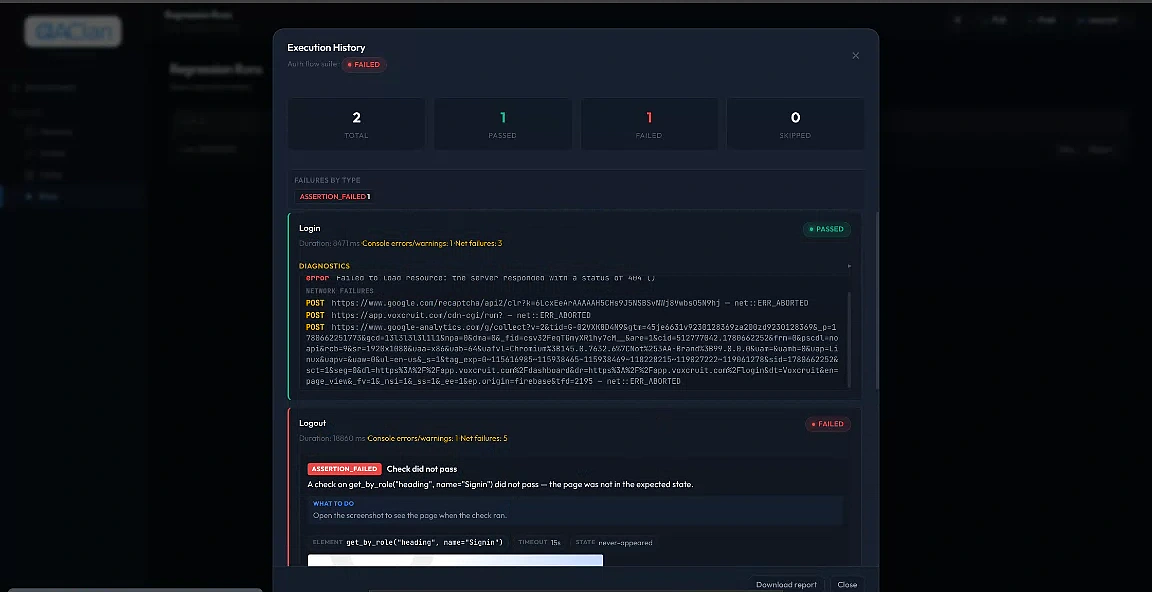
Opening a failed run gives you three things, and none of them is a stack trace.
| You get | Which answers |
|---|---|
| A plain-language reason | Whether it could not find something on the page, the page never loaded, or the application returned an error — and what to do about it |
| A screenshot | What the page looked like at the moment it failed |
| Diagnostics | The failing selector, the timeout, the URL — where they apply |
Everything a run records
- Status and duration, per script
- Console errors and warnings, and page errors
- Network requests that failed during the run
- On failure: a screenshot, saved under
~/.qaclan/screenshots/ - On failure: a classified error with a plain-language explanation
Prefer the terminal?
qaclan runsqaclan runs --suite <suite_id>qaclan runs show <run_id>Add --verbose for the raw technical error beneath the classified one. The same command is also registered as qaclan run show.
Running an API collection
A collection runs the same way a suite does, from ▶ beside its name in the API section. Every request fires in order, sharing variables as it goes, and the result rolls up to one pass or fail with per-request detail underneath — including assertion outcomes and any drift verdicts.
Running the whole collection asks for confirmation first, because it is a real run against a real target. Send on a single request is the loop you use while building.
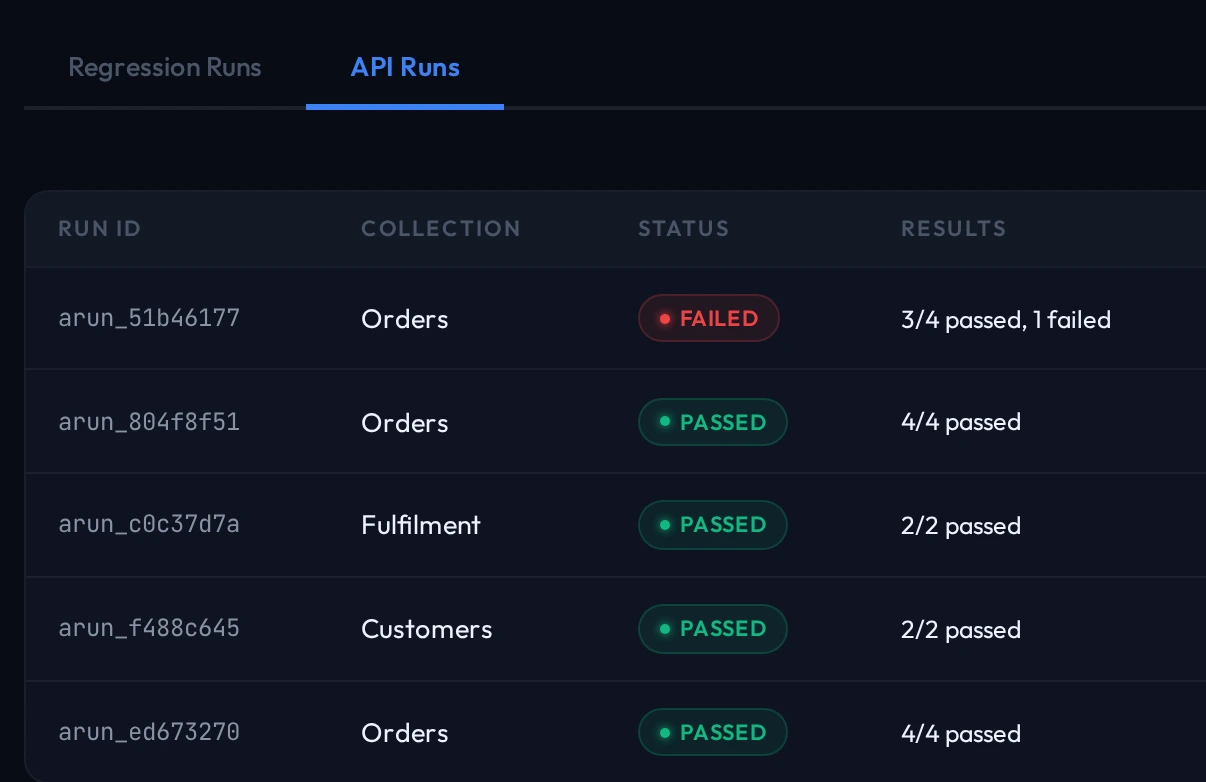
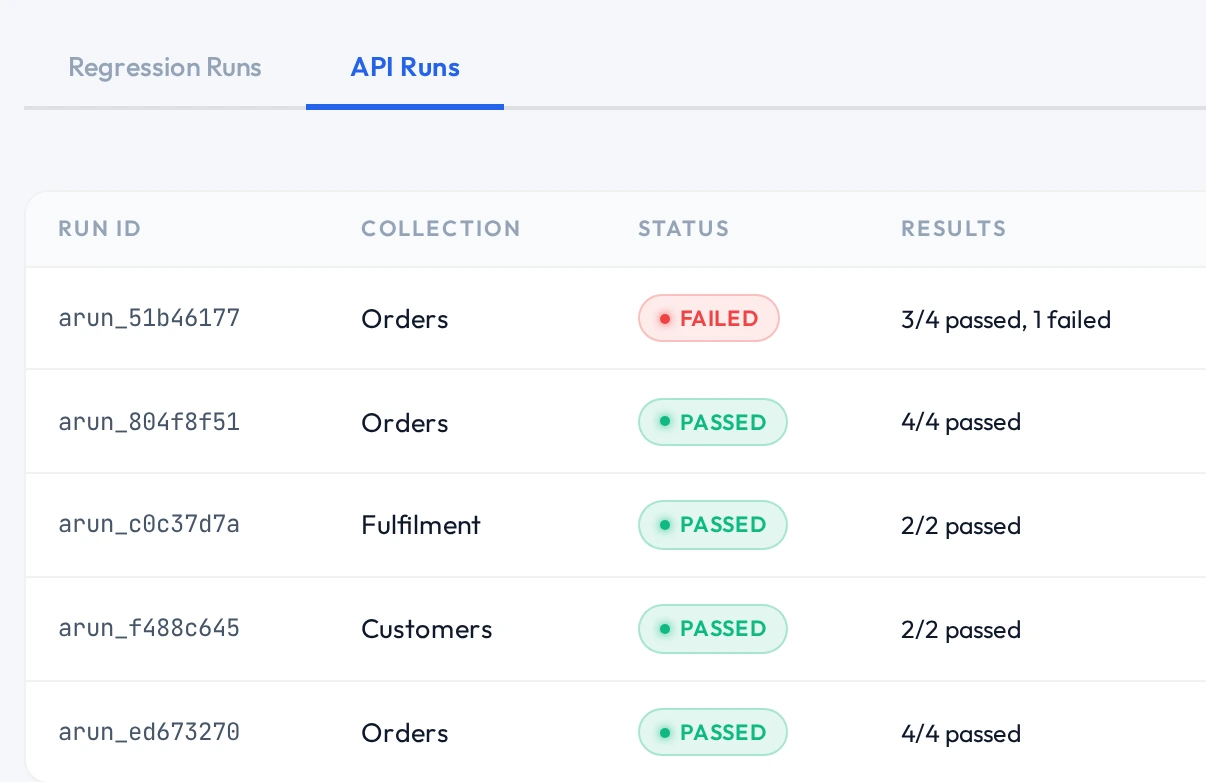
Every request that runs — on its own, in a collection or inside a suite — also updates the generated API reference.
Prefer the terminal?
qaclan api run <name_or_id> --collection Orders --env stagingAn offline HTML report
A report is a single self-contained file. No server, no account, nothing to host — attach it to a ticket or email it to whoever needs to see the failure.
qaclan runs report <run_id>qaclan runs report <run_id> --output release-42.htmlWithout --output it writes qaclan-report-<run_id>.html into the current directory. Run ids come from the Runs page, or from qaclan runs.
Running unattended, on a machine with nobody at it
qaclan login --key <auth_key>qaclan web run --suite checkout --headless --stop-on-failWhere browsers are already staged on the machine, skip the download during setup with qaclan setup --no-chromium.
Only execution works headless. qaclan web record and qaclan api record open a real browser window, so author on a desktop and run elsewhere. There is no packaged CI plugin and no built-in scheduler — the agent runs when something invokes it.
Where to go next
| To | Read |
|---|---|
| Share results with a team, and get trend reports | The cloud workspace |
| Run the same suite against staging and production | Environments and secrets |
| Add the API requests a suite can interleave | API testing |