
API testing
Bring your API in, check it answers correctly, and pass values from one request to the next. Requests live in the same project as your browser tests, so they share environments and suites.
- Where
- API, in the sidebar
- Start with
- + Discover
- Run
- One request, or a whole collection
Get your API in
+ Discover at the top of the collections list is the way in. Seven routes, and you almost certainly already have one of them.
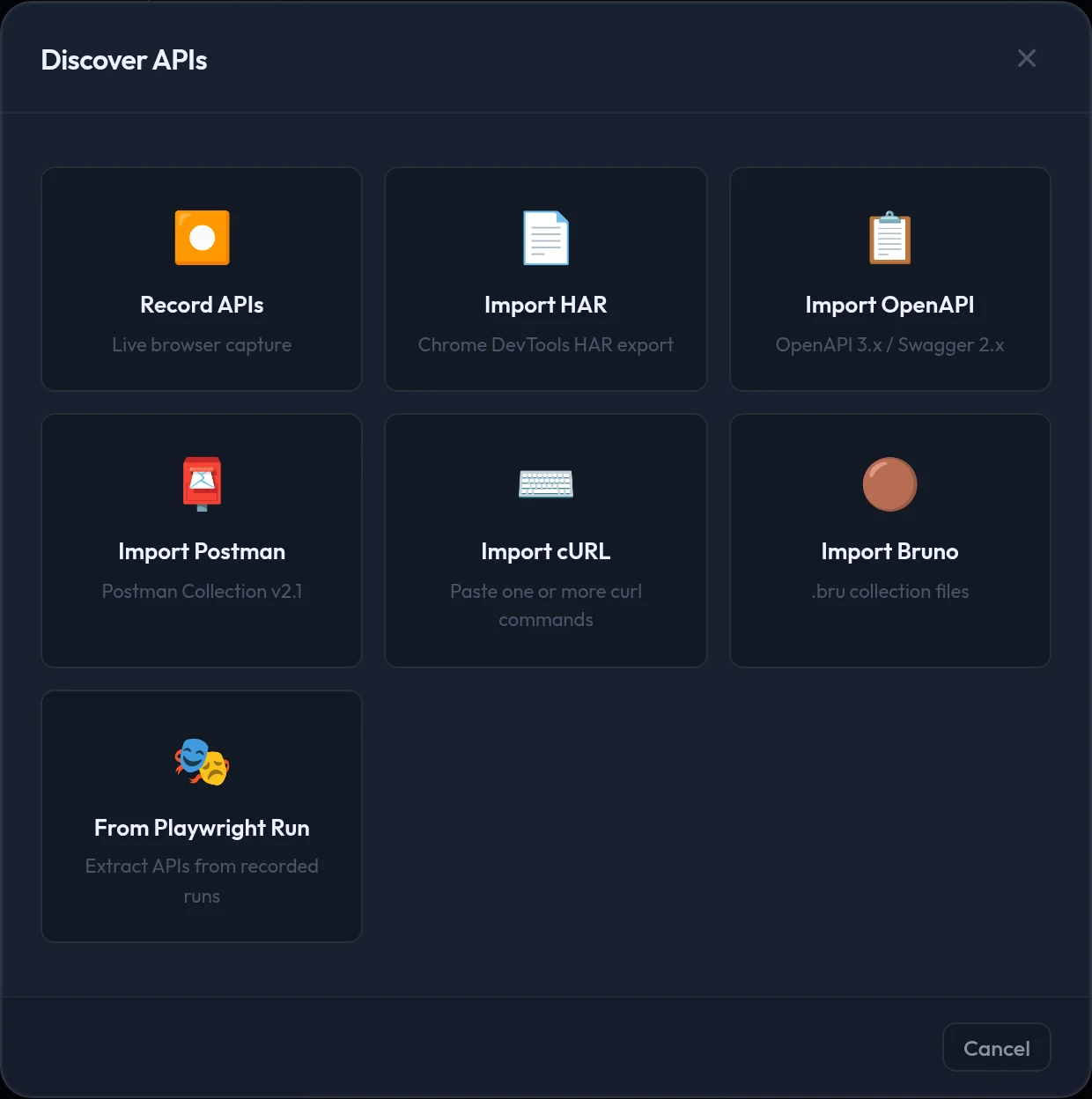
| Route | Use it when |
|---|---|
| Record APIs | You have no API definition. A browser opens, every call is captured while you use the site, and you pick what to keep. |
| Import OpenAPI | You have a spec. Requests arrive grouped by tag, and the declared types sharpen negative testing later. |
| Import Postman / Bruno | The team already keeps a collection in one of those |
| Import HAR | Somebody exported a network capture from browser devtools |
| Import cURL | You have a command from a colleague or a ticket. Paste it, preview, save. |
A browser test you already have can produce your API coverage
Tick Capture API Requests in the run dialog and the calls your app makes during a browser run are captured and offered for review afterwards. See Suites, runs and reports.
Prefer the terminal?
qaclan api record --url https://your-app.testqaclan api import <file_or_url> --format auto --collection <name>--format accepts auto (the default), har, openapi, postman and bruno. Pasting curl is app-only.
How it is organised
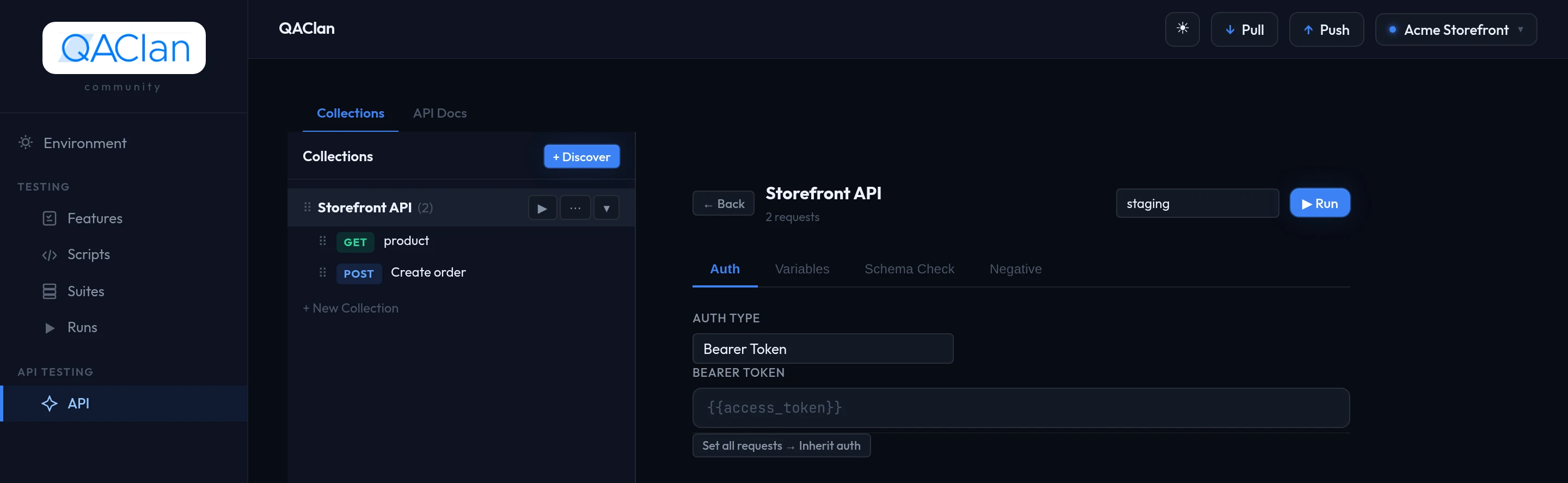
| Level | What it is |
|---|---|
| Collection | Related requests, plus its own variables and a default auth the requests inherit |
| Folder | Arrangement inside a collection. No behaviour of its own. |
| Request | One saved call: method, URL, headers, parameters, body, auth, assertions and scripts |
| Example | A saved response, kept as a record of what a good answer looks like |
The ⋯ menu on a collection adds a request or a folder, exports it as Postman or Bruno, or deletes it. ▶ runs the whole collection.
Collection settings
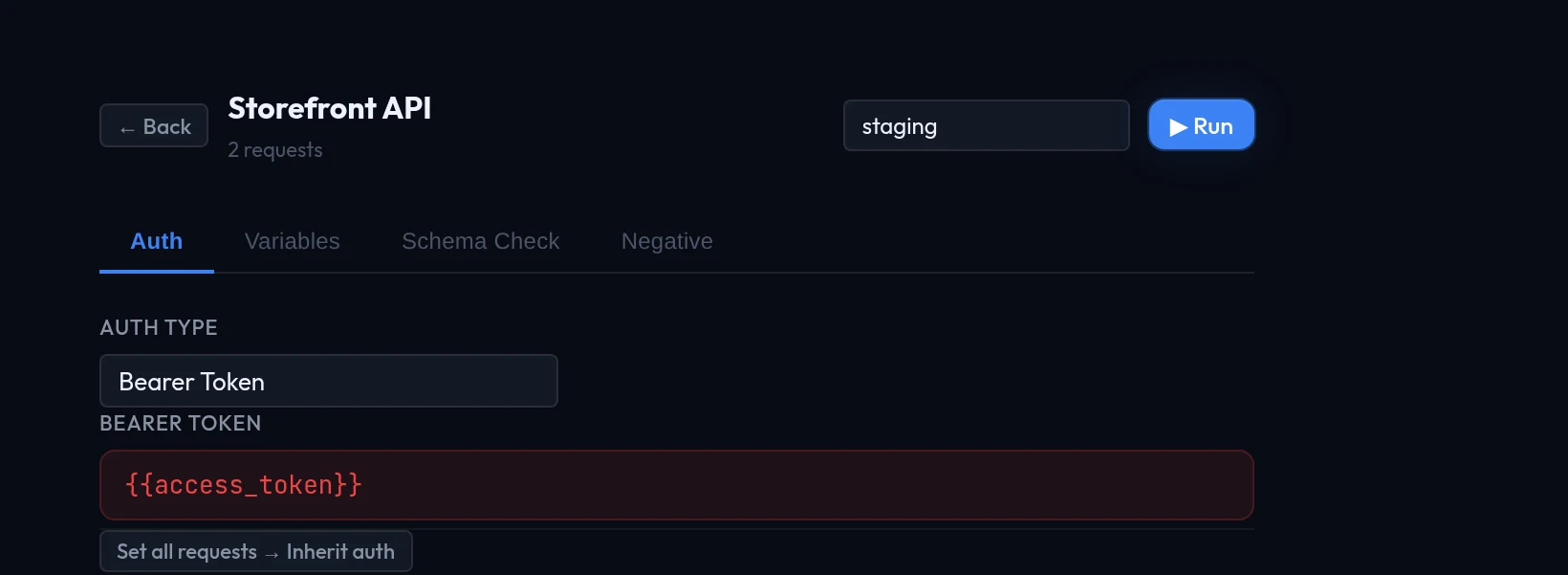
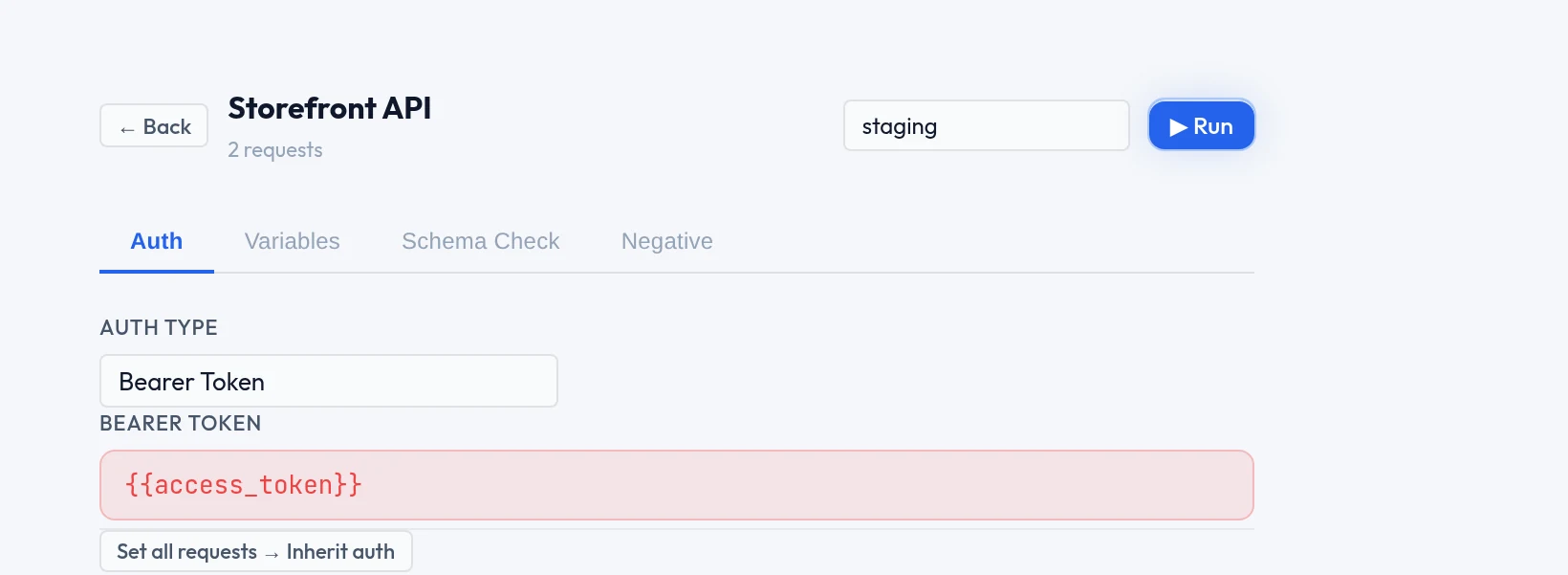
Selecting the collection itself — rather than a request inside it — opens four tabs, and the environment it runs against.
| Tab | Holds |
|---|---|
| Auth | No Auth, Bearer Token, Basic Auth, API Key or OAuth 2. Set all requests → Inherit auth applies it across the collection in one go. |
| Variables | Starting values for this collection's requests, referenced as {{name}} |
| Schema Check | Response-shape drift for the whole collection — see Negative testing and drift |
| Negative | The collection default for negative testing — see Negative testing and drift |
Put the token in a variable, not in the field
The Bearer Token field takes {{access_token}} as happily as a literal. Keep the value in an environment, mark it secret, and the collection works against staging and production without editing. See Environments and secrets.
The request editor
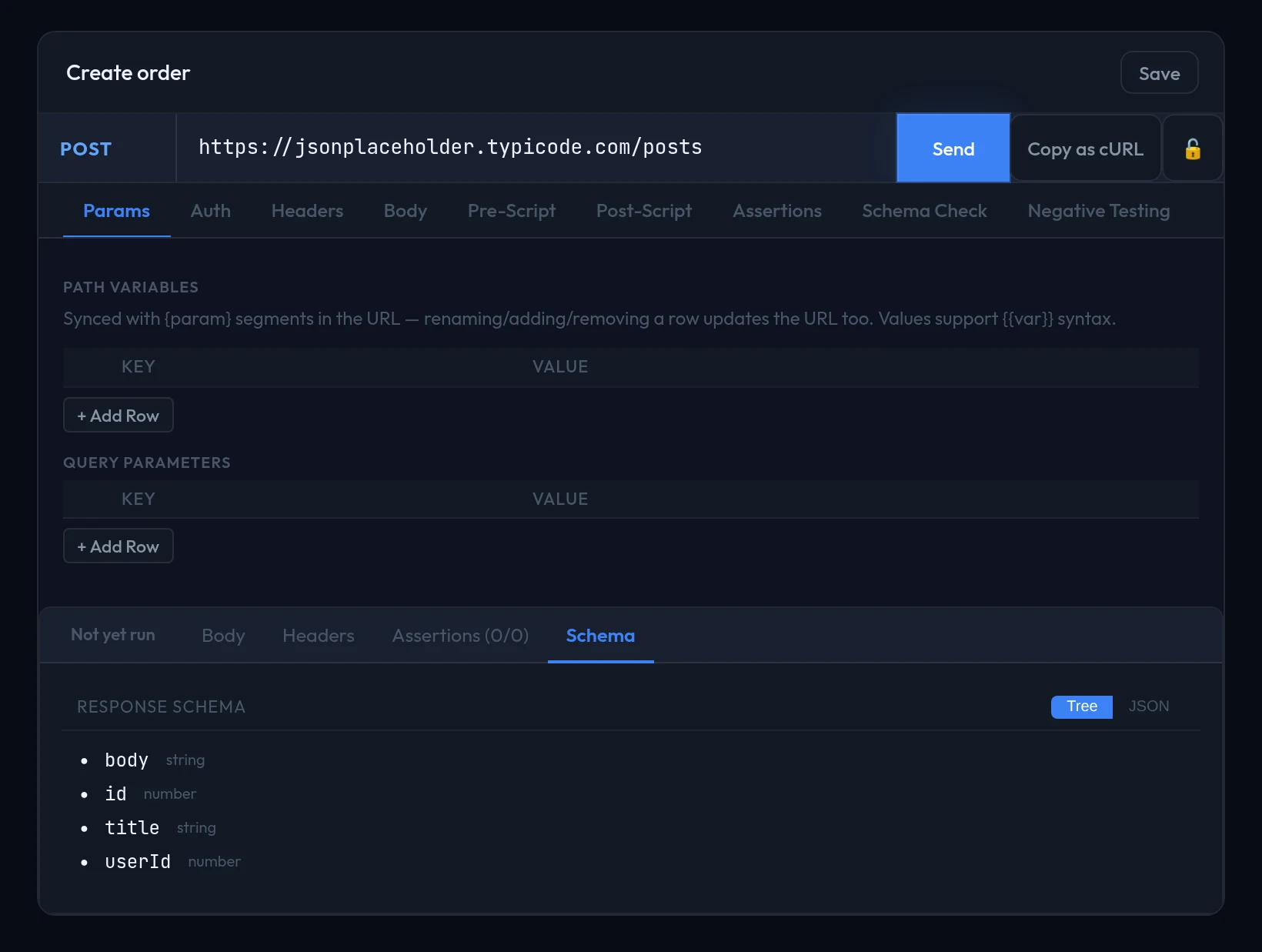
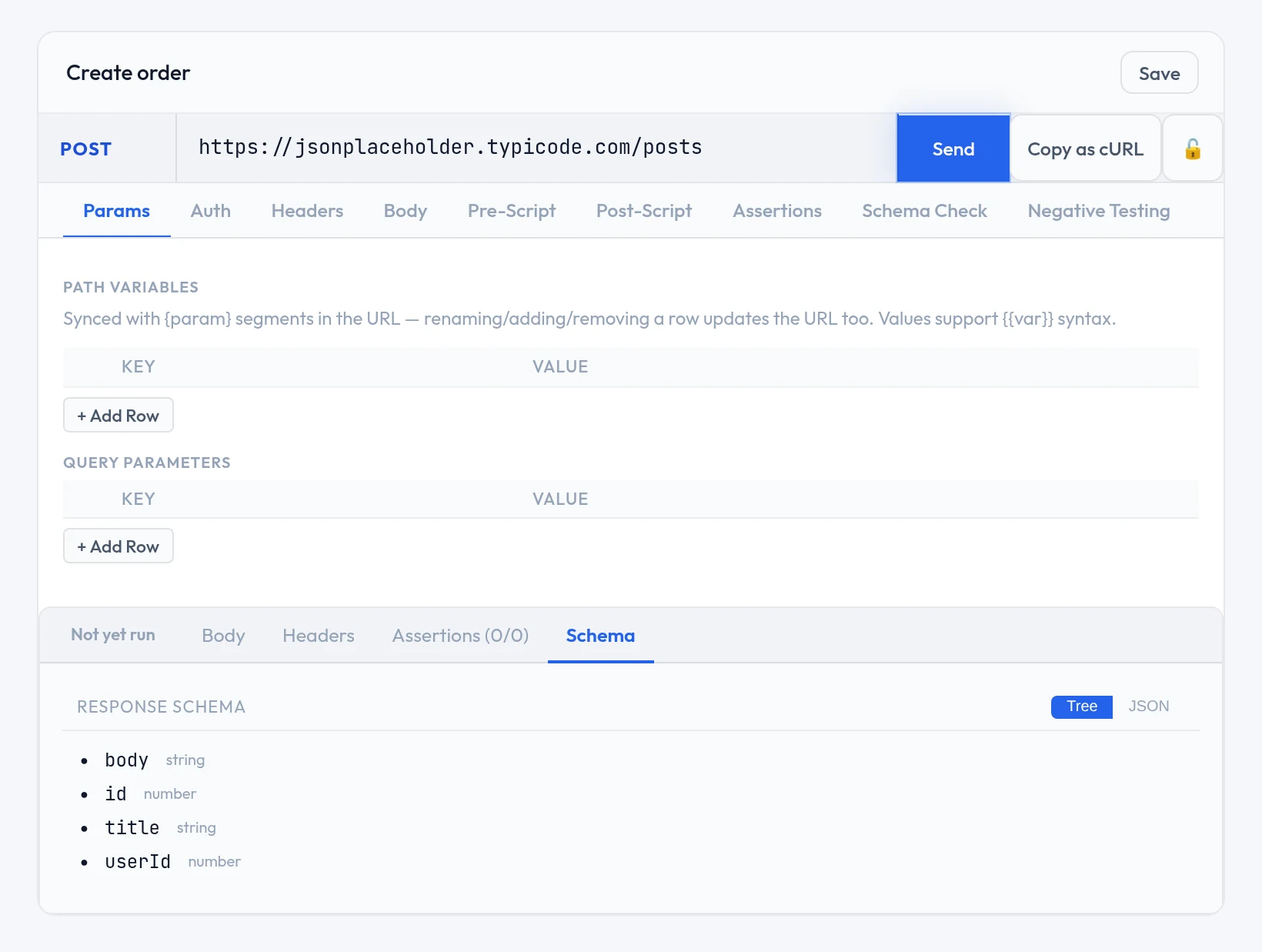
Method, URL, Send, and nine tabs underneath. The response lands in the panel below, with its own tabs for body, headers and assertion results.
| Tab | For |
|---|---|
| Params · Headers | Query parameters and headers as key–value rows. Params stay in step with the URL. |
| Auth | This request's auth, or inherit the collection's |
| Body | JSON, form data, raw text or GraphQL |
| Pre-Script · Post-Script | Code that runs before the call and after the response |
| Assertions | Pass or fail checks, no code needed |
| Schema Check · Negative Testing | Covered in Negative testing and drift |
The Body tab
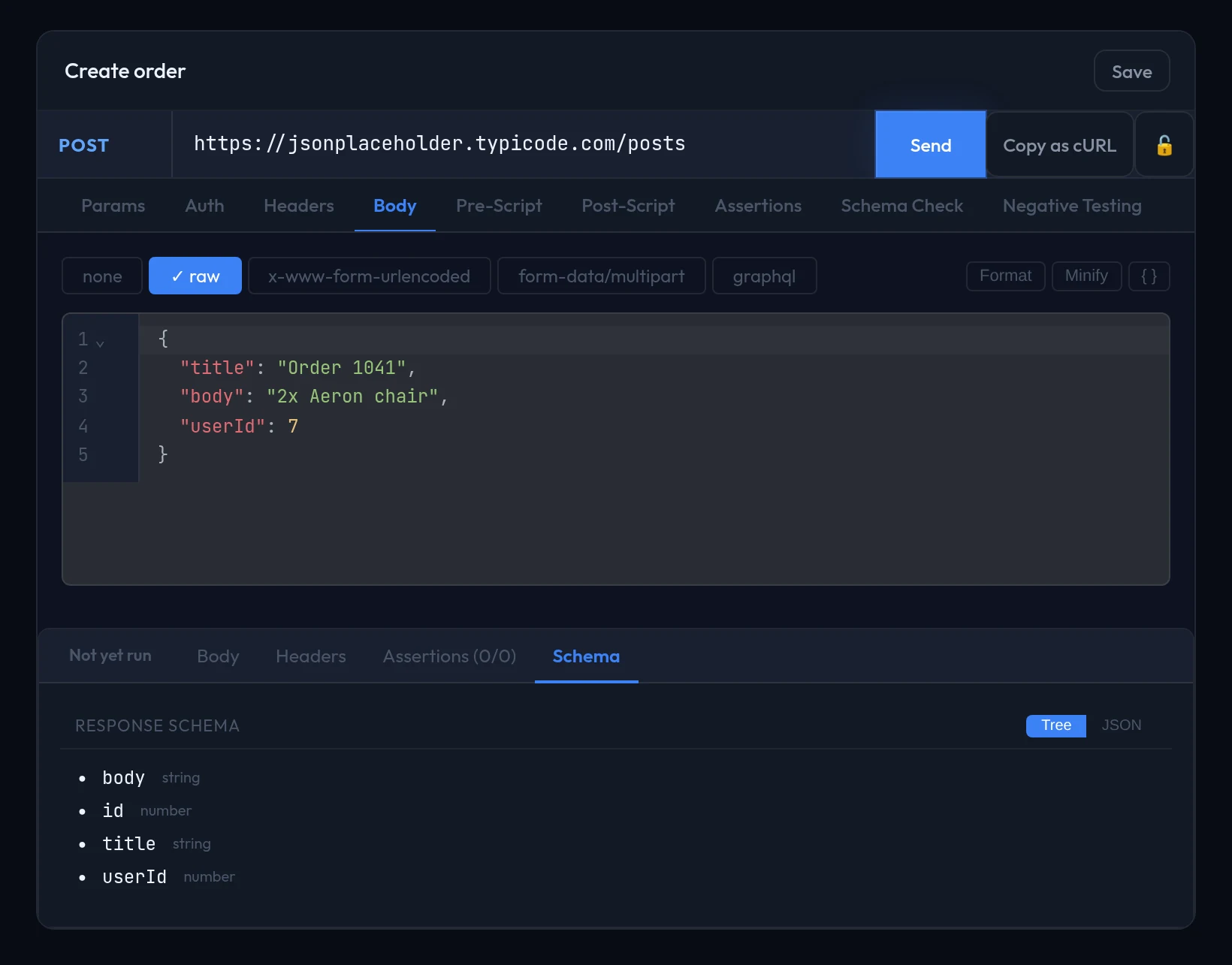
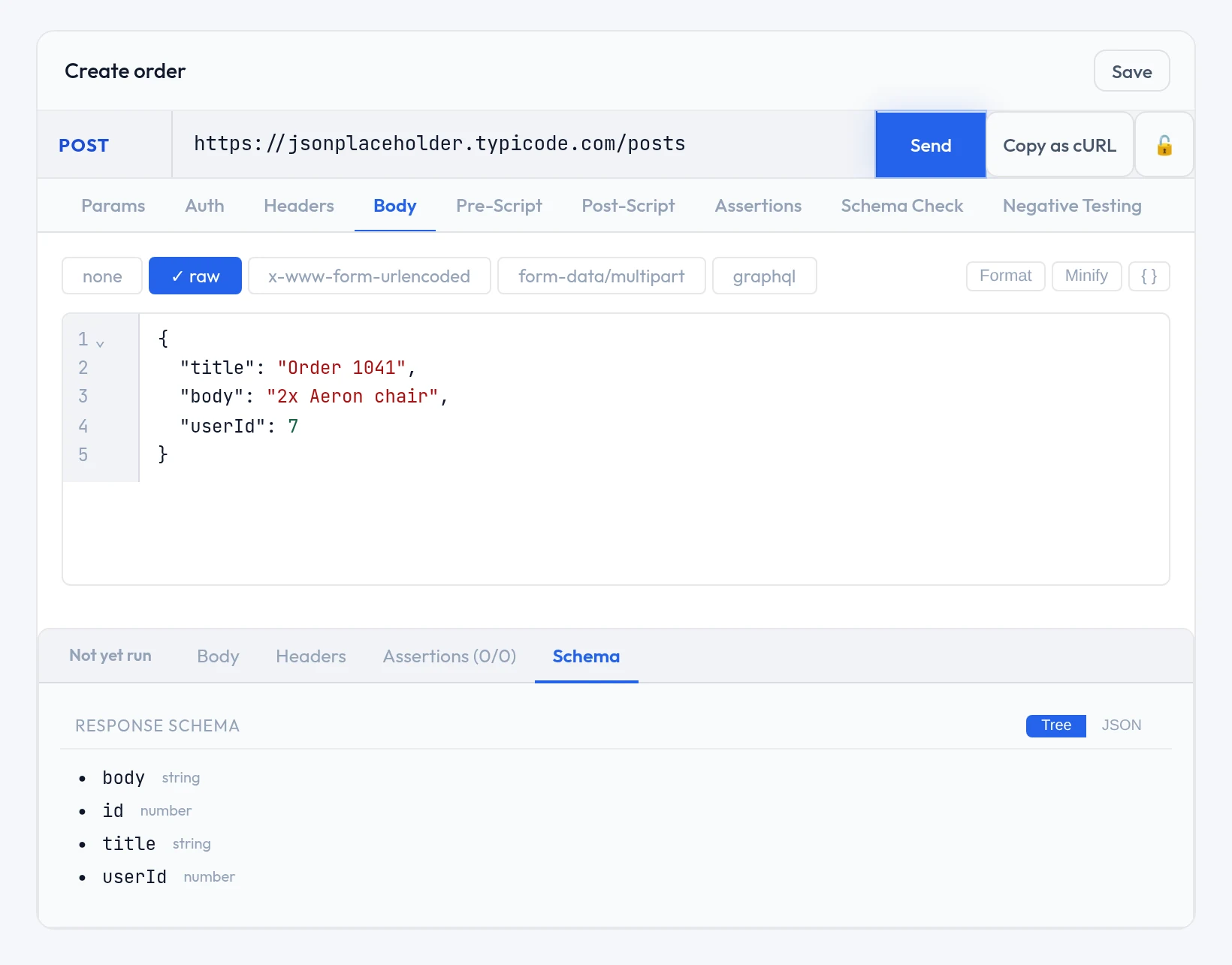
JSON gets a real editor — formatting, bracket matching and inline errors. Variables work inside the body just as they do in the URL, so {{order_id}} is resolved before the call is sent.
GraphQL bodies
A body can be GraphQL, with syntax highlighting, bracket matching, grammar-level completion and a formatter for minified documents. The editor does not load your schema, so there is no field-aware autocomplete — it understands GraphQL grammar, not your particular API.
Assertions — checks without code
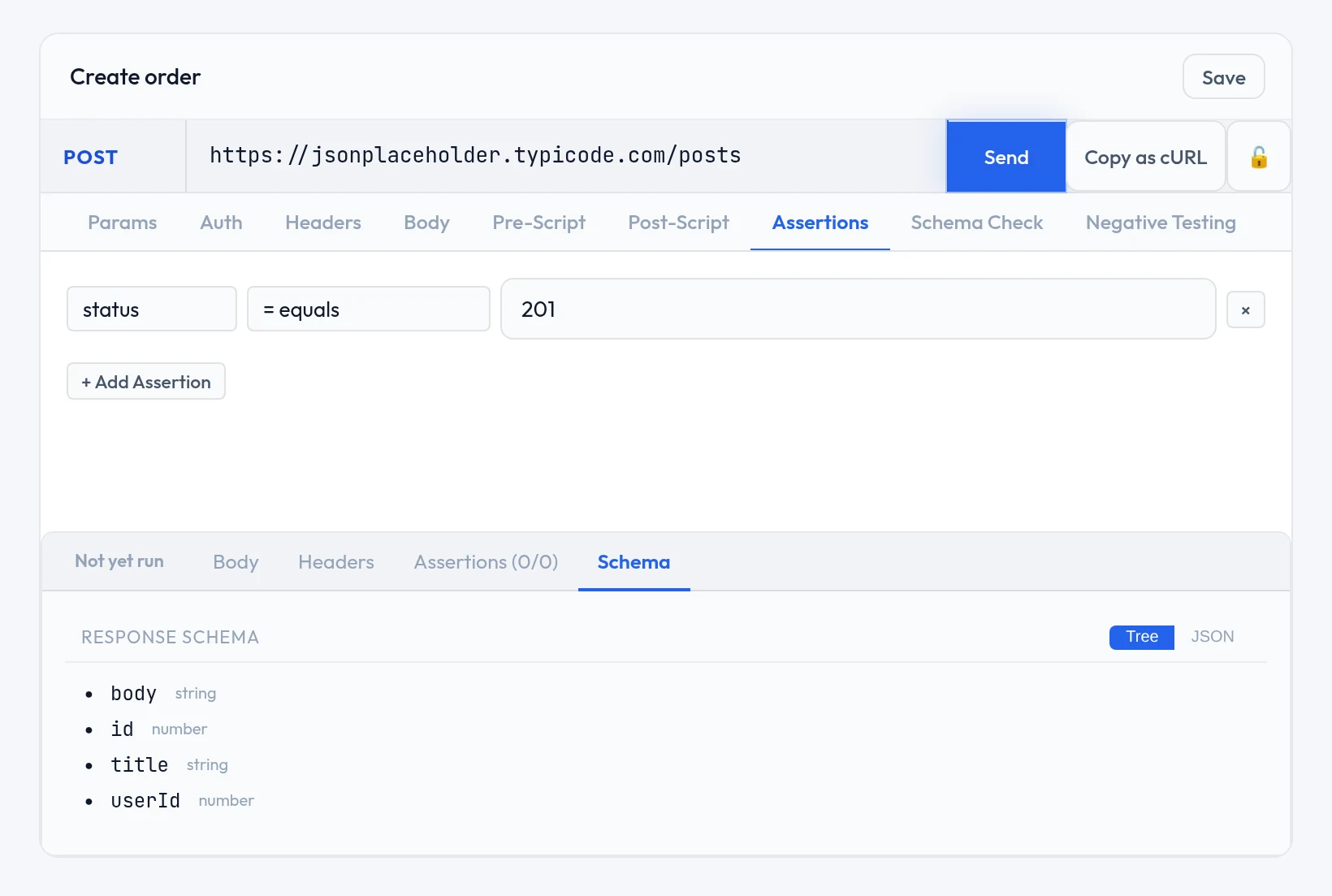
An assertion is a type, an operator and an expected value. Add them on the Assertions tab; each outcome appears beside the response.
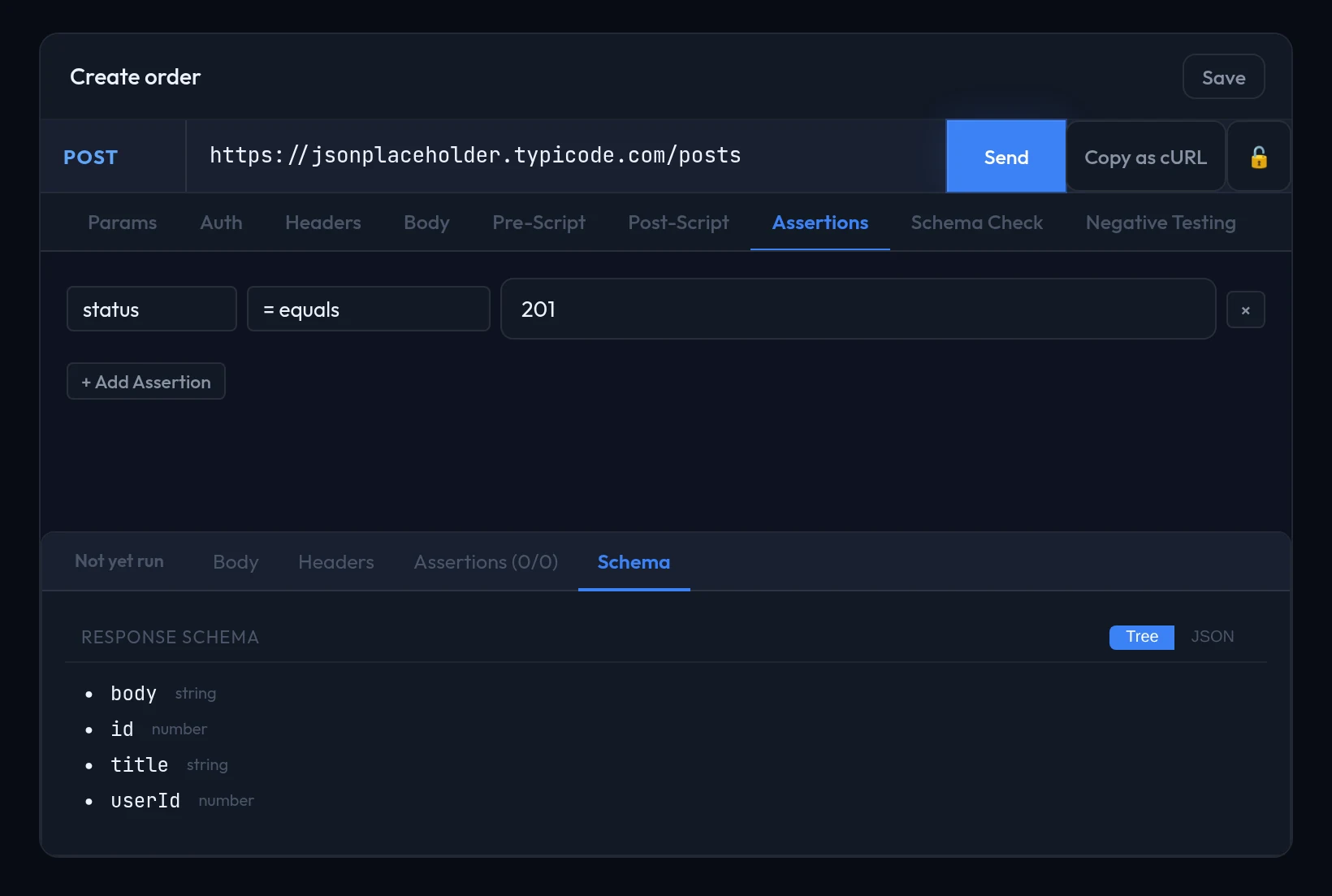
Every assertion type and operator
| Type | Operators | Checks |
|---|---|---|
status | eq ne lt gt | HTTP status code, compared numerically |
json_path | eq ne lt gt contains exists not_exists matches | The value at a JSONPath expression in the JSON response body |
header | eq ne contains exists not_exists matches | A response header, by exact name and then by its lowercase form |
response_time | lt gt eq | Request duration in milliseconds |
body_text | contains eq matches | The raw response body as text |
matches is a real regular expression search — case-sensitive and not anchored, so ^ and $ are yours to add.
When a JSONPath matches several nodes, a match mode decides how they are judged: first (the default) checks only the first, any passes when at least one satisfies the operator, and all requires every one to.
A json_path with no matches, or an absent header, can only pass not_exists — nothing is stringified into "None" to be compared against, so an eq on an absent value fails rather than matching by accident. A path resolving to JSON null still counts as present, so exists passes on it.
Passing a value to the next request
Log in, get a token, use it in every call after that. The Post-Script tab does this two ways, and the first needs no code.
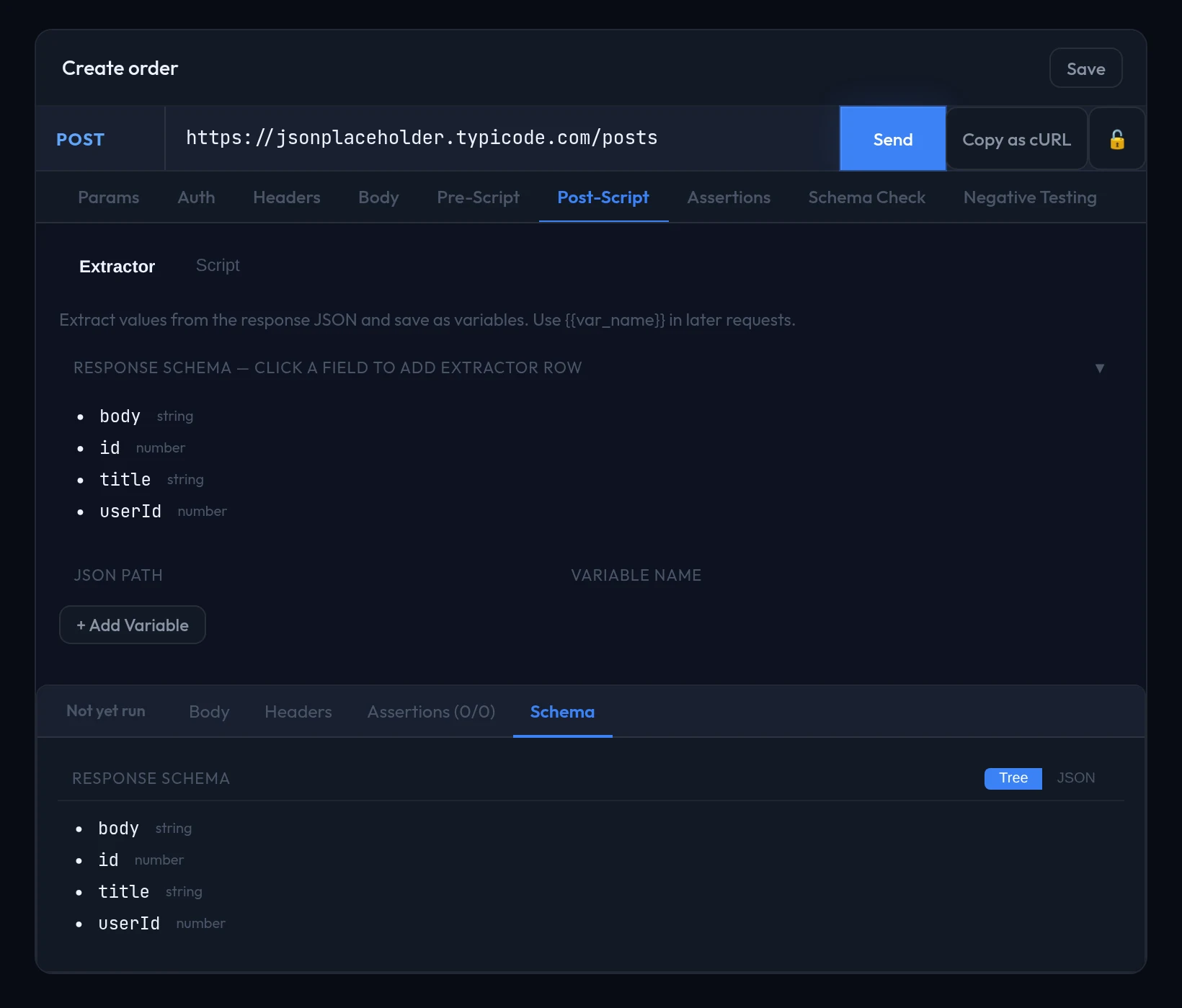
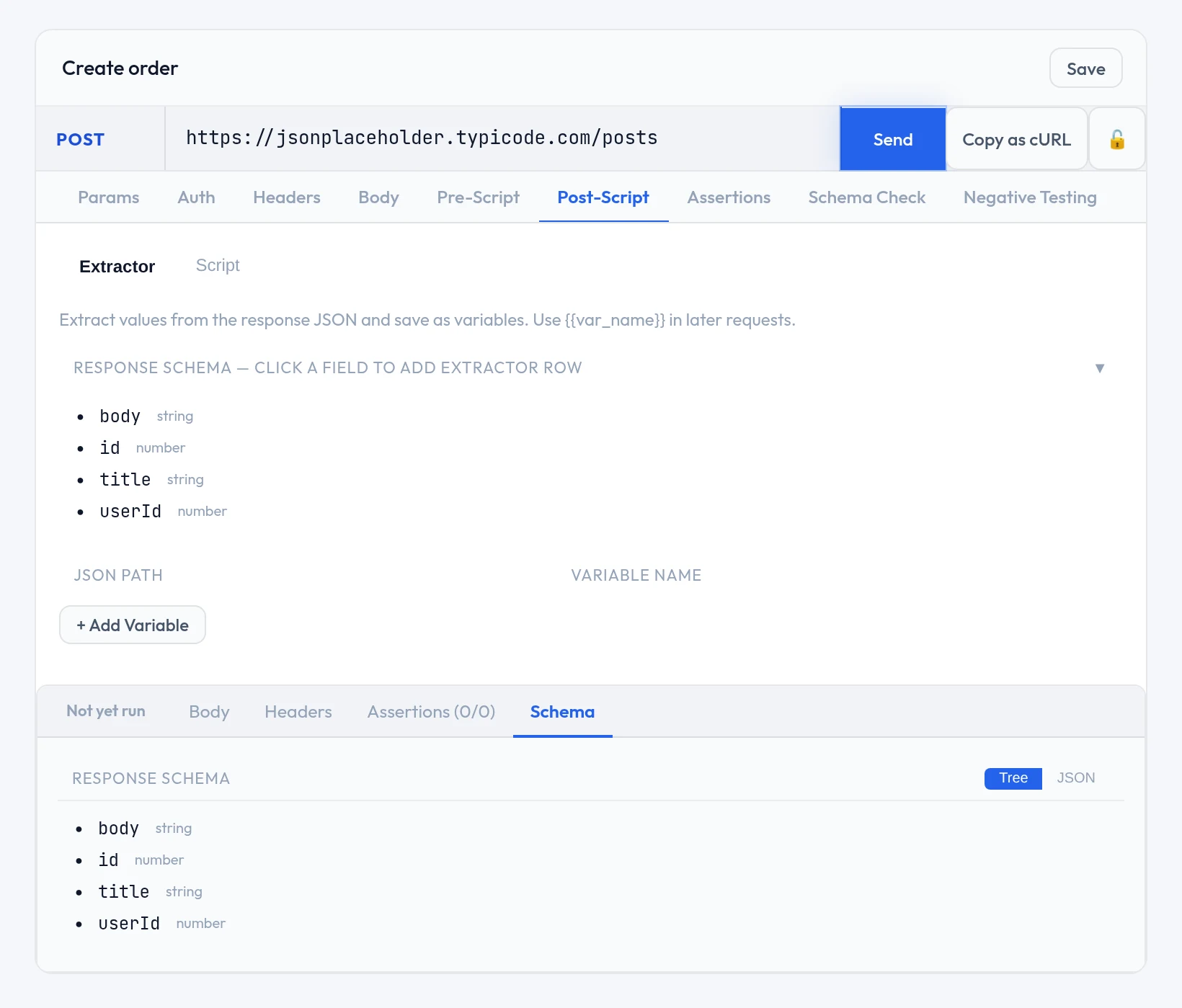
Send the request once, so the response shape is known.
On Post-Script → Extractor, click the field you want.
Give it a variable name.
Use
{{that_name}}in any later request.URL, header, parameter or body — anywhere a variable works.
Extractor paths are dot-paths, not JSONPath
Write data.user.id, with integers indexing into arrays. $, [*] and filters do not work here, even though the json_path assertion type does accept them. An optional prefix turns a raw token into Bearer <token> in one step.
When it needs real logic
The Script sub-tab takes JavaScript or Python. Pre-scripts run before the call and can stage headers or parameters; post-scripts run after the response.
post-script · javascript
const body = response.json();
qc.set("order_id", body.id);
qc.expect(body.status === "confirmed", "order not confirmed");
qc is what you call to change the request or record a result; response is what came back.
| Binding | Purpose |
|---|---|
qc.set(key, value) | Write to shared state, so later requests can use it as a variable |
qc.setHeader(key, value) / qc.set_header(...) | Add or overwrite a request header before the call is sent |
qc.setParam(key, value) / qc.set_param(...) | Add or overwrite a query parameter before the call is sent |
qc.expect(condition, message) | Record a pass or fail, shown beside the no-code assertion results |
qc.test(name, fn) | Run a function and record one named assertion from its outcome |
JavaScript uses camelCase and Python snake_case; only set, expect and test are spelled the same in both. Every binding, every injected value and the execution limits are in the Script API reference, with a runnable example for each.
Where a variable comes from
Environment variables, collection variables and anything a script or extractor stored during the run all resolve as {{name}}. When the same name exists in more than one place, the most specific wins — the order is in Environments and secrets.
Send one, or run them all
Send in the editor runs the request in front of you — the loop you work in while building it. ▶ on the collection runs everything in order, sharing variables as it goes, and asks for confirmation first because it is a real run.
A run in progress is tracked live and announces itself when it finishes, so you can start one and carry on working. Results land in run history and, if you are signed in, sync with their assertion outcomes and any negative or drift verdicts.
Prefer the terminal?
qaclan api run <name_or_id>qaclan api run <name_or_id> --collection <name> --env stagingqaclan api list --collection OrdersThe positional argument is required either way; --collection is what turns it into a full collection run.
API Docs — a reference from real traffic
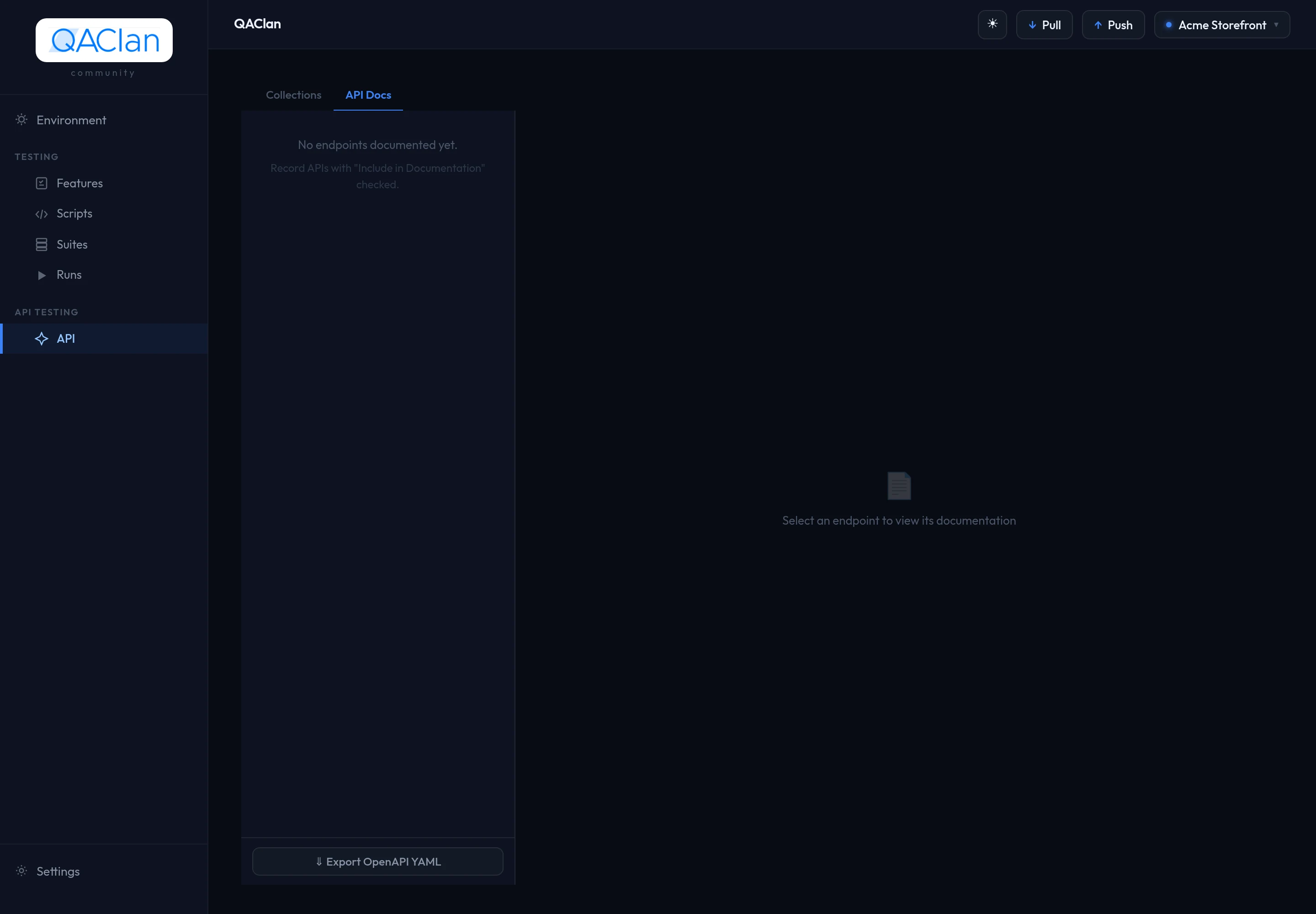
Every request that runs updates a reference: the method, the path with variables inferred (a call to /posts/1 becomes /posts/{post_id}), and the response shapes actually observed. It is the API Docs tab beside Collections.
Exporting
| Format | From |
|---|---|
Bruno .bru files | The collection's ⋯ menu, or the CLI (--format bruno, the default) |
| Postman JSON | The collection's ⋯ menu, or the CLI (--format postman) |
| OpenAPI YAML | The API Docs view |
qaclan api export <collection> --output ./exported --format postmanBruno and Postman export the collection. OpenAPI exports the generated reference, so it reflects observed traffic rather than the saved requests.
Saved examples, and repeated calls grouped as variants
Any response can be saved against its request as an example — a record of what a correct answer looked like at a point in time. Examples sync with the request, which makes them useful for onboarding somebody onto an unfamiliar API.
A recorded session hits the same endpoint many times — /orders/1, /orders/994. QAClan normalises those URLs, infers which segments are variables, and groups the calls as variants of one endpoint instead of hundreds of requests. Variants can be compared, which is the quickest way to spot that one input produces a differently shaped response.
Where to go next
| To | Read |
|---|---|
| Check the API rejects bad input, and catch response changes | Negative testing and drift |
| Run API requests and browser tests together in one suite | Suites, runs and reports |
| Write a pre- or post-request script | Script API reference |