
The local app
QAClan runs as a small app in a browser tab on your own machine. This page is how to get around it.
- Address
localhost:7823- Start it with
qaclan serve- Reachable by
- You, on this machine only
qaclan serve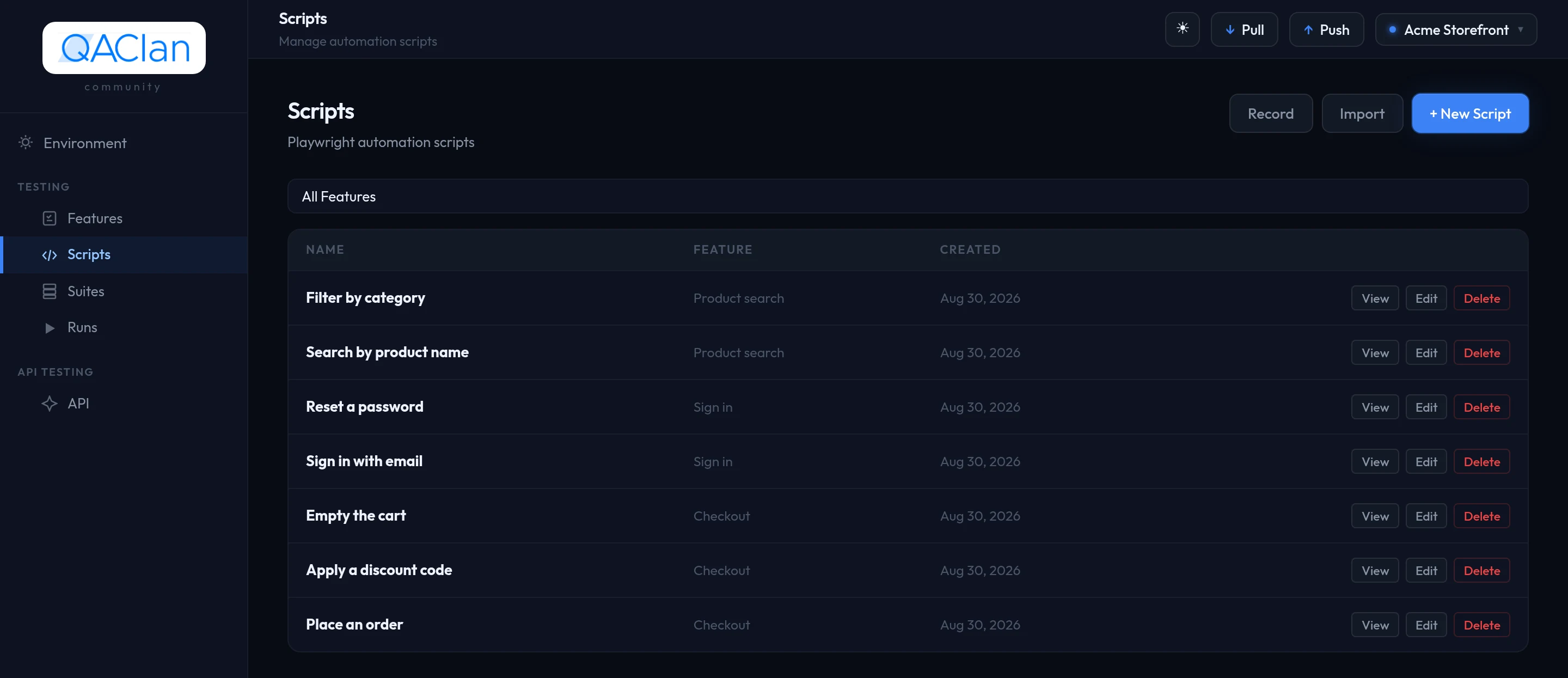
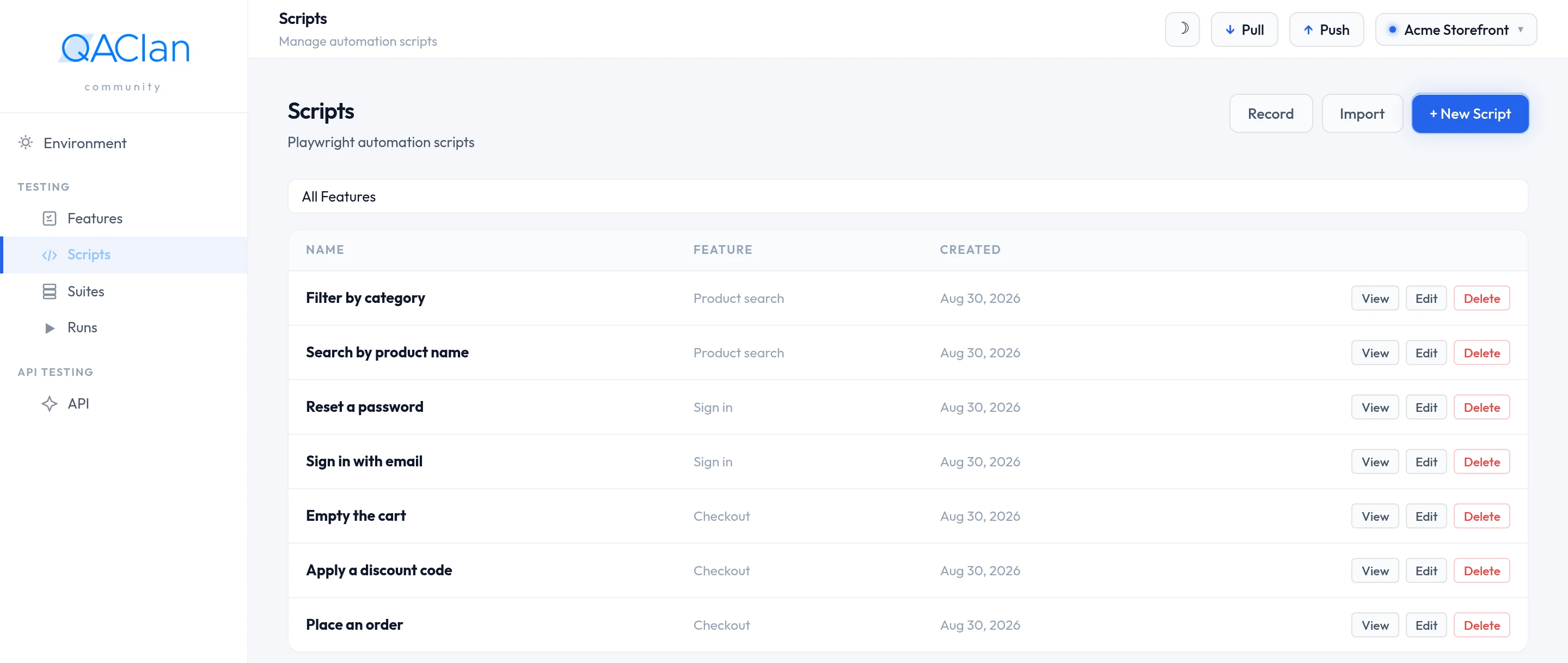
Three regions, and that is the whole layout. Nothing is hidden behind a menu.
1 · The sidebar
| Group | Holds | Covered in |
|---|---|---|
| — | Environment | Environments and secrets |
| Testing | Features · Scripts · Suites · Runs | Web testing and Suites, runs and reports |
| API Testing | API | API testing |
| — | Settings | Below |
The Testing group reads in the order you use it: record a script under a feature, put scripts in a suite, and the suite produces runs. Everything for testing APIs sits behind the single API entry.
2 · The top bar


| Control | What it does |
|---|---|
| Theme toggle | Light or dark. Remembered on this machine. |
| Pull | Brings your workspace down from the cloud. For setting up a second machine. |
| Push | Sends everything pending now, instead of waiting for the background queue. |
| Project switcher | Names the project you are in, and switches between them. |
Syncing runs on its own while you work, so Push and Pull are not part of a normal day. What does and does not travel is in Sync, team and plans.
Pull does not bring back browser run history
It restores what you built — projects, scripts, suites, environments, API collections. Past browser runs stay on the machine that produced them.
Projects
A project is one application under test. Features, scripts, suites, environments and API collections each belong to exactly one, and you only ever see the active one.
Open the switcher at the top right to change project or to add one with + New project. Each row carries a delete control.
Deleting a project takes its contents with it
Features, scripts, suites, runs, environments and API collections in that project go too. There is no undo on the machine; a cloud workspace keeps whatever had already synced.
Settings and the auth key
One card, Auth Key — how this machine identifies itself to your account. It reads Connected with your name and email, or Not connected.
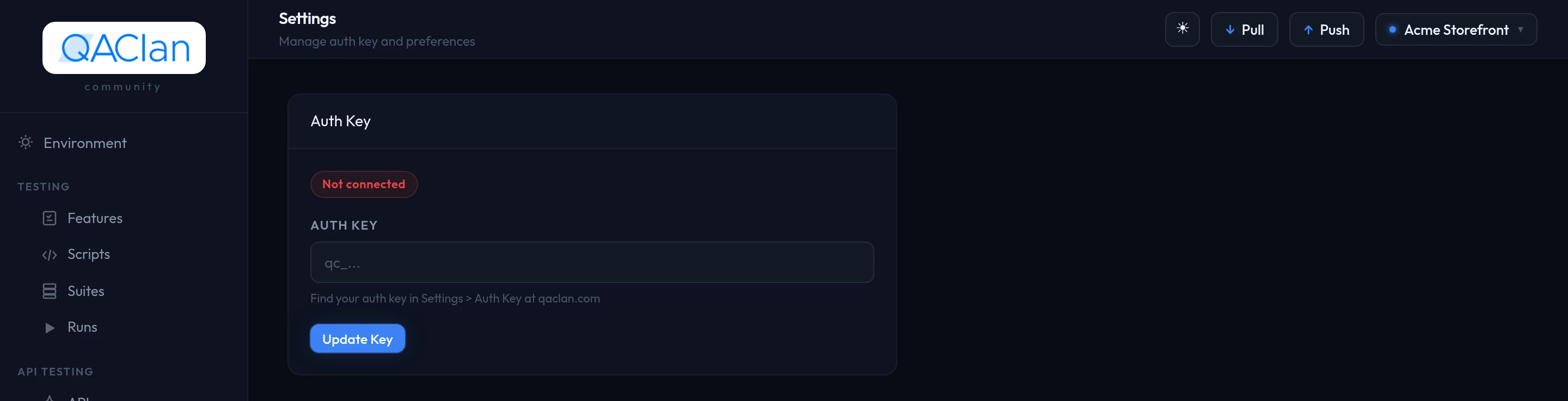
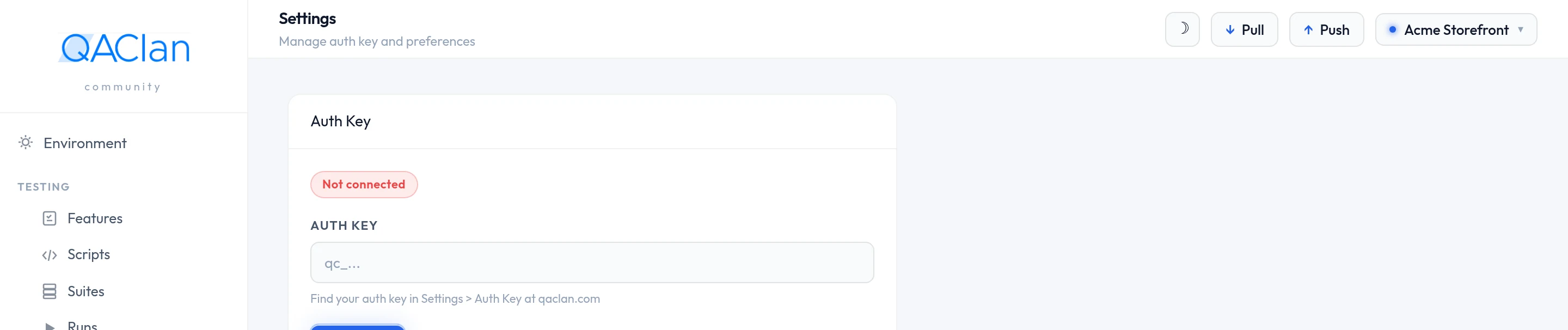
Your key stays readable at Settings → Auth Key on qaclan.com, so you can look it up whenever you need it.
Changing the key, or signing the machine out
The key field is masked. Click into it, paste a different key and choose Update Key — what you do after regenerating a key, or when moving the machine to another account.
Disconnect signs the machine out. Local projects, scripts and runs stay exactly where they are and the app keeps working; only syncing stops.
Working offline
Recording, editing, running and reading results all happen on your machine and need no connection. Syncing is the only part that does, and it queues quietly until the network comes back.
Where to go next
| To | Read |
|---|---|
| Record your first browser test | Web testing |
| Test an API | API testing |
| Keep credentials out of your tests | Environments and secrets |
| Run tests together and read the results | Suites, runs and reports |