
Environments and secrets
An environment is a named set of values — one per stage, usually. It is also where passwords belong, instead of inside a recorded test.
- Where
- Environment, in the sidebar
- Belongs to
- The active project
- Used as
{{name}}
Create one
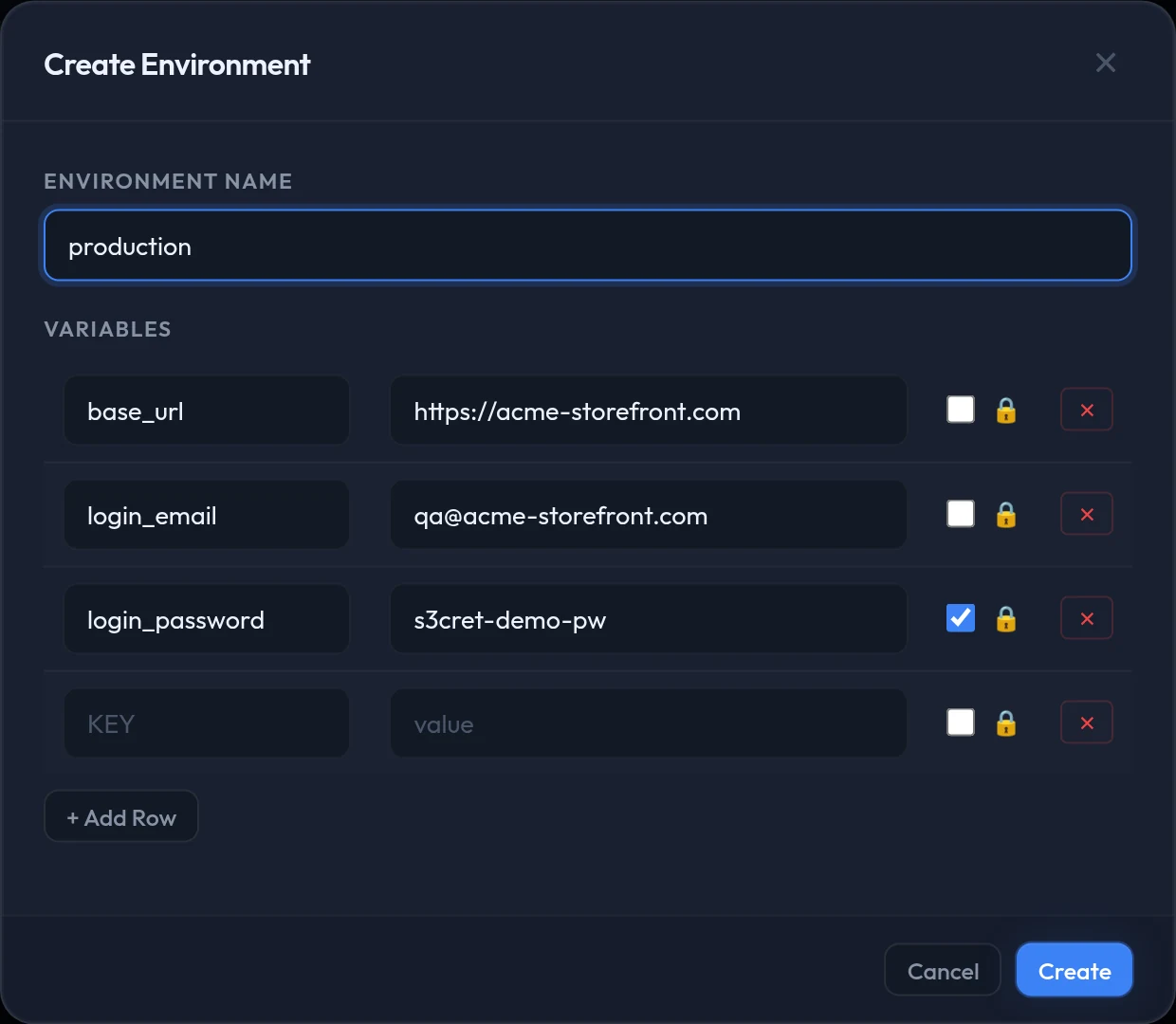
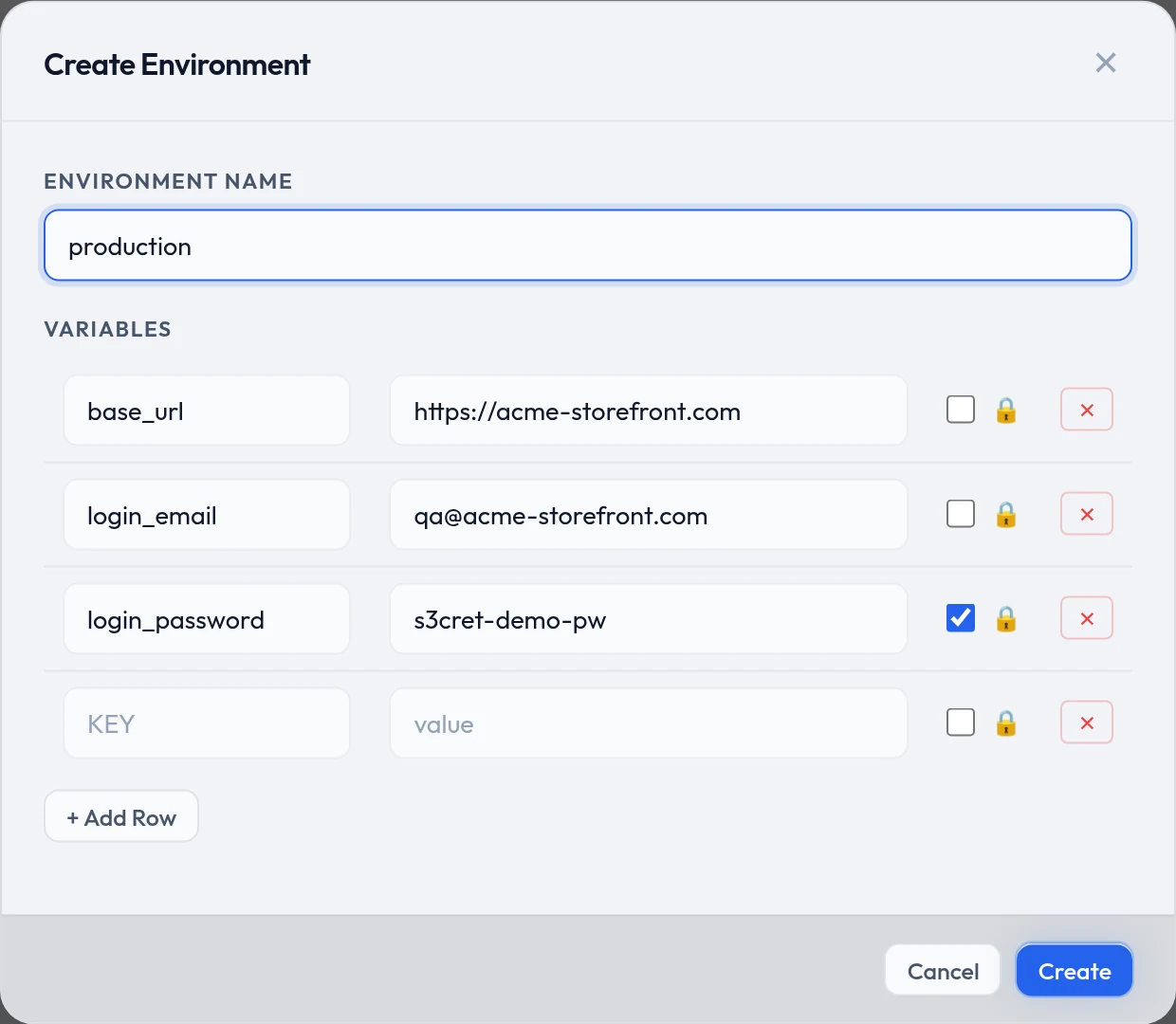
Open Environment and choose + New Environment.
Name it after the stage — staging, production.
Fill in a key and value on each row.
Tick the padlock on anything secret.
Passwords, tokens, API keys.
Choose Create.
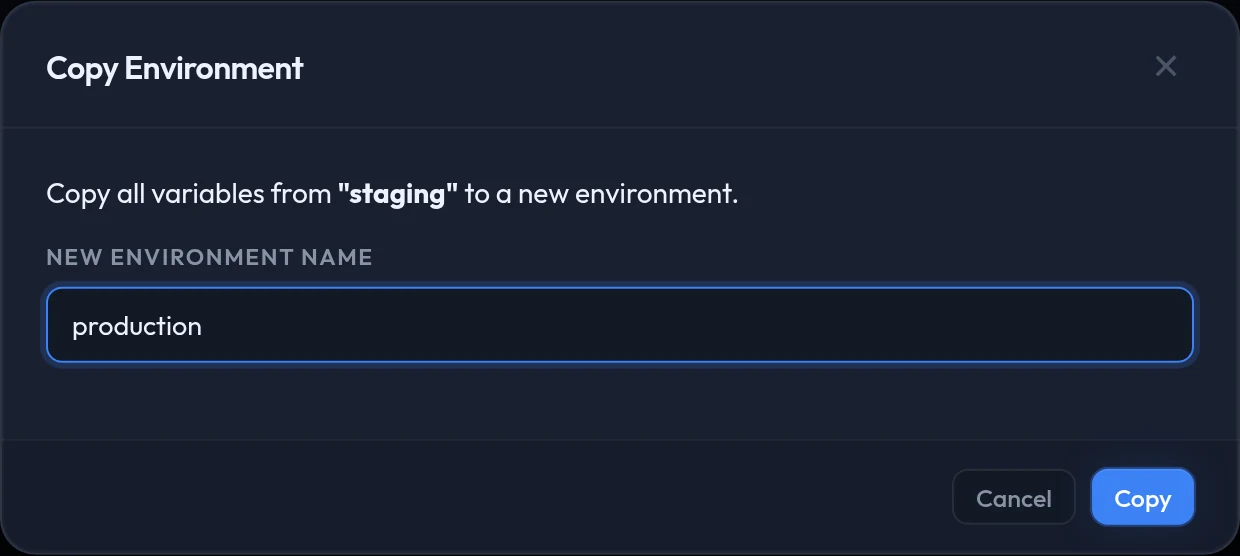
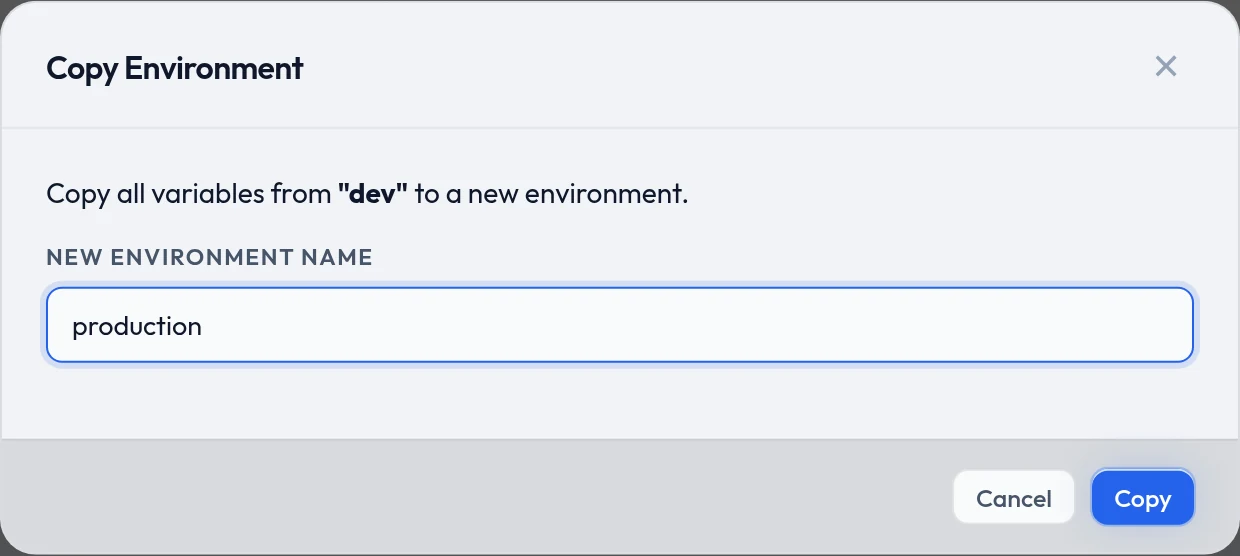
Make the next one by copying
Copy Env on the card clones every variable into a new environment. Name it production, then change only the handful of values that differ — quicker than retyping, and nothing gets forgotten.
Edit and save
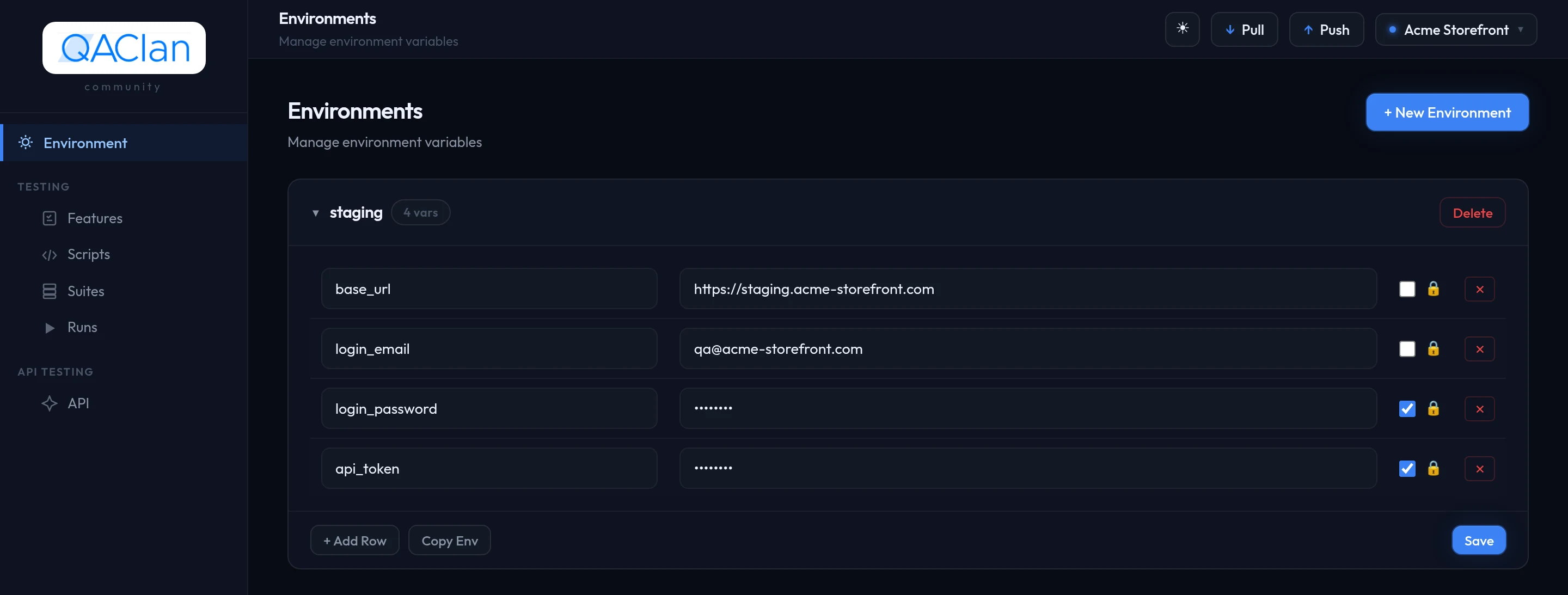
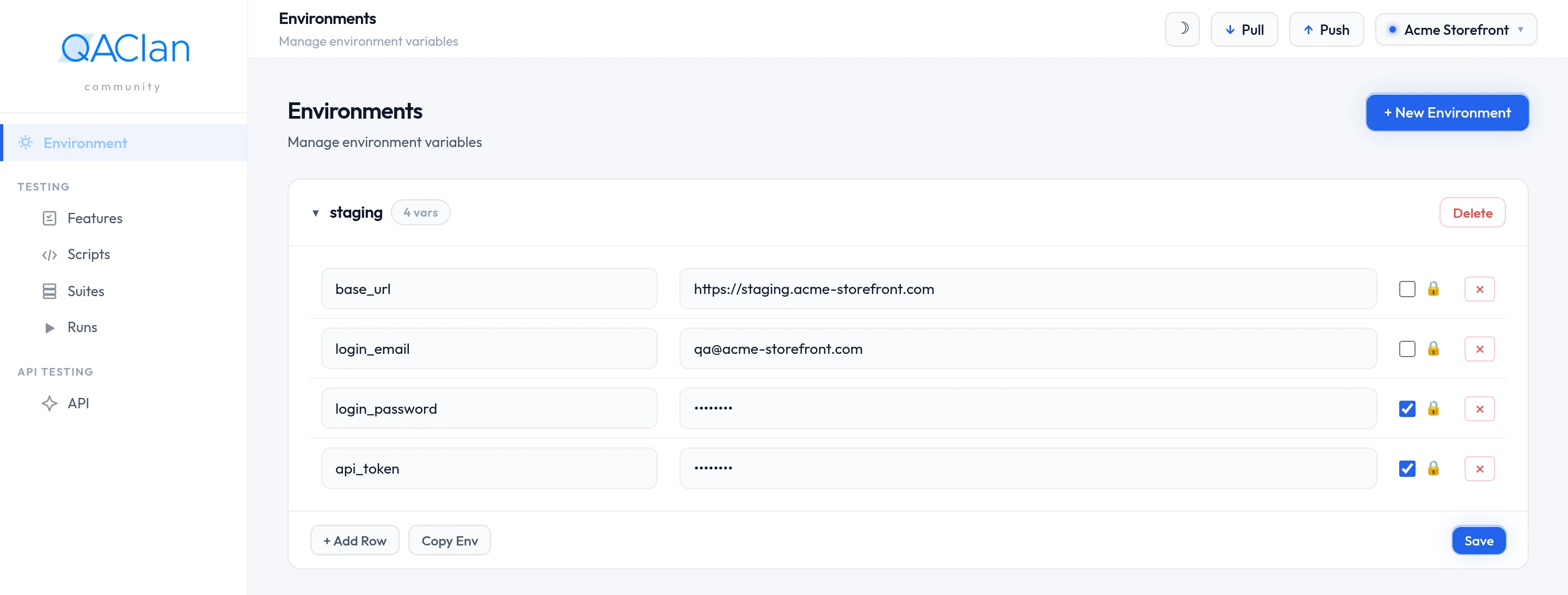
Expanding a card shows its variables as a table you type straight into. + Add Row adds a pair. Edits are staged and written only when you press Save, so several changes commit together.
A stored secret shows a placeholder rather than its value. Clicking into the field clears the placeholder, so whatever you type replaces it.
Every control on the card
| Control | Where | Does |
|---|---|---|
| + Add Row | Card body | Adds an empty key and value pair |
| Copy Env | Card body | Clones the whole environment into a new one under a name you give |
| Save | Card body | Commits every edit in the table at once |
| Delete | Card header | Removes the environment and its variables |
| Secret 🔒 | Each row | Masks the value in the interface and hides it from list output |
Prefer the terminal?
qaclan env create stagingqaclan env set staging base_url https://staging.your-app.testqaclan env set staging login_password 'correct horse' --secretqaclan env list stagingqaclan env delete stagingSetting a key that already exists updates it. Secret values print as ********, and deleting asks for confirmation.
What the padlock does and does not do
It hides the value on screen and in command output — enough that a shared screen or a recording does not leak it. It is not encryption at rest, and it cannot stop the value appearing in your application's own logs. Treat an environment as private to the machine it lives on.
Use the values
In API requests, write {{name}} anywhere — URL, header, query parameter or body.
{{base_url}}/api/v1/orders?since={{last_sync}}In browser tests you do not write it by hand. After a recording, Review & Improve spots the hardcoded email, password or URL and offers to swap it for an environment key — and creates the key for you if it does not exist yet.
Pick one when you run
The run dialog has an Environment dropdown, None by default. Choose one and its values apply for that run. That is what lets the same suite cover staging one day and production the next.
Prefer the terminal?
qaclan web run --suite <suite_id> --env stagingqaclan api run <name_or_id> --collection Orders --env stagingWhen the same name is defined twice
API testing adds two more sources, so one {{name}} can be defined in three places. They are consulted most specific first.
| Source | Set by | Lives for |
|---|---|---|
| Run state | A post-request script calling qc.set, or an extractor rule | The rest of the current run |
| Collection variables | The collection, as starting values for its requests | Every run of that collection |
| Environment variables | An environment, chosen when the run starts | Every run against that environment |
A collection's variables seed the run; anything a script or extractor stores during the run replaces them from that point on. That is what makes a token fetched by the first request usable by every request after it — see the Script API reference.
Where the values are stored
In the SQLite database at ~/.qaclan/qaclan.db on your machine. If you are logged in, environments and their variables sync to the server with everything else — so treat a shared workspace as somewhere teammates can read those values, and keep production credentials out of it.